
Exosphere Remote Robot Control and Telepresence
Connect your robot to Exosphere and drive it from a web browser anywhere in the world. Invite friends, family, colleagues or students to take the controls, send the robot to a meeting or event as your telepresence, or let it ask for help when it gets stuck.
Connect Your Own Robot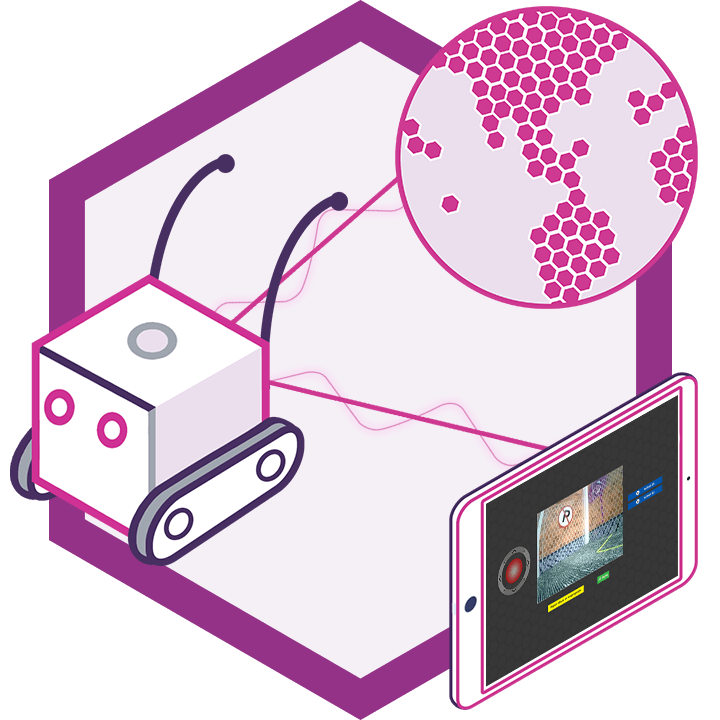
Control From Anywhere
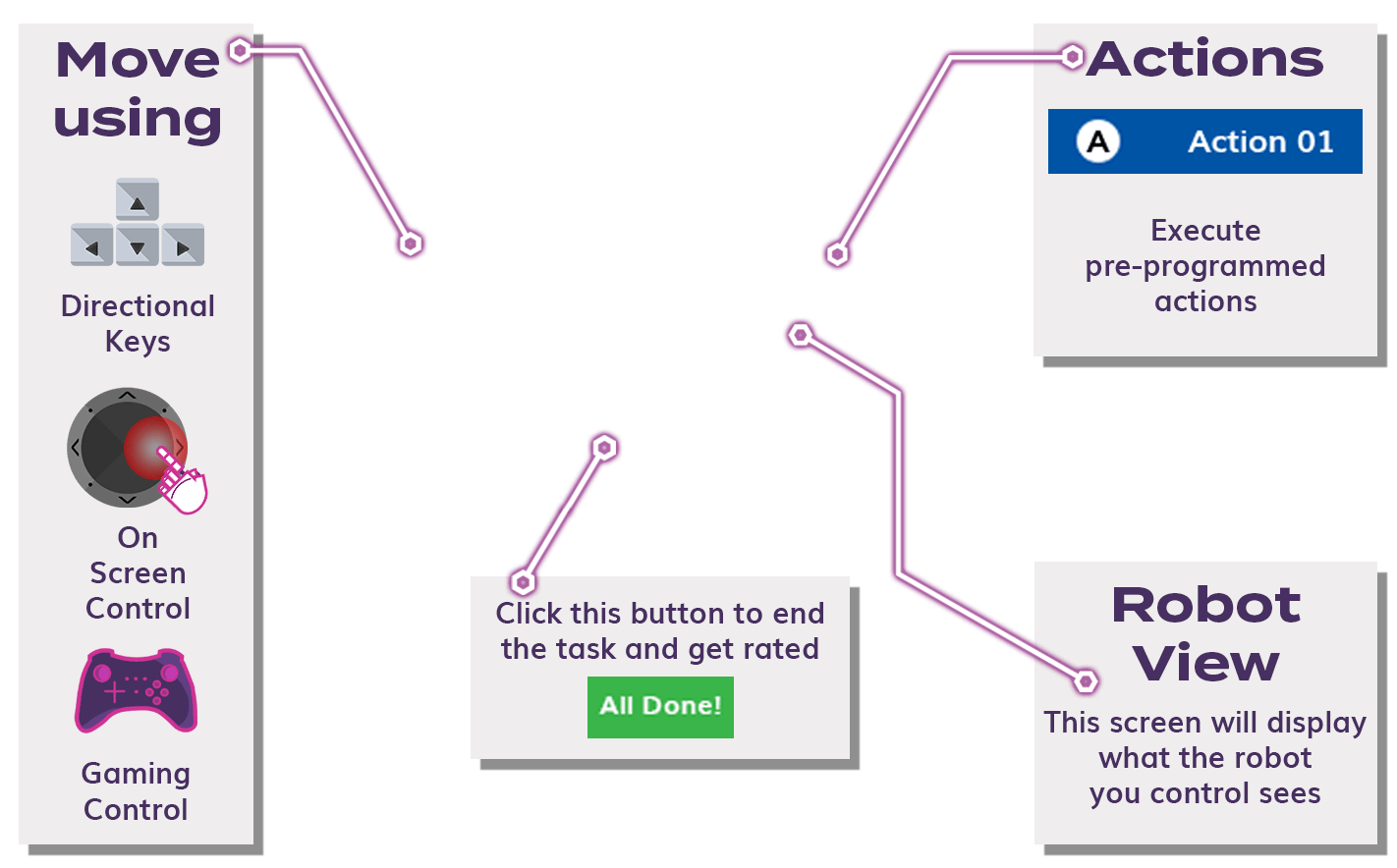
Drive your robot from a phone, tablet or computer with a joystick, keyboard arrows or USB gamepad. See through its camera and hear through its microphone in real time.
Invite Others
Let friends, family, colleagues or students control your robot. The access list decides exactly who can take the controls.
Be There in Person
Turn your robot into a telepresence for meetings, events and visits. Two-way video and audio let the people around it talk with whoever is driving.
Robots on Exosphere
These robots are connected to Exosphere right now and waiting for someone to take the controls. Add your own robot and choose who can control it with an access list.
Quick-Start Operator Guide
Control any robot with the input method you prefer. Works in Chrome, Edge, Safari, and Firefox — connection speed affects responsiveness.