

Graphy icon Graphy — Plot live data with ControlCommand scripts: multi-series charts, many chart types, legend toggle, add/remove series, export graph data to CSV Try it →
Remote ARCx

Your robot, from anywhere

Remote ARCx connects your web browser to ARCx running on your robot, wherever it is. Every robot skill, camera, script and setting, live.

  • No VPN or port forwarding
  • Nothing to install
  • Private by default
A robot at home linked by a glowing arc of light over the globe to a person using a laptop in a distant cafe
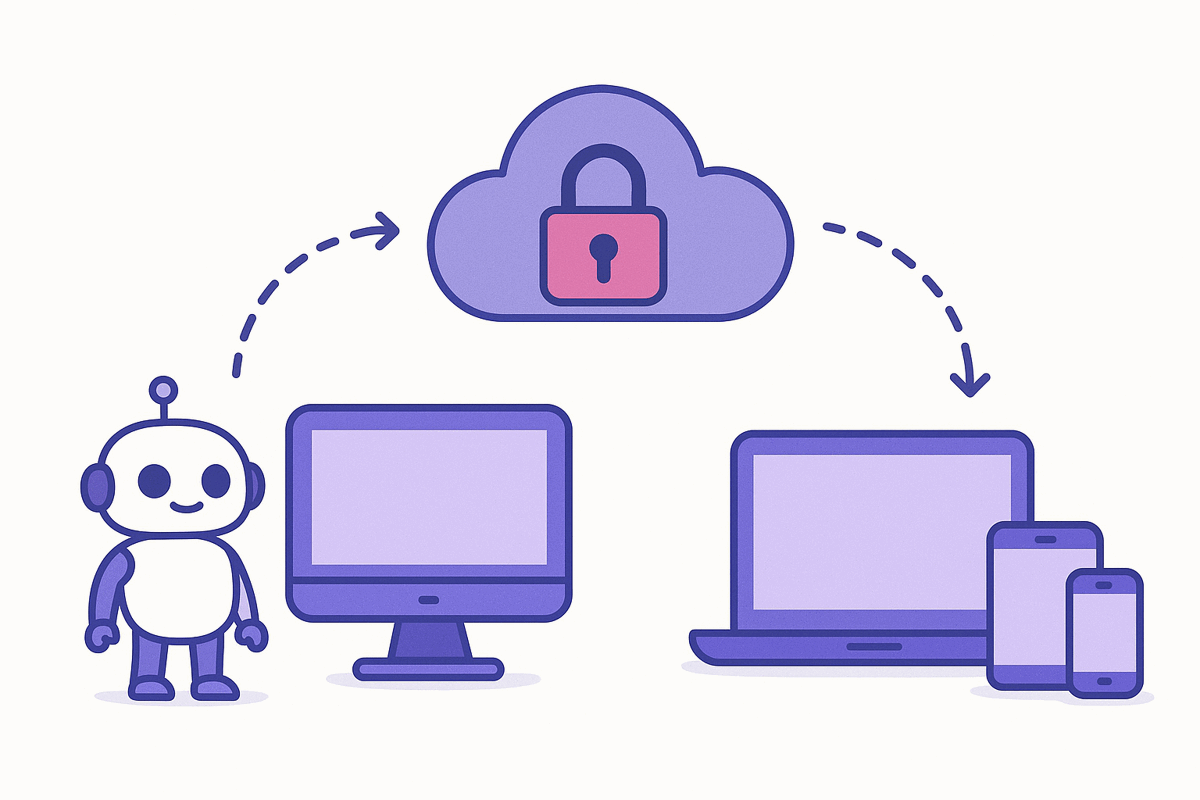
A robot's computer connects out to a secure cloud, which connects on to a laptop, tablet and phone

How Remote ARCx works

The robot connects out to Synthiam

ARCx keeps one secure connection open to synthiam.com. No port forwarding, no VPN, no fixed address.

You get the real ARCx

Robot skills, cameras, scripts, the project and files all work as they do on the robot's computer.

Private by default

Only you can connect until you add people to your access list. Every connection is checked against a Synthiam sign-in.

The owner stays in charge

ARCx shows who is connected and can disconnect anyone. Turning remote access off ends every connection.