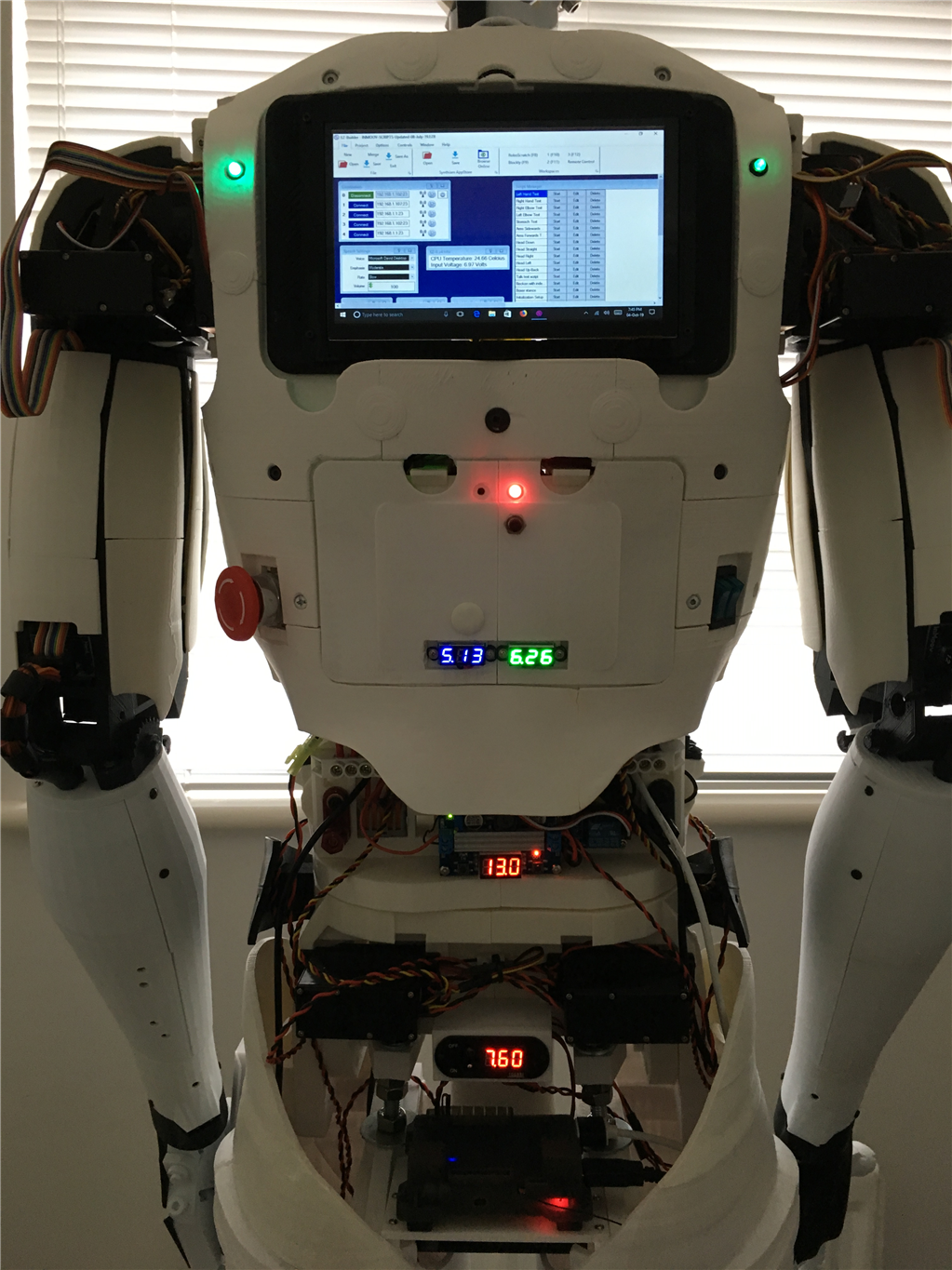
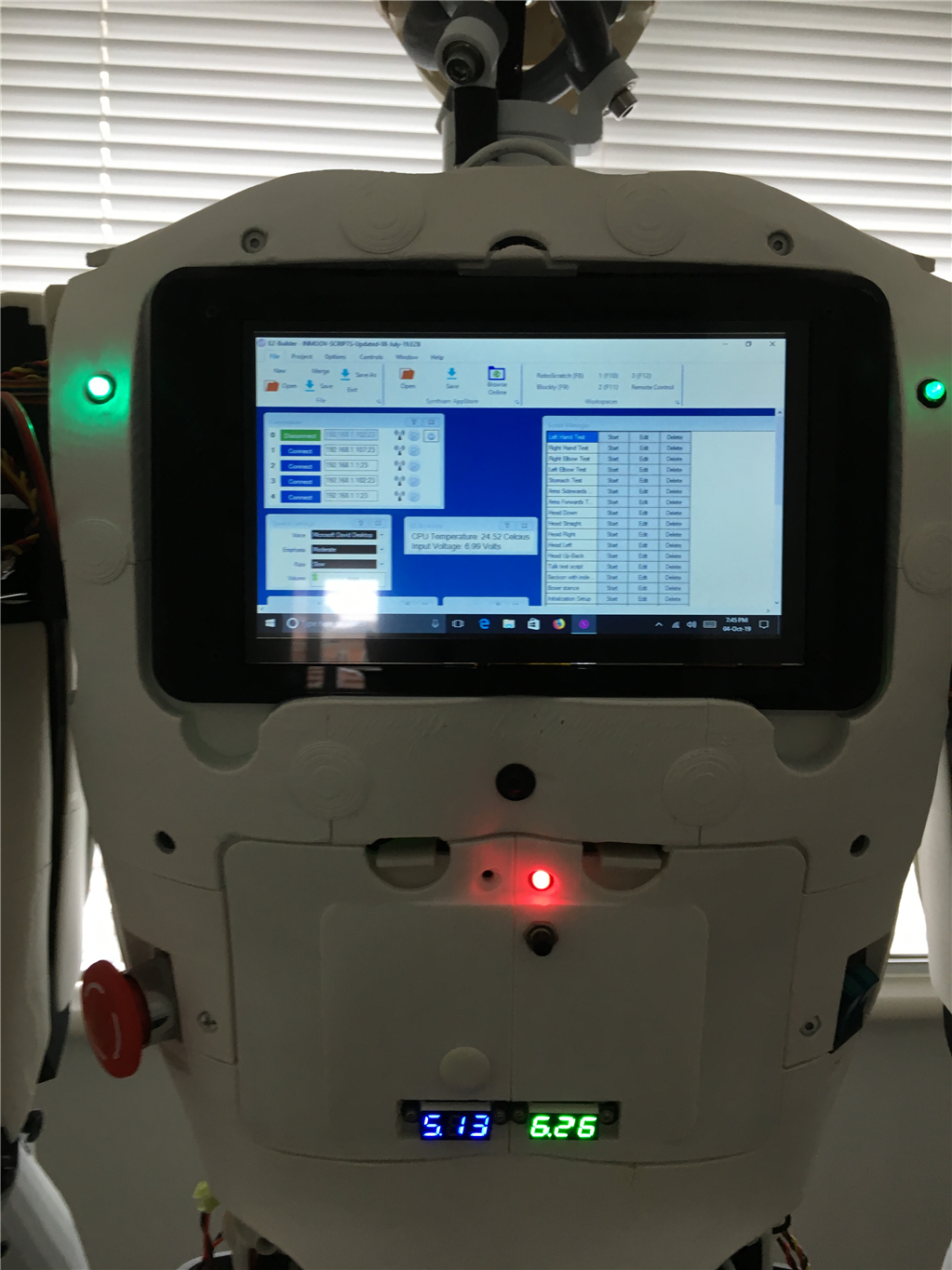
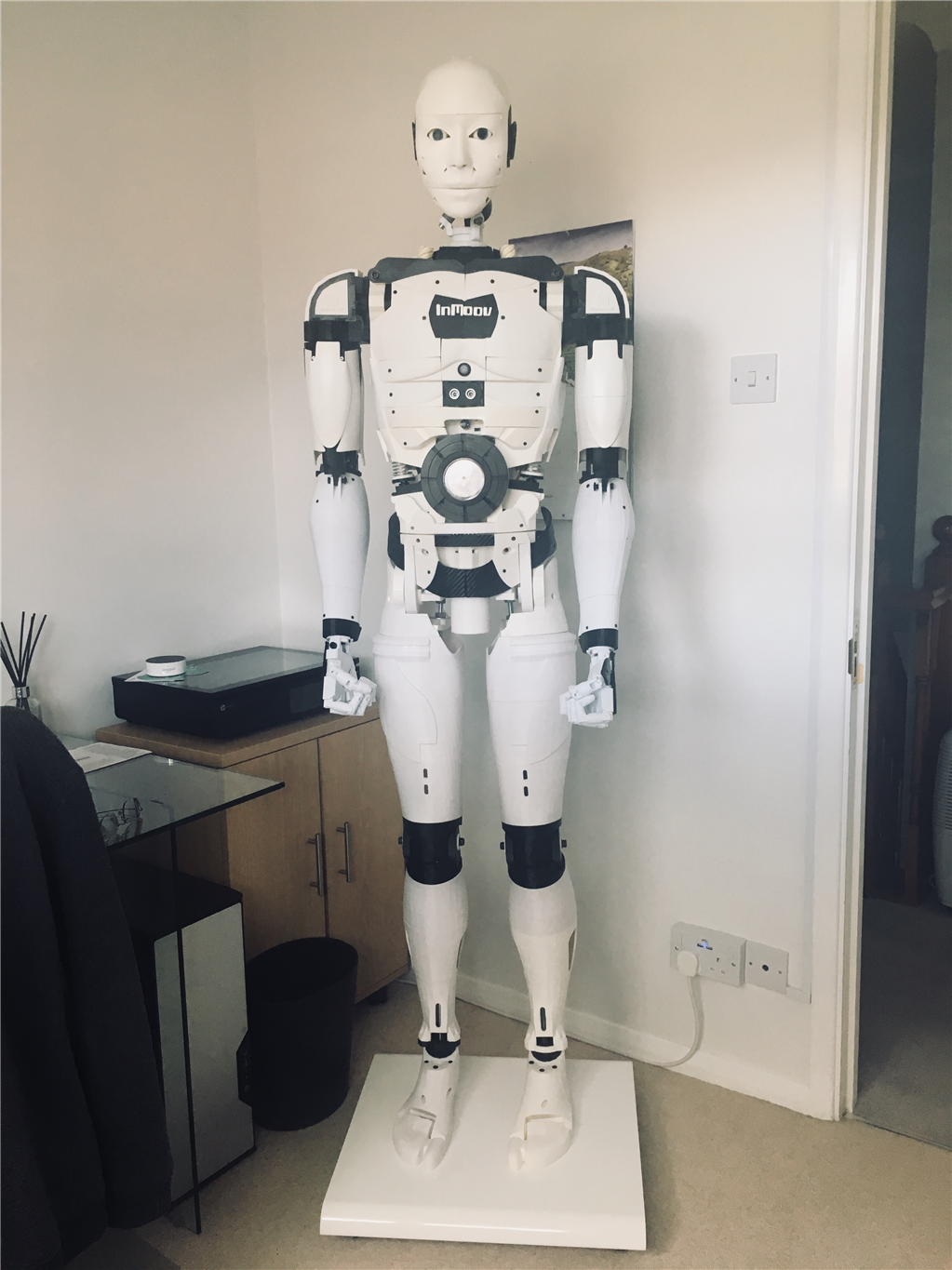
I eventually got around to installed a 7" screen and a lattepanda V1.1 on my InMoov to make it independent of having a external Windows PC or Laptop to run a project.
I put the ARC and project files into the startup program of Windows, so that on power up of the Lattepanda it boot up straight into the project, although a bit slow in actually loading ARC and my project from power on, it works extremely well.
The 7" screen is better than I expected to run Projects in ARC and navigating around windows if needed, I use a stylus pen on the touch screen display which makes it a lot more effective, but i wished now i purchased the 10" touch screen display rather than the 7" version
By cem
— Last update
Discover more robots
Ezang's My New And Improved Talk Servo
Enhanced ARC Talk Servo with Arduino Arc software for improved servo control and seamless Arduino integration
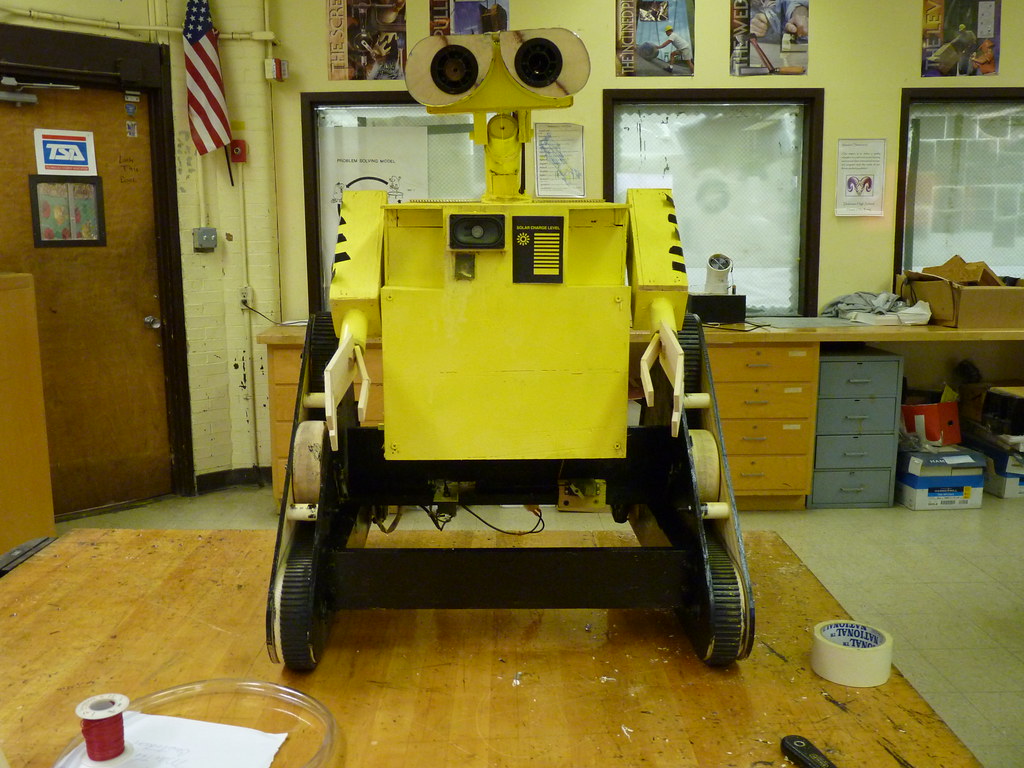
Wallekid1's Wall-E Made From Scratch
WALLE replica: custom reinforced tracks, moving arms and neck, independent track drive, LED eyes, random sound notes,...
Cardboardhacker's Technopro's Live Wall-E Build (Saturday,...
Live Wall-E robot build Saturday - tune in for live assembly updates and progress.

Great mod. Enjoy seeing good looking inmoov's.
Thanks all it’s been a labour of love been building/modify this on and off for over 4 yrs, taking huge chunks of time off over that time due to ill health, which I’m still battling with, but I can’t believe it’s been that long!!!
@nallycat its hard to remember how long it took to print the legs, didn’t do it all in one go, all I do remember, I was really glad when the legs were finished
Boy that looks sharp!
I like it’s on the back rather than front. I never thought Of that
Looks awesome!!! Great Build!!
Very nice! You're an excellent builder and designer. Elegant.
CEM, I see you are using the Drupp Neck on you InMoov, I have the same neck on my InMoov but coming up with a script for it has been a problem. My goal is to have a script that I can feed in the head XY position and it will calculate the position for the 3 servos. At first I thought 3 triangles, 3 servos, a little geometry... Boy was I mistaken. Landing on Mars is going to be easier. What 10" display did you use? By the way Your InMoov has to one of the nicest and cleanest I have ever seen. Awesome job.
rz90208 I didn’t find an issue scripting for the neck, once setting it up in Auto Position for certain positions, like head down, up front, right, left and back. It was time consuming but once I had the values, I then wrote some scripts. I thought about the XY position, but couldn’t figure it out using 3 servos?
I don’t have a 10" display, if you read my messages, I have a 7" touch screen, but wished I went for the 10" one!
CEM, Sorry I meant 7". It looks so good on yours, was just wondering what make/model display you are using. I have also setup some Auto Position but would love to have XY position. When and if I ever figure it out, I will post the code.