
Debug icon Debug — Central ARC debug window routing logs; shows UTC date/time, Windows/ARC/skill/hardware info, version/settings, with copy and clear. Try it →
Asked
1 Participant
Roomba Legacy Control Command not working - what am I doing wrong?

Roomba Legacy Control Command Not Working - What Am I Doing Wrong?

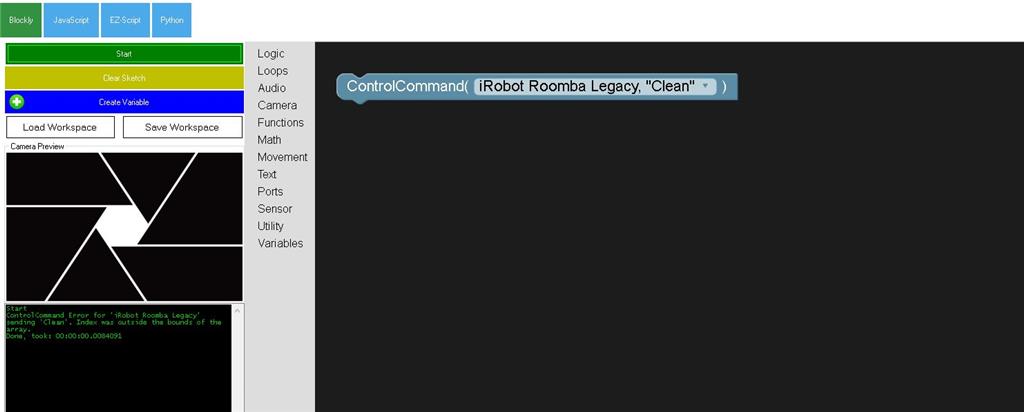
I am trying to execute a ControlCommand for my roomba legacy model for cleaning when pressing a joystick button.  I can make the buttons work for playing sounds , etc.  What is wrong with my approach?    It does not work and says index was outside bounds of array.  The irobot legacy roomba control panel is working in general. 

r
User-inserted image


Related Hardware (view all EZB hardware)
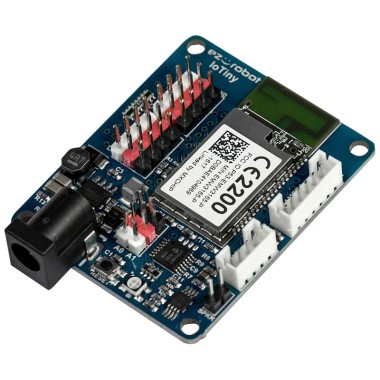
EZ-B Iotiny by EZ-Robot
EZ-B IoTiny works with Synthiam ARCx to control servos, camera, voice, scripts, and IoT from any browser.
Wi-Fi
Servos 8
Camera
Audio
UART None (transmit-only serial on digital ports)
I2C
ADC 2
Digital 8

Related Robot Skill (view all robot skills)
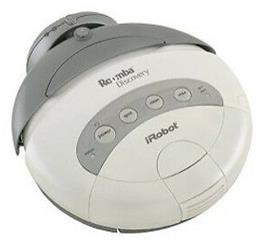
Legacy iRobot Discovery and 4xxx control via EZB software-serial (D0), supports Arduino/EZ-Robot, adjustable baud rate; not for hardware UART/USB

ARC Pro

Upgrade to ARC Pro

Harnessing the power of ARC Pro, your robot can be more than just a simple automated machine.

Author Avatar
PRO
Synthiam
LinkedIn Thingiverse Twitter YouTube GitHub
#1  

Update to the latest version - should work now