
 Resolved by


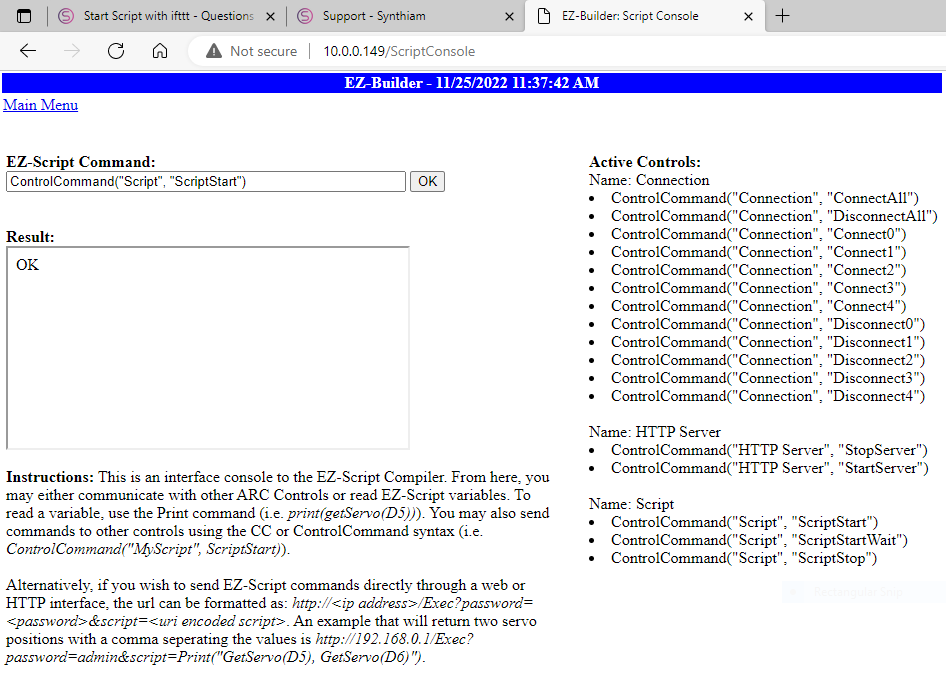
The title actually explains it.
I want to control my robot via "IFttt". I found a plugin to SEND:
https://synthiam.com/Support/Skills/Misc/IFTTT-Sender?id=15883
Unfortunately, the linked tutorial for receiving IFTTT commands is no longer available.
Anyone know how to do that?


I just found out that the address doesn't work if you click on the link here now. (The website cannot be reached 91.51.12.70 refused the connection.)
But if I copy the url separately into a new tab (copy and paste url manually) and press enter then it works! I think there is the mistake somewhere.
I have to go to bed now, it will soon be 3 a.m. in Germany
I let the server run for testing.
Suppose you want to execute a script from a remote; use exosphere. That way, you don't need port forwarding or anything. And you can remote control the robot if it gets stuck or anything.
Here: https://synthiam.com/Support/Skills/Remote-Control/Exosphere?id=18753