

How can I install oculus quest ezplugin file in ARC?

hymecer
Unknown Country
Asked
1 Participant
How Can I Install Ezplugin File?
Related Hardware (view all EZB hardware)
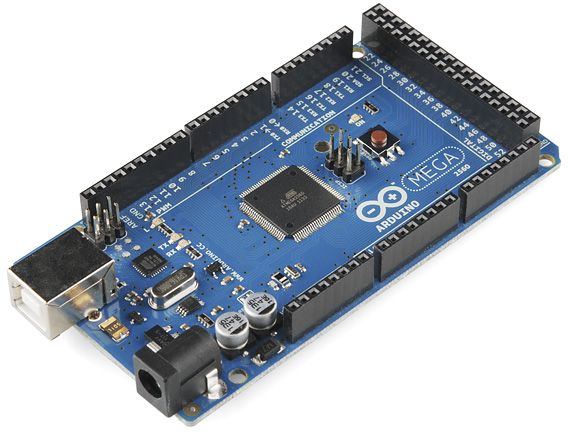
Arduino Due/Mega
by Arduino
Arduino Mega with Synthiam ARCx controls 24 servos, 13 PWM, sensors and serial modules via EZB firmware over USB.
USB
Servos
24
Camera
Audio
UART
3
I2C
ADC
8
Digital
21

To install the Oculus Quest EZplugin file in ARC, follow these steps:
The Oculus Quest EZplugin should now be installed in your ARC project. Remember, you can find more detailed instructions and support articles in the support section of the Synthiam website.