





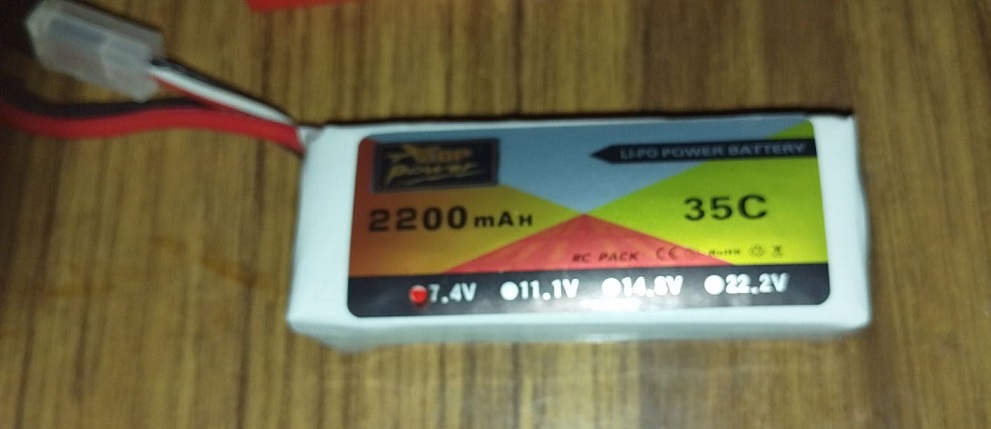
can a 3 cell batterie 7.4 volts damage an ezbv4 ? i used this one whithout knowing it . i also used this one on the new servo's .so i burned myself the servo .
Asked
 Resolved by Athena!
Heavier Batterie On Ezbv4
Related Hardware (view all EZB hardware)

EZ-B V4
by EZ-Robot
EZ-B v4 with Synthiam ARCx controls servos, sensors, camera and audio over Wi-Fi or USB serial, no firmware needed.
Wi-Fi / USB
Servos
24
Camera
Audio
UART
3
I2C
ADC
8
Digital
24

the ones i bougth are re programmed to have a bigger range . 1 to 205 . i dont want to open the expencive servo i was hoping to have , enough range for the turning waist inmoove . so how got the servo so hot then ?
jeremie
about post #2 here's a picture of the board . does it look ok ?
Looks ok to me, I don’t see any burn marks on the polarity protection diode.
hi jeremie
thanks for looking at the picture .
hi
is this a good voltage regulator for the 6 volt servo ? cost 20 euro for 2 pieces .
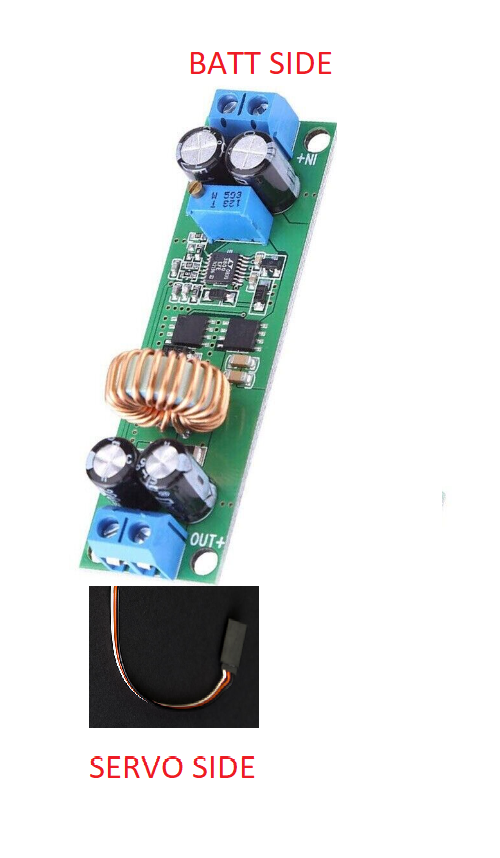
voltage regulator 10 amps@Nomad that regulator seems pretty good! I've never used it but the specifications look good.
great thanks jeremie .