
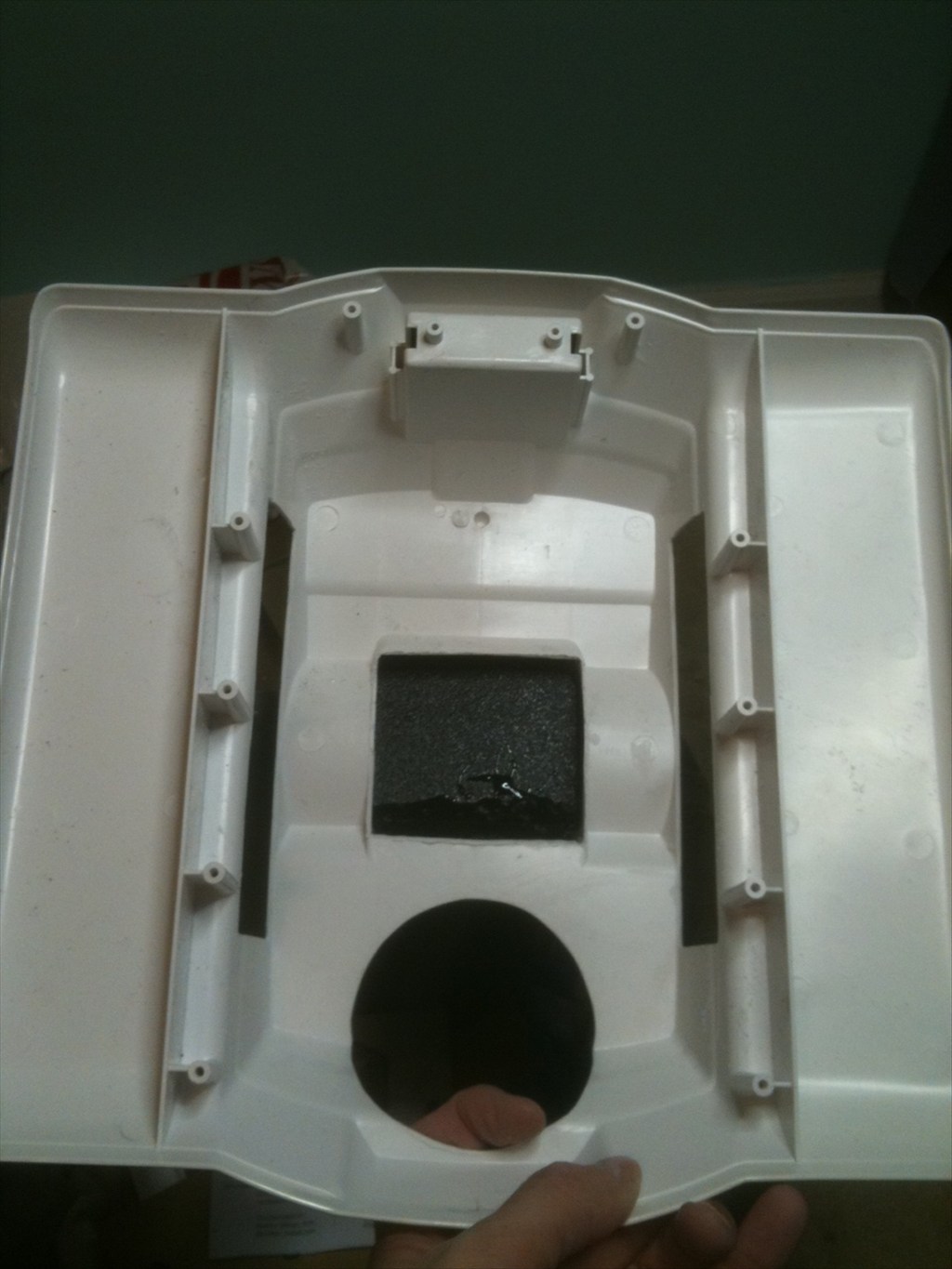
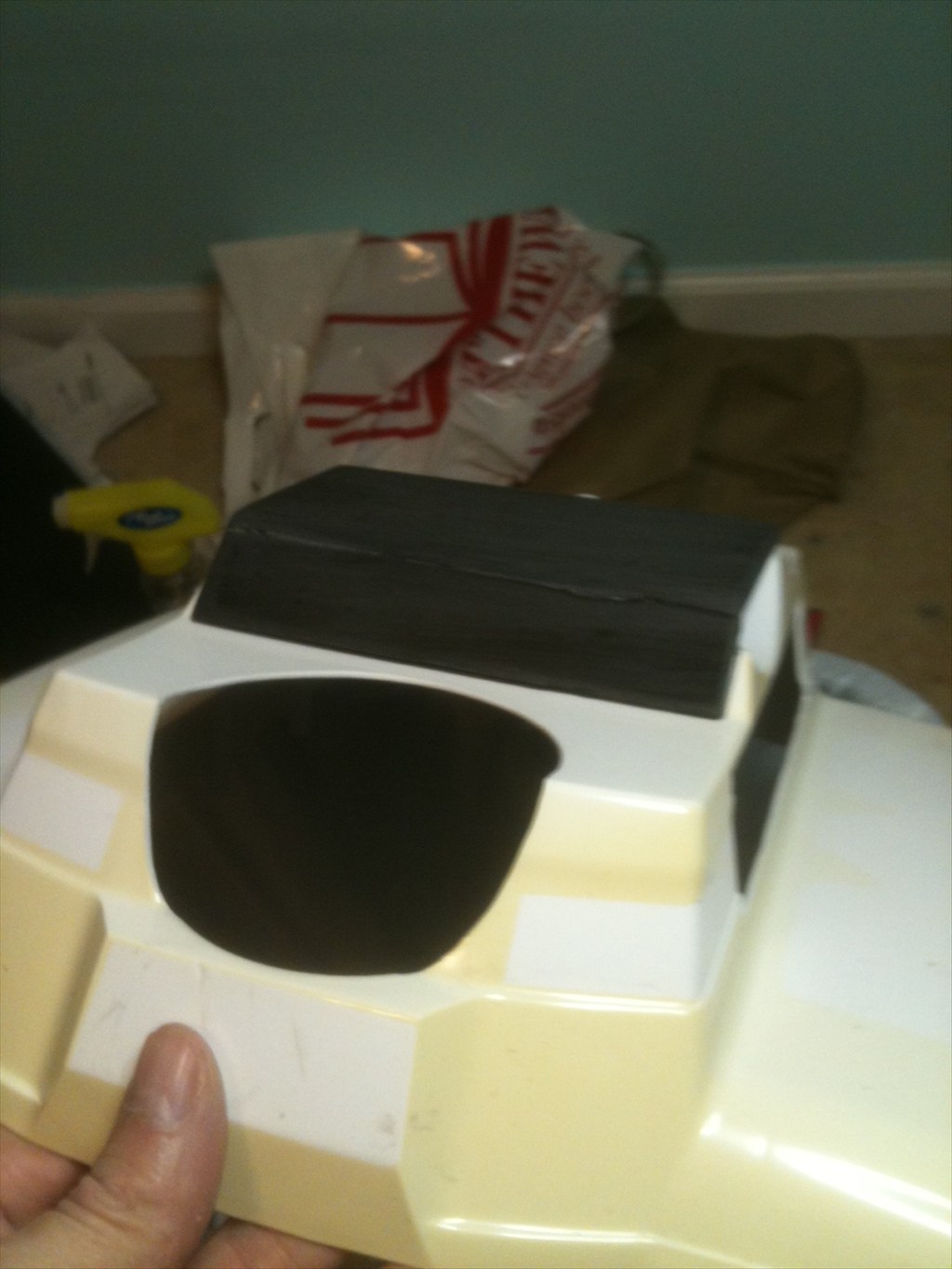
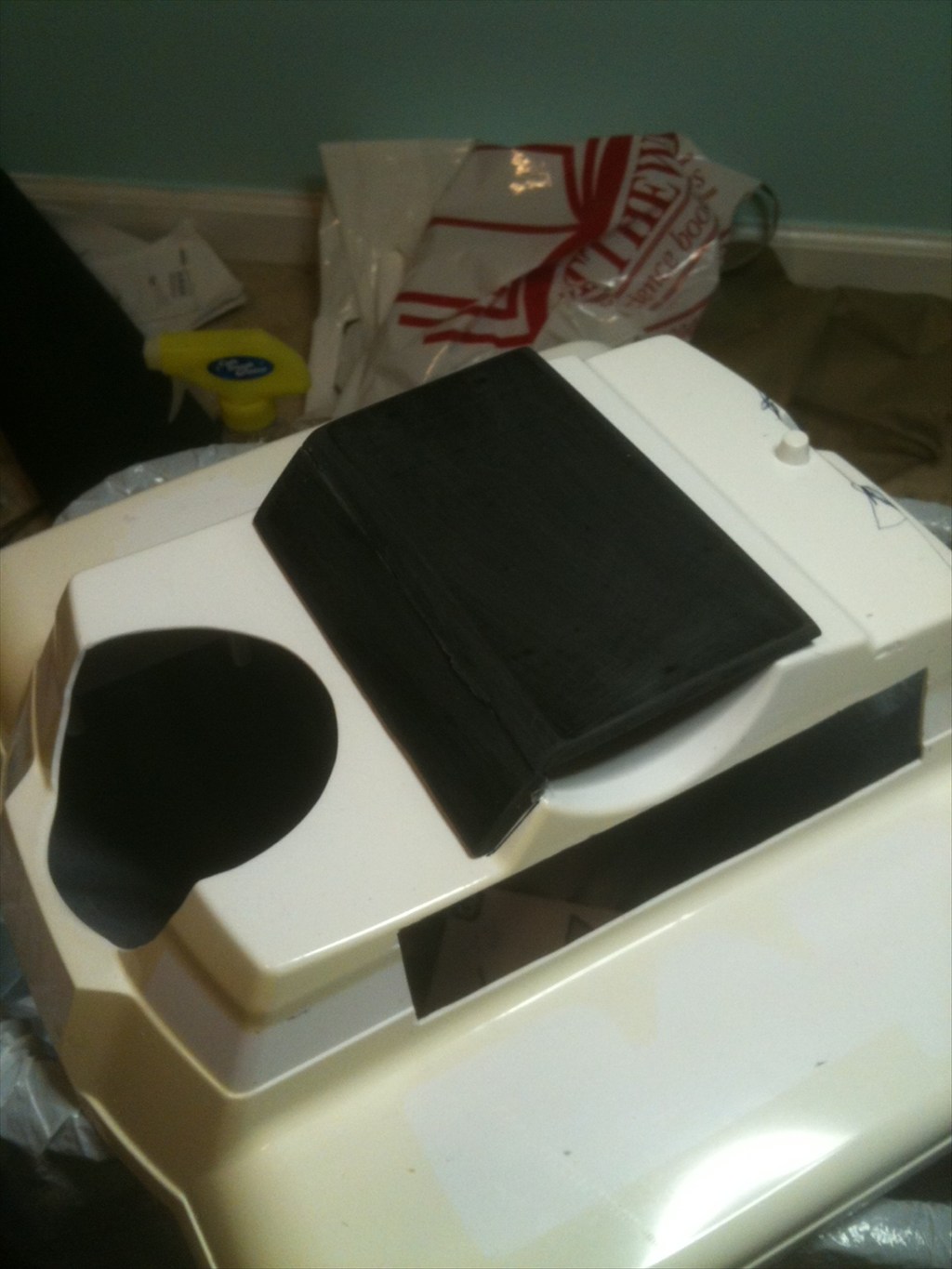
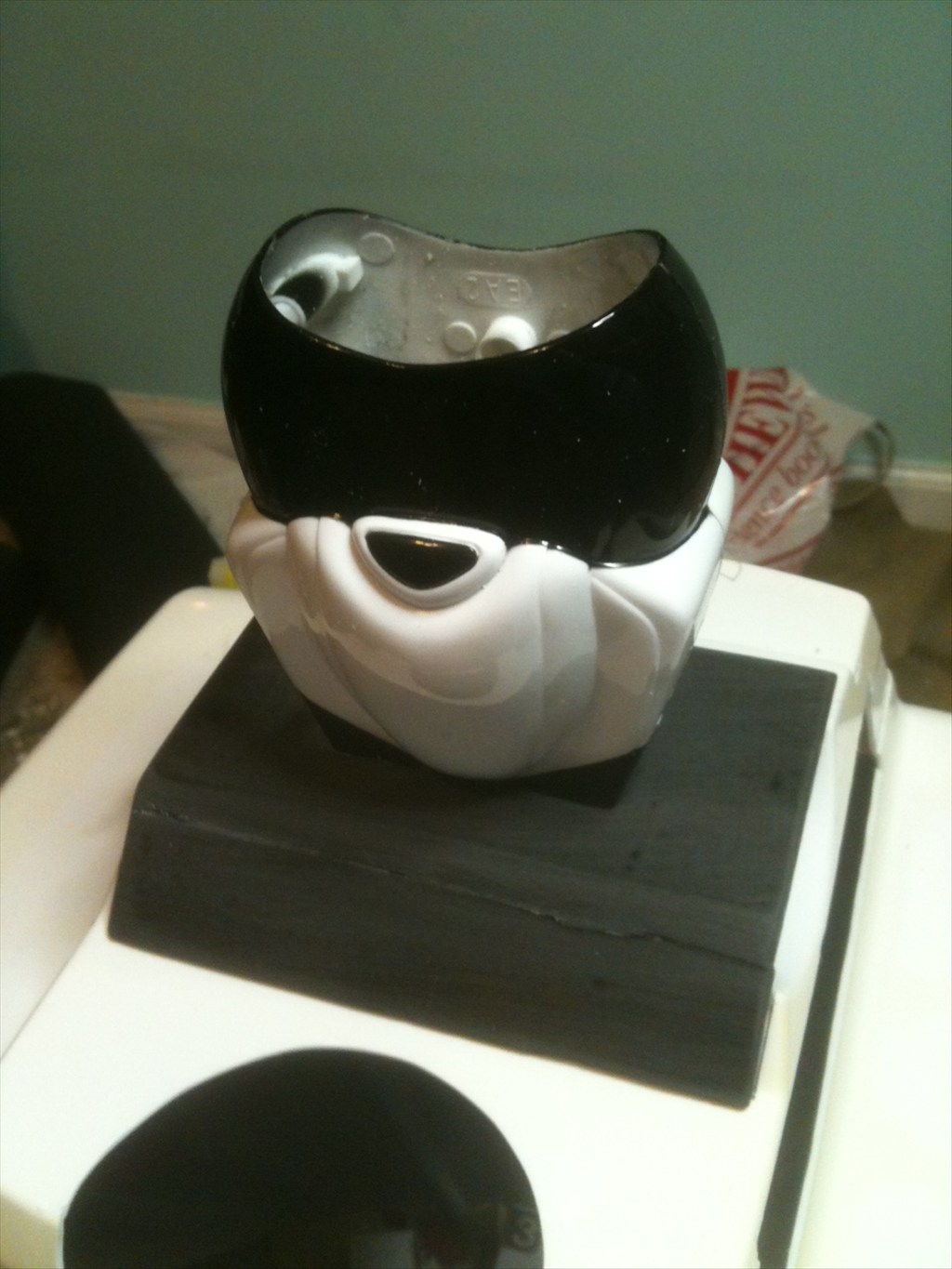
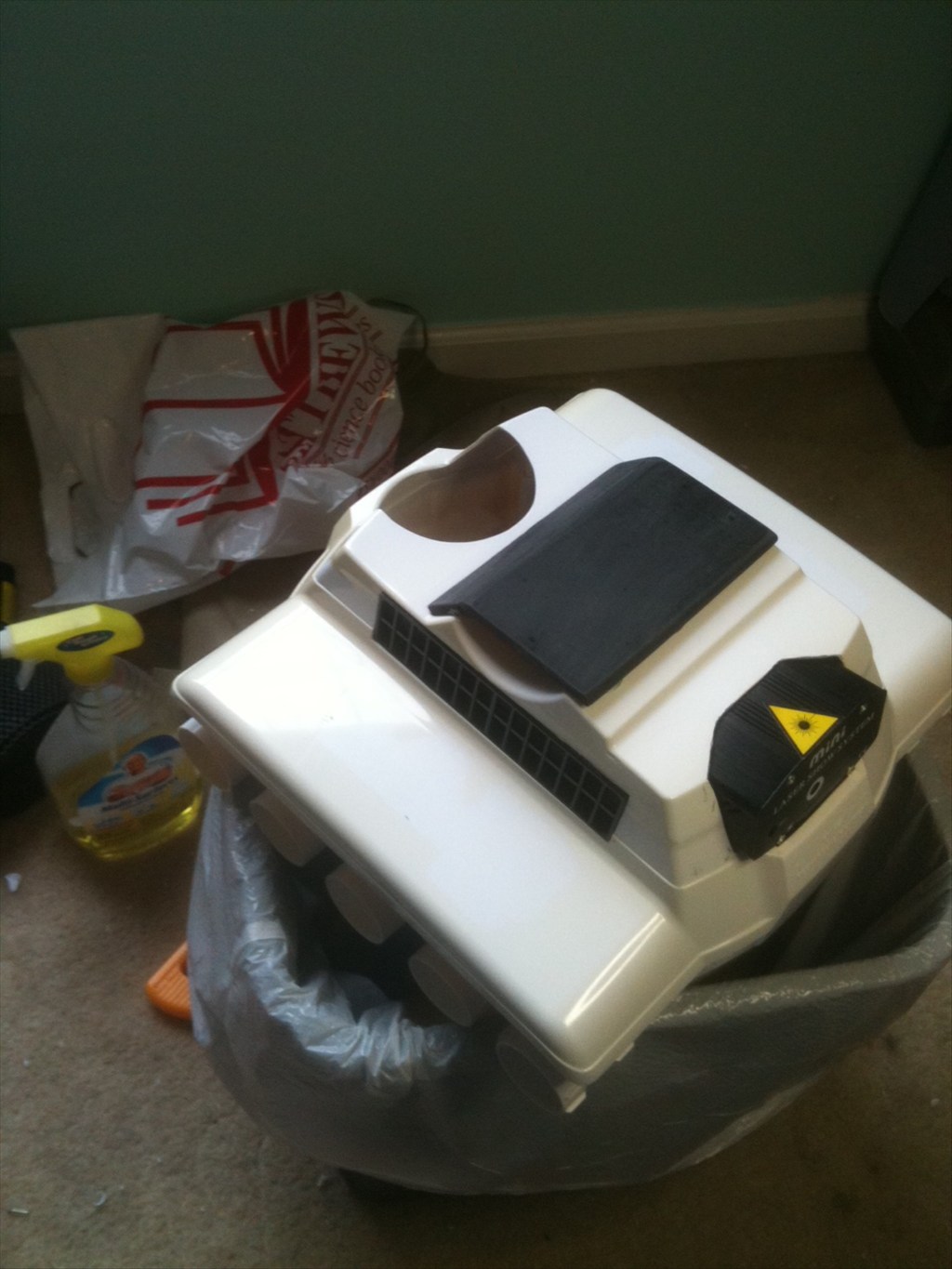
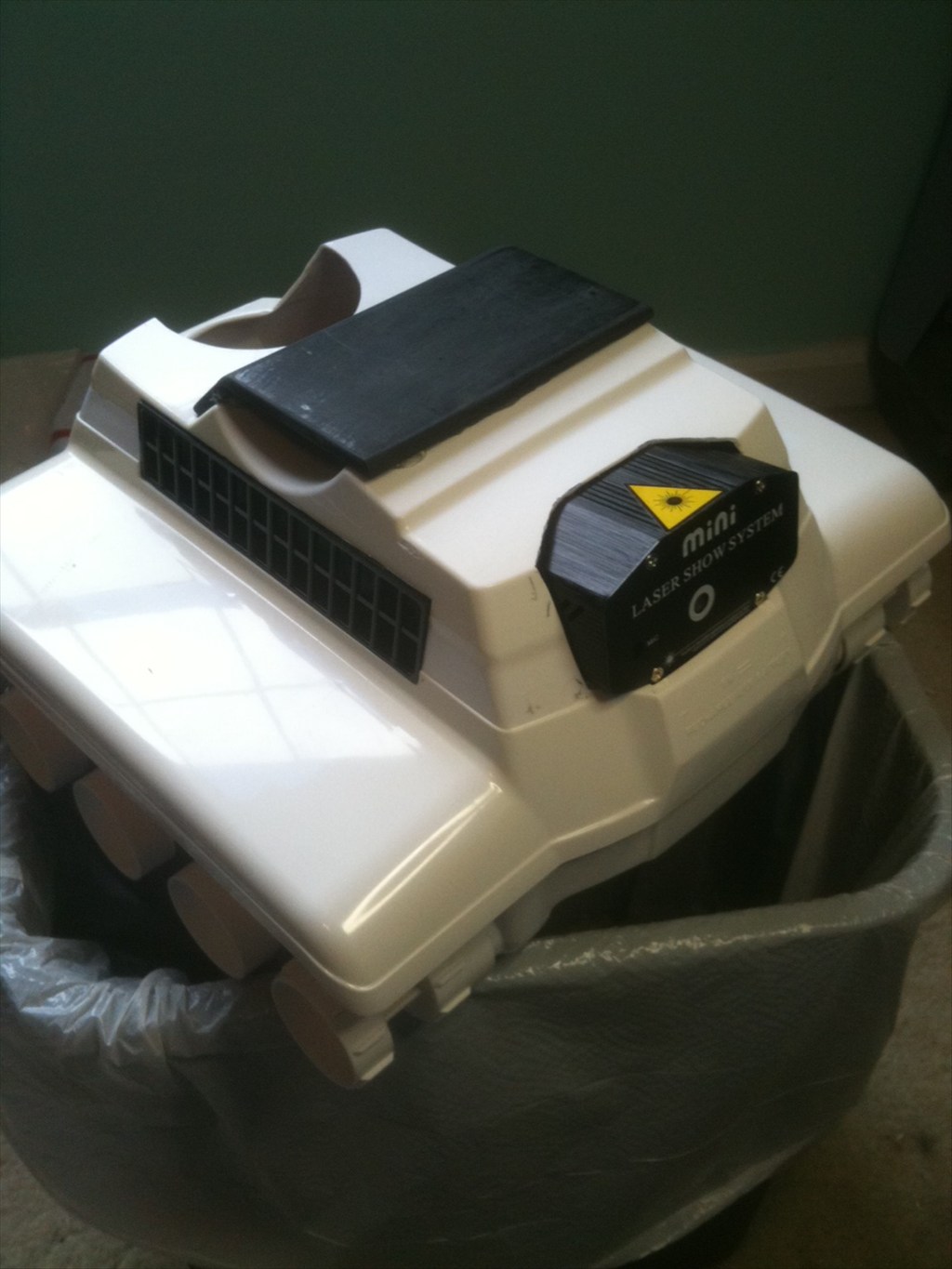
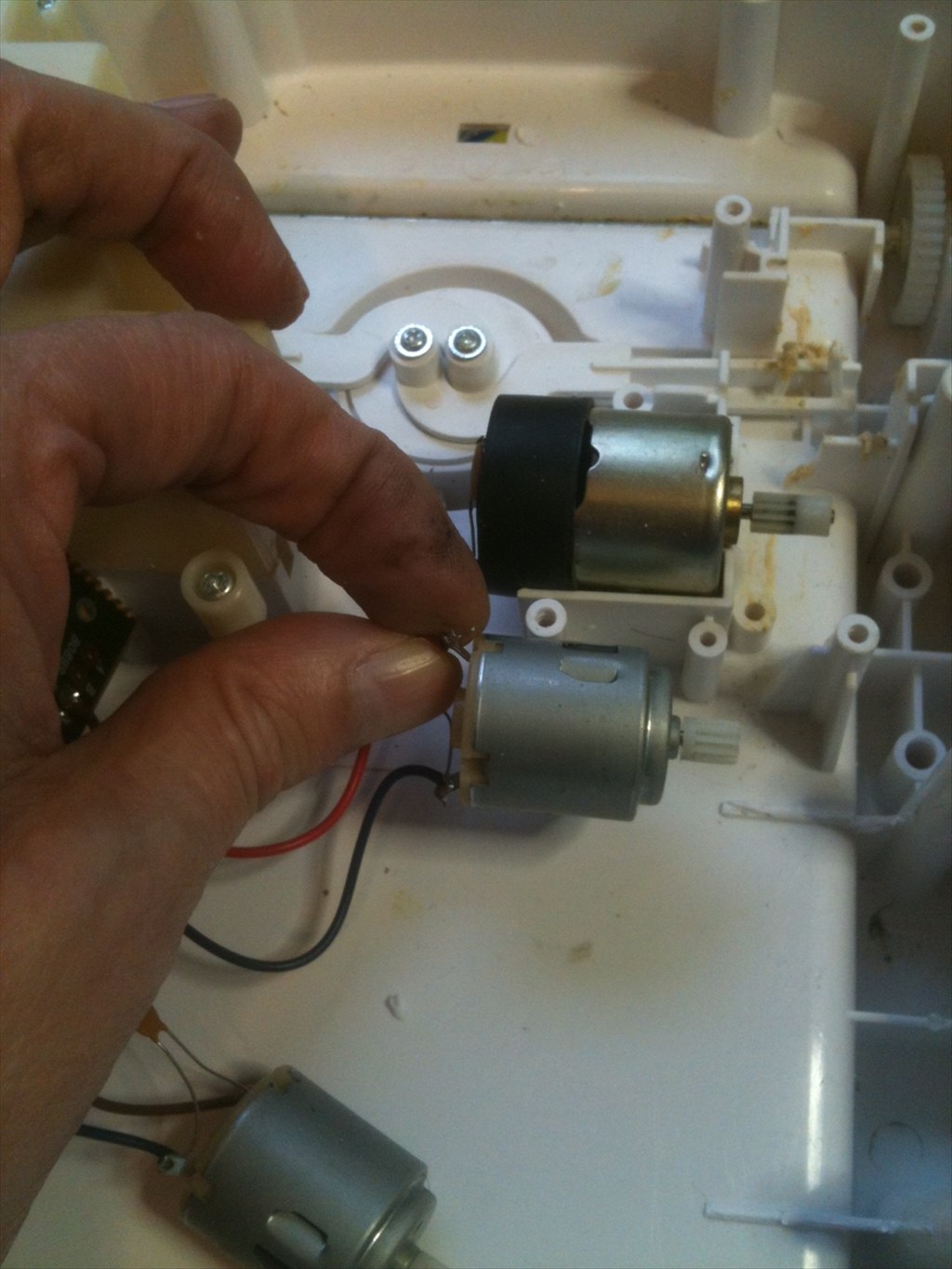
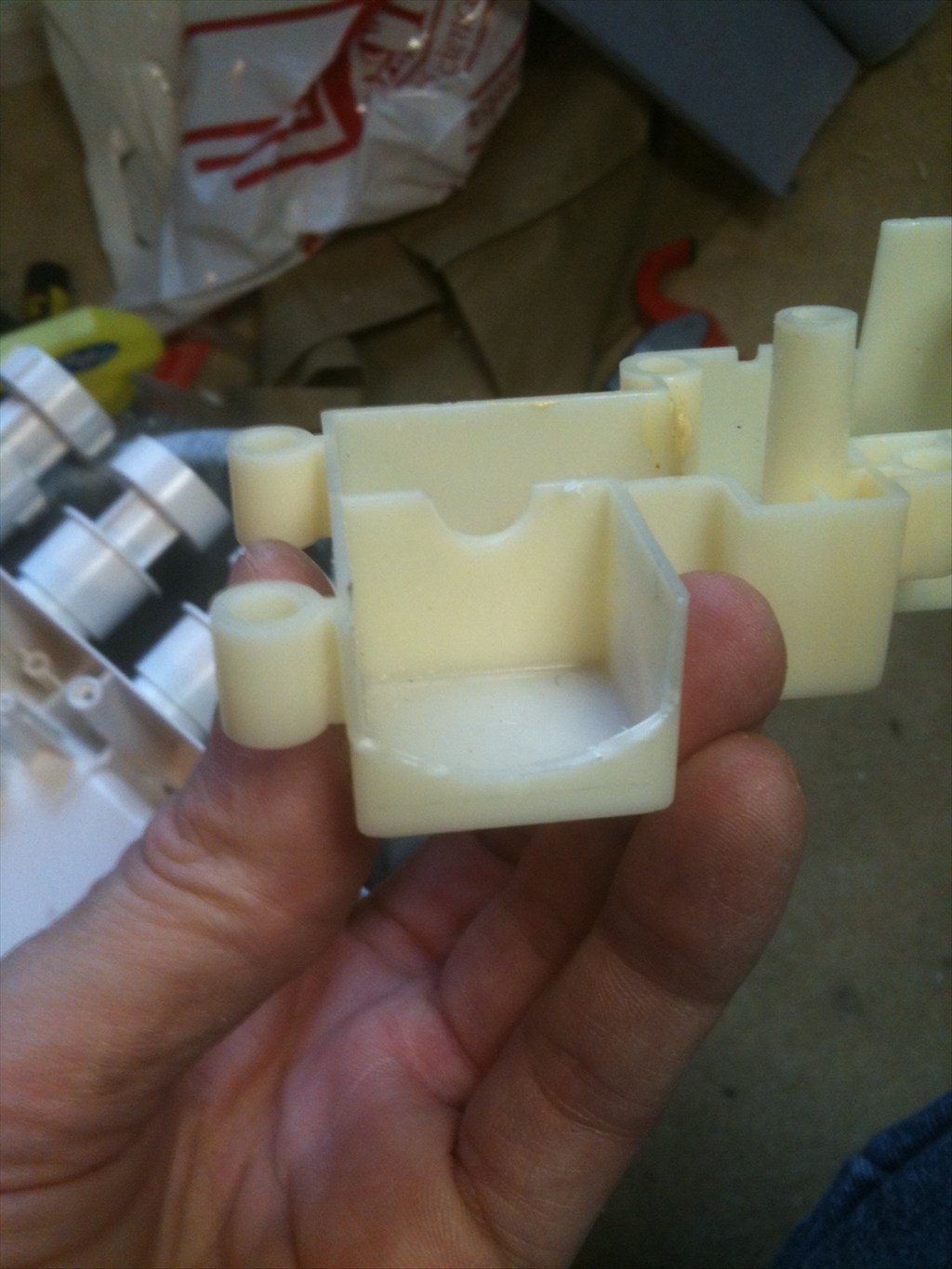
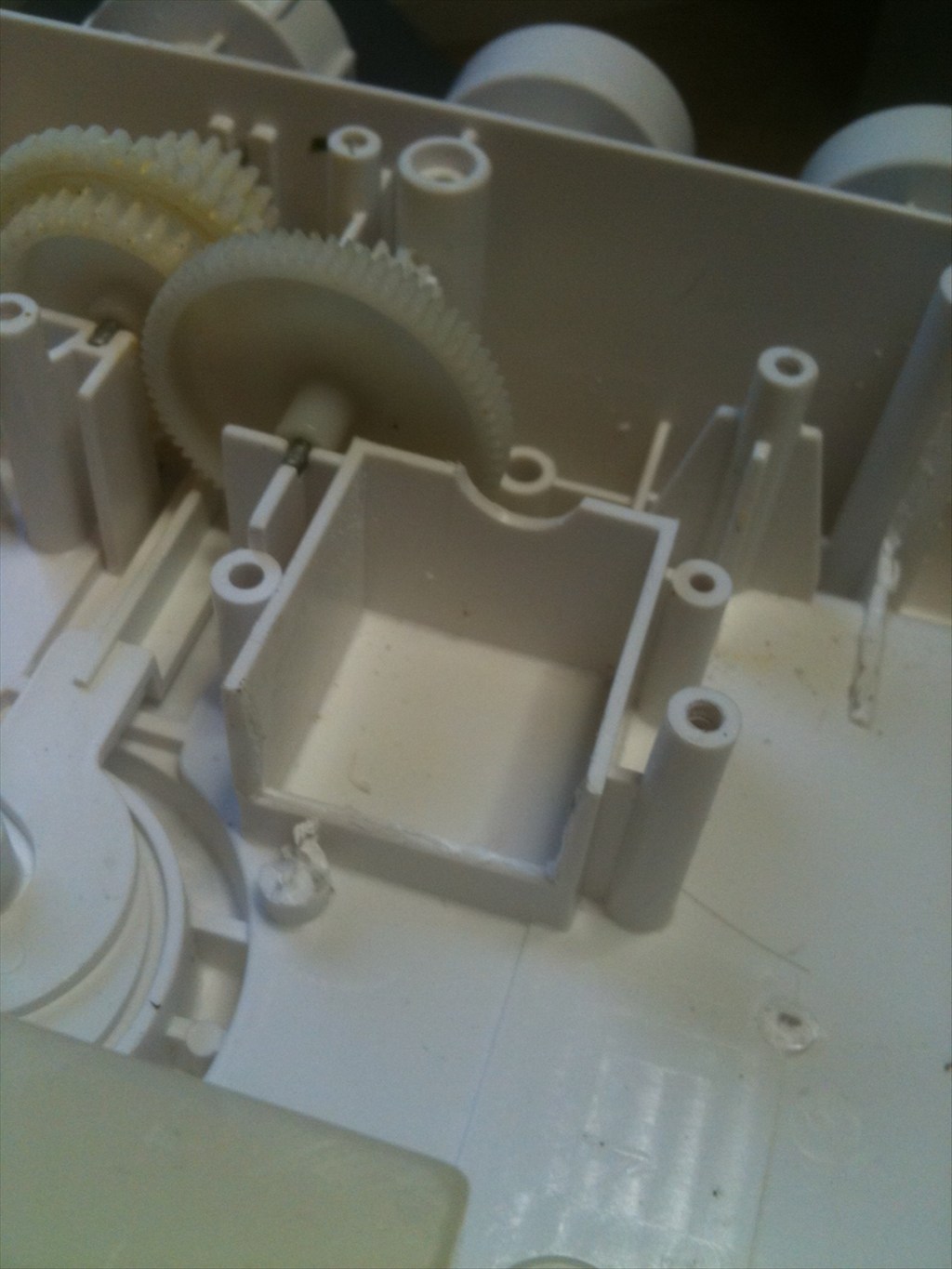
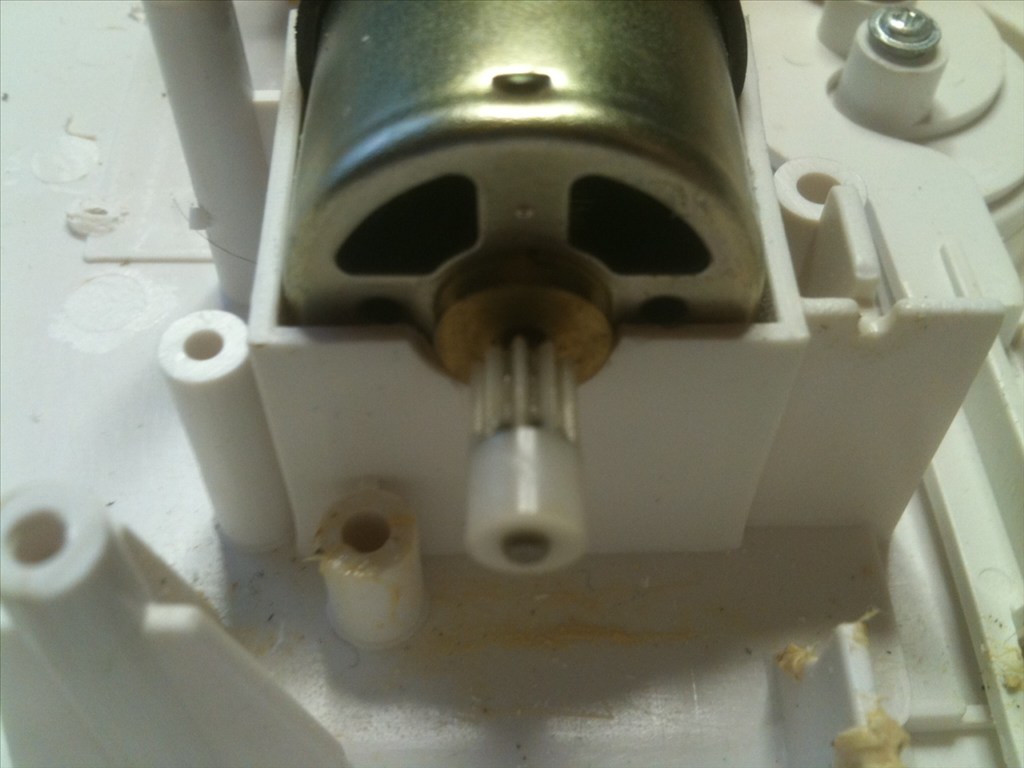
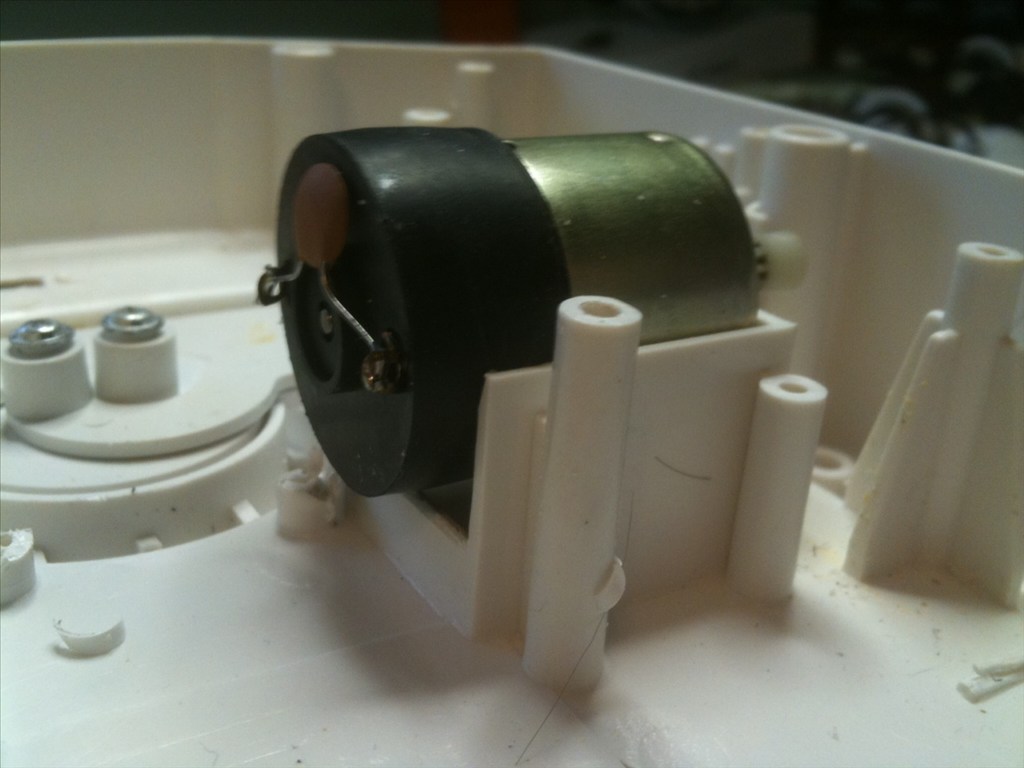
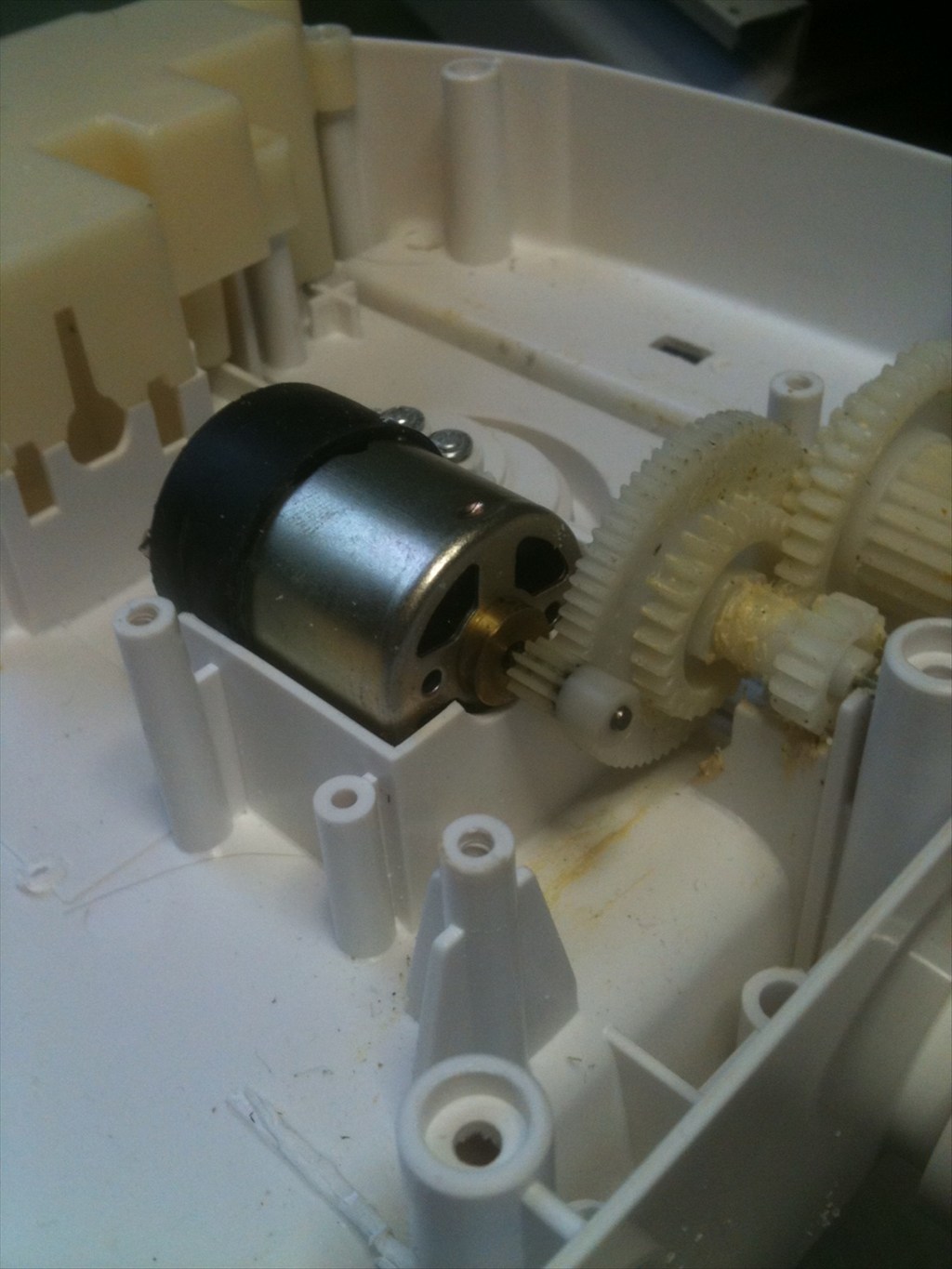
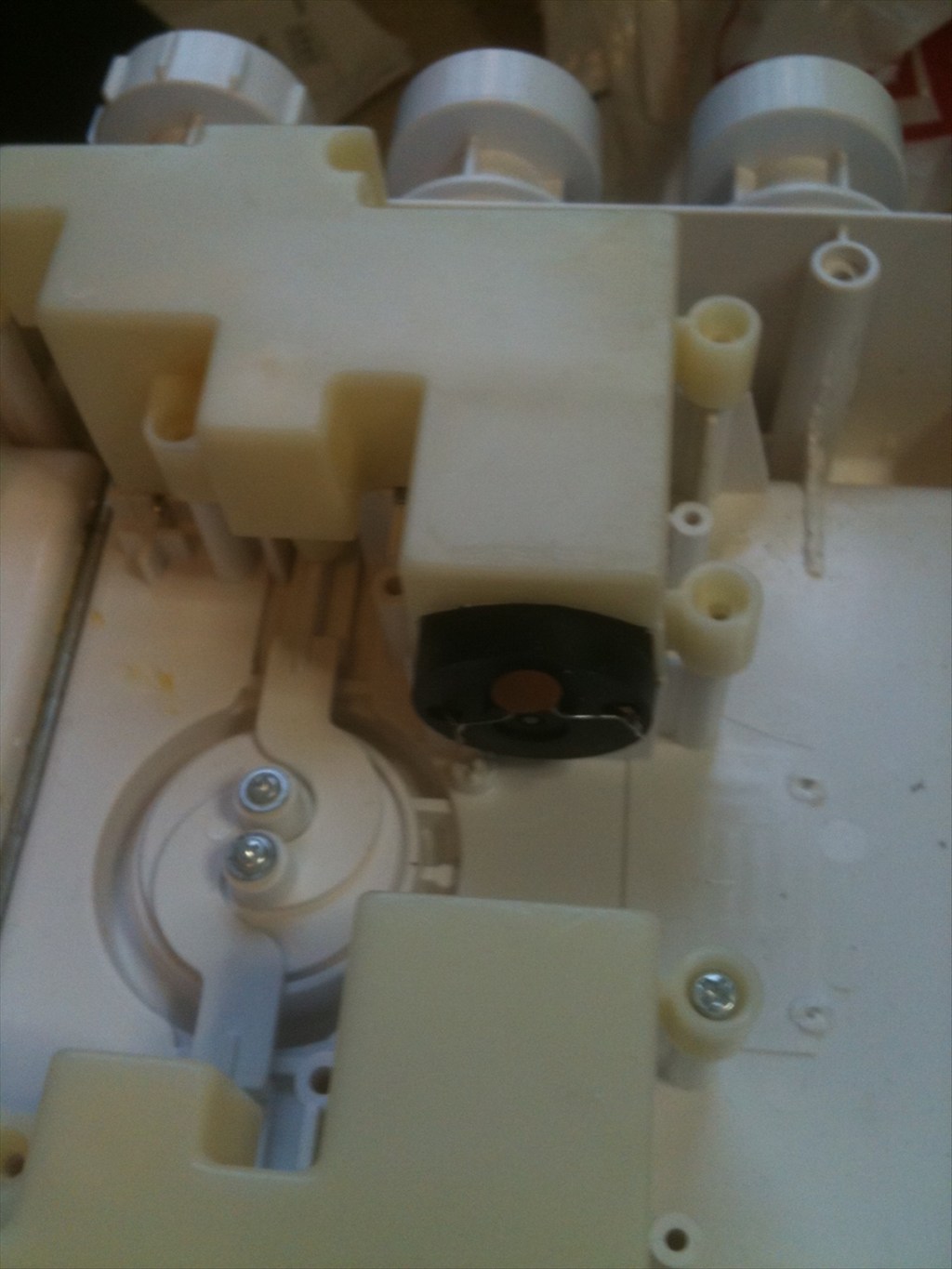
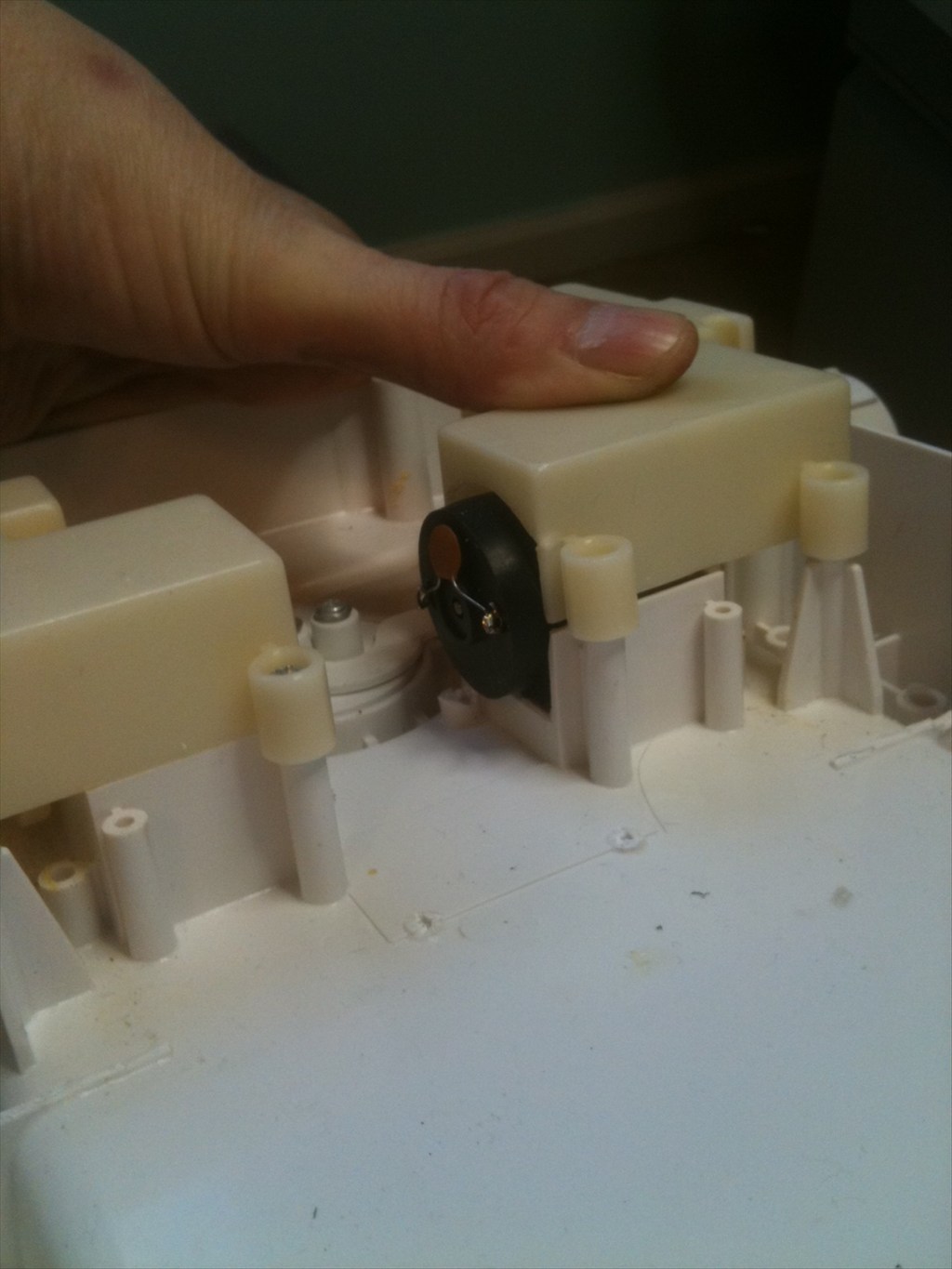
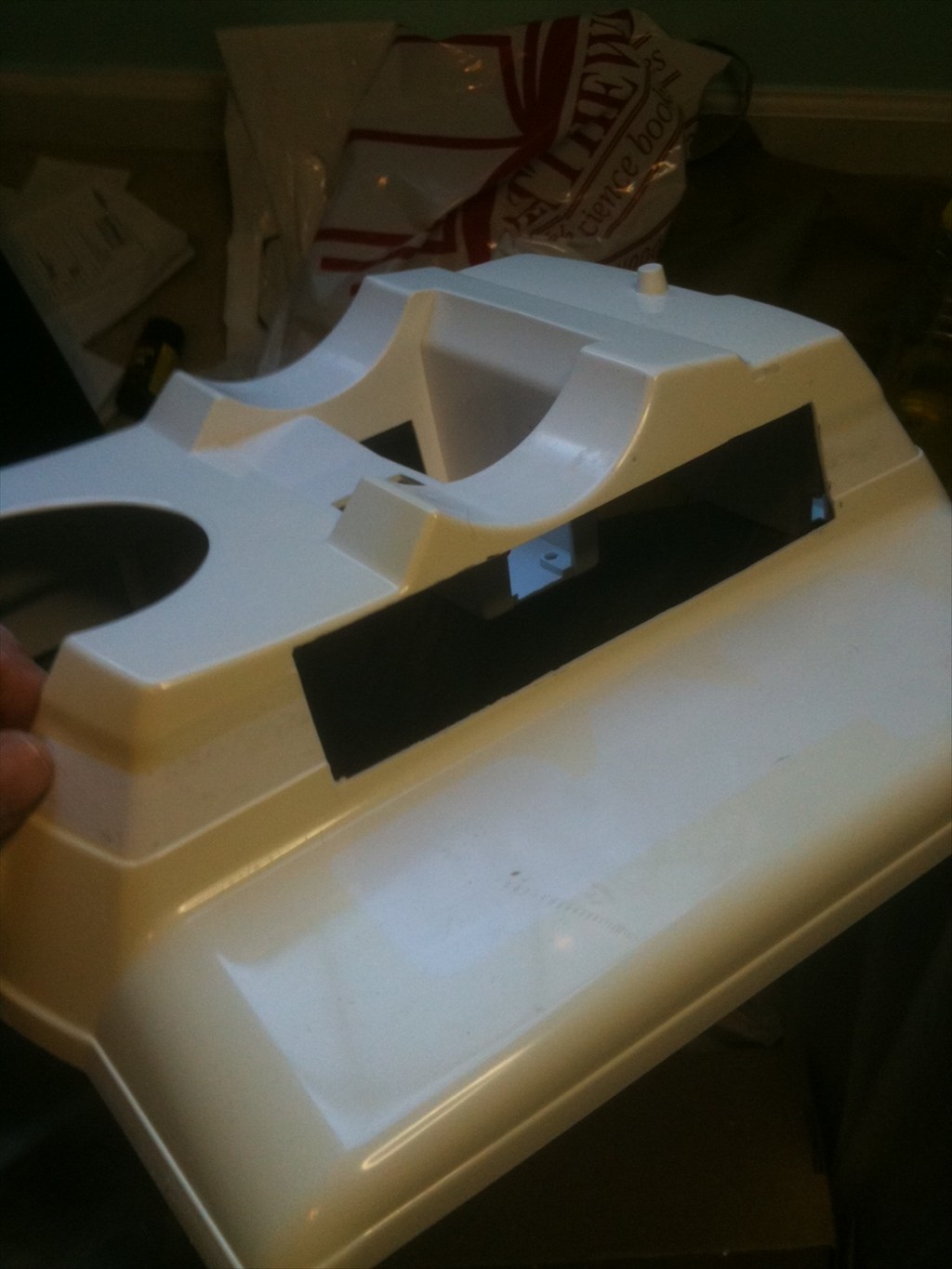
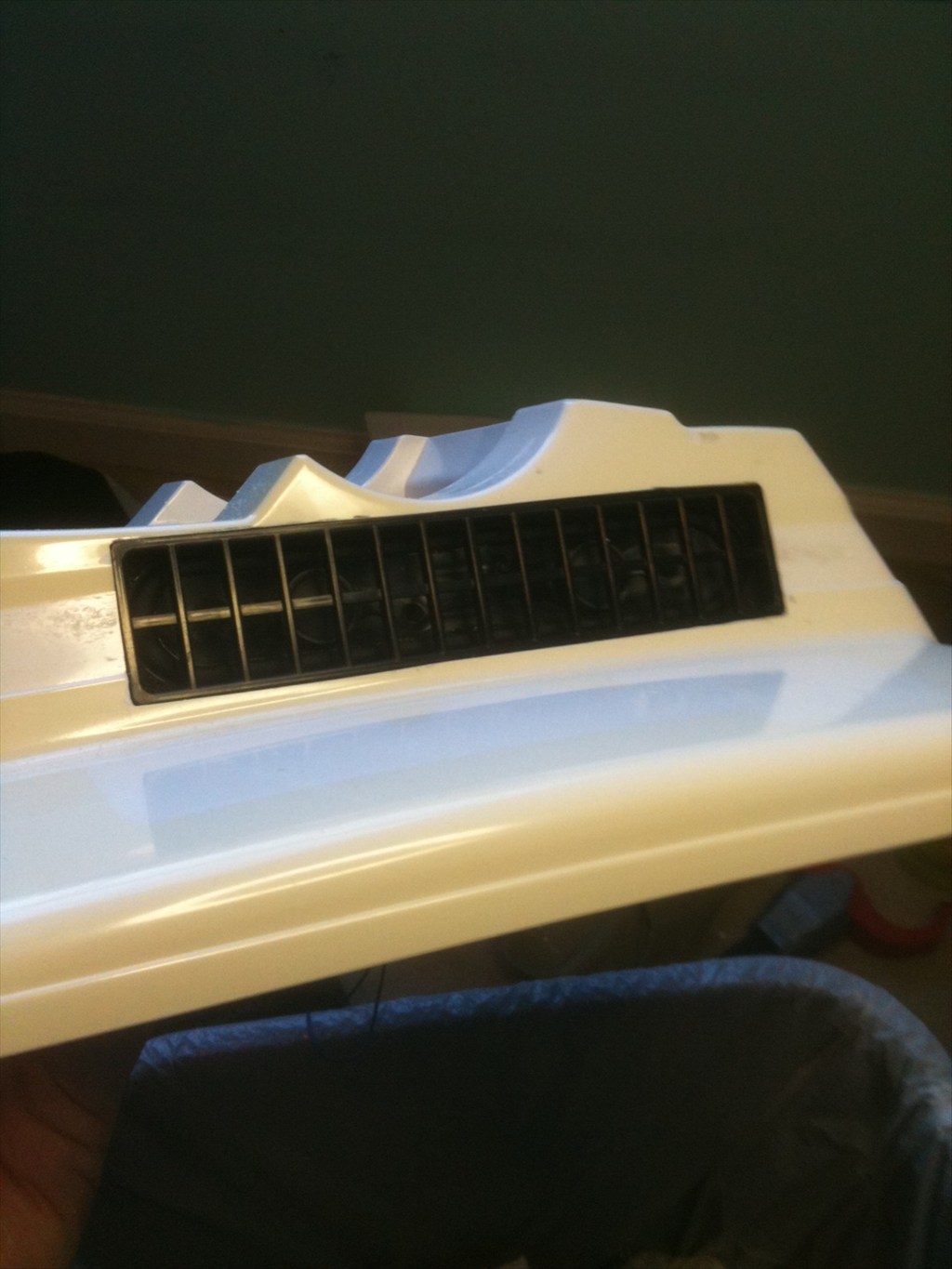
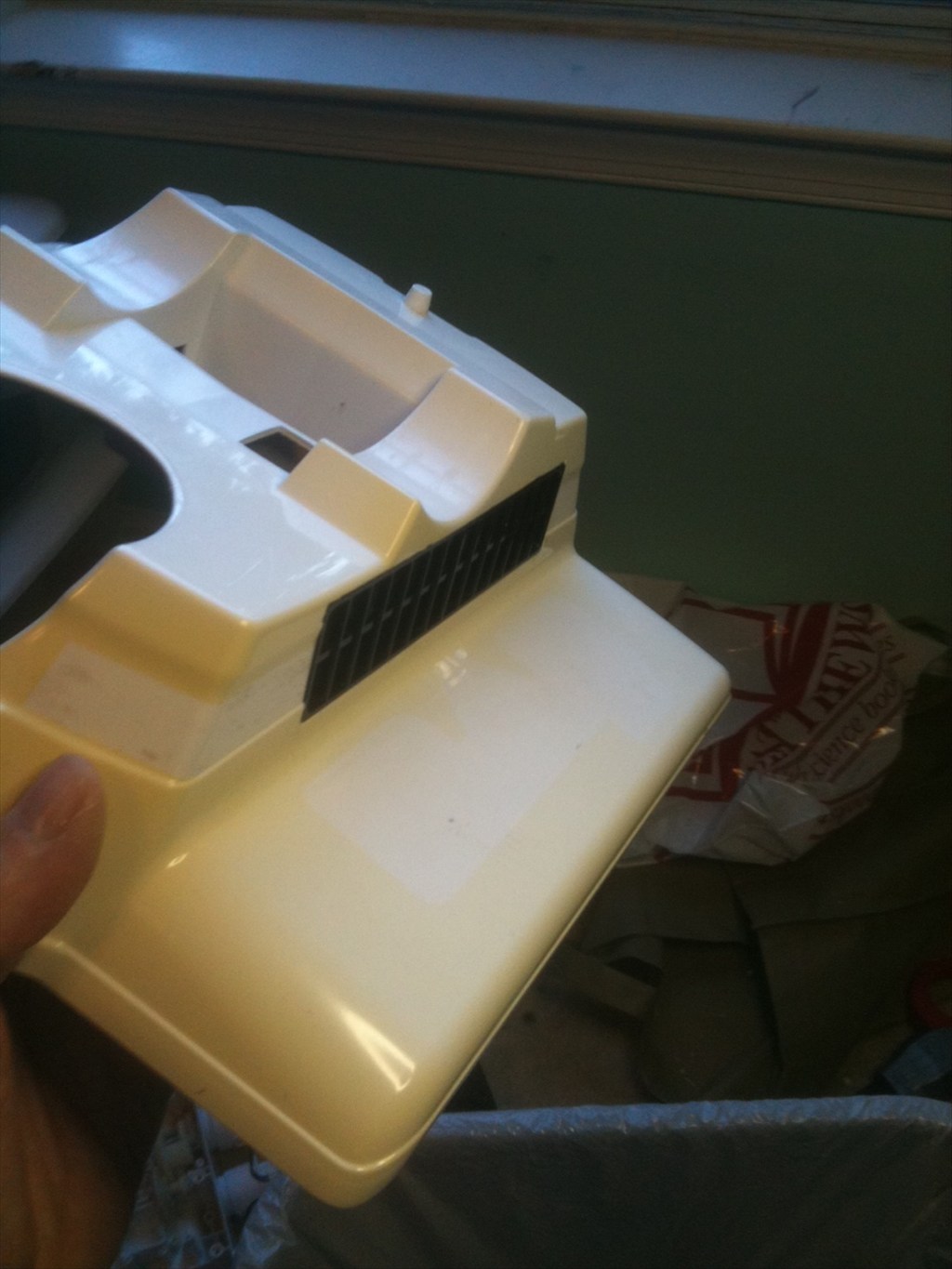
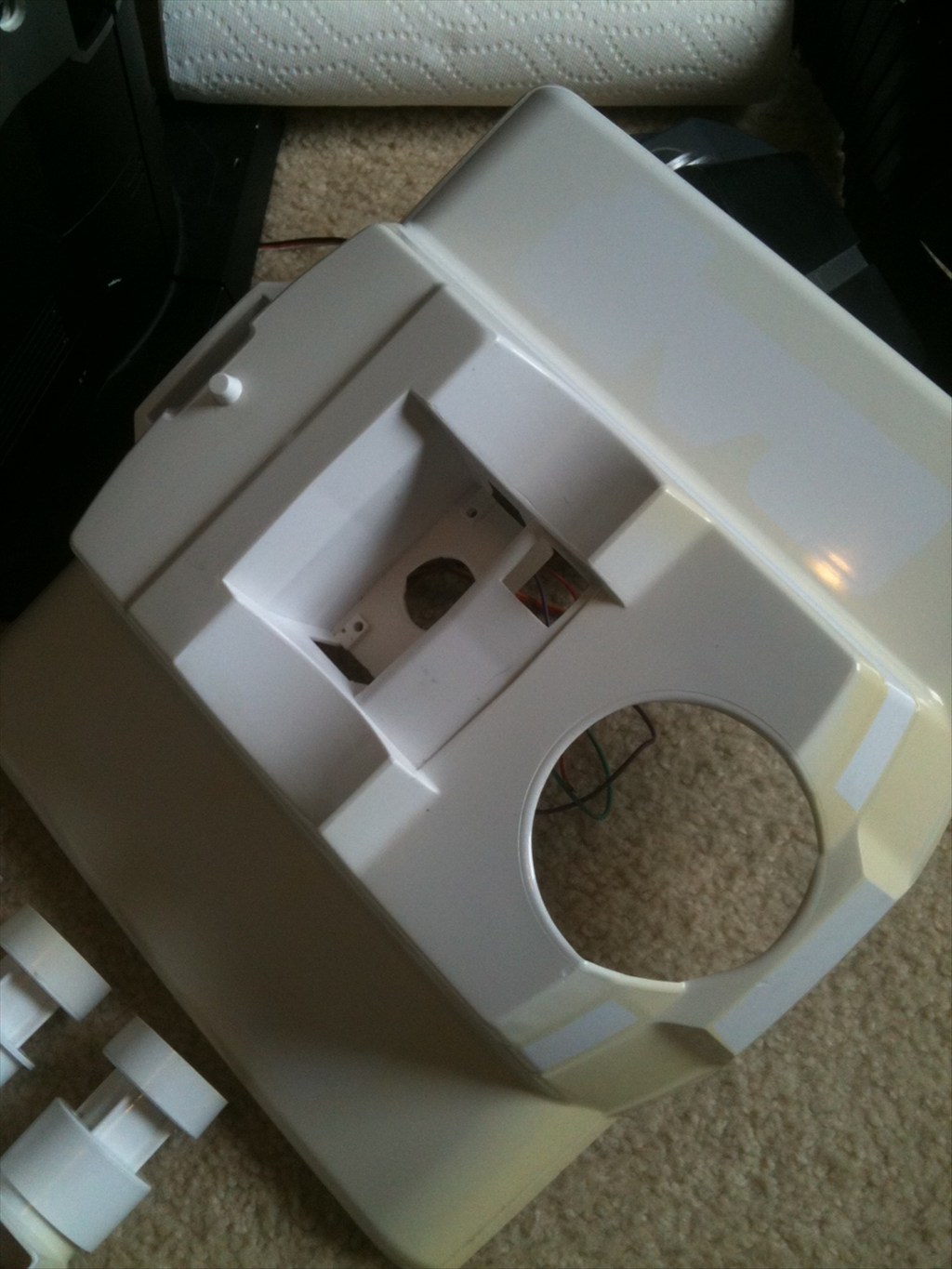
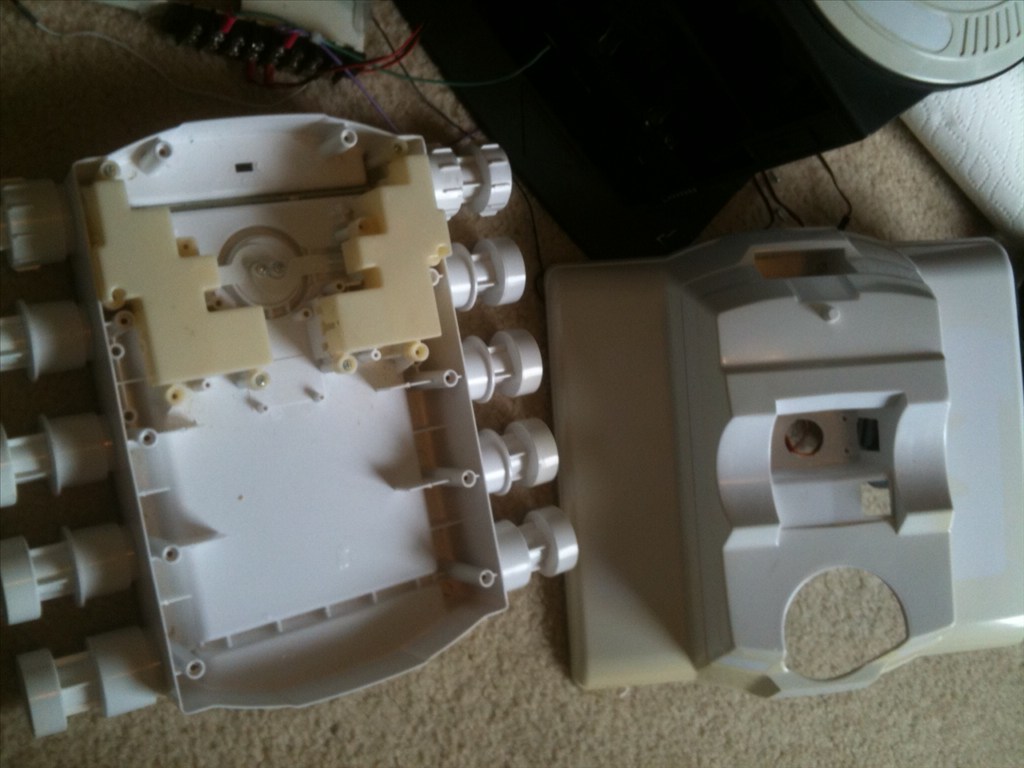
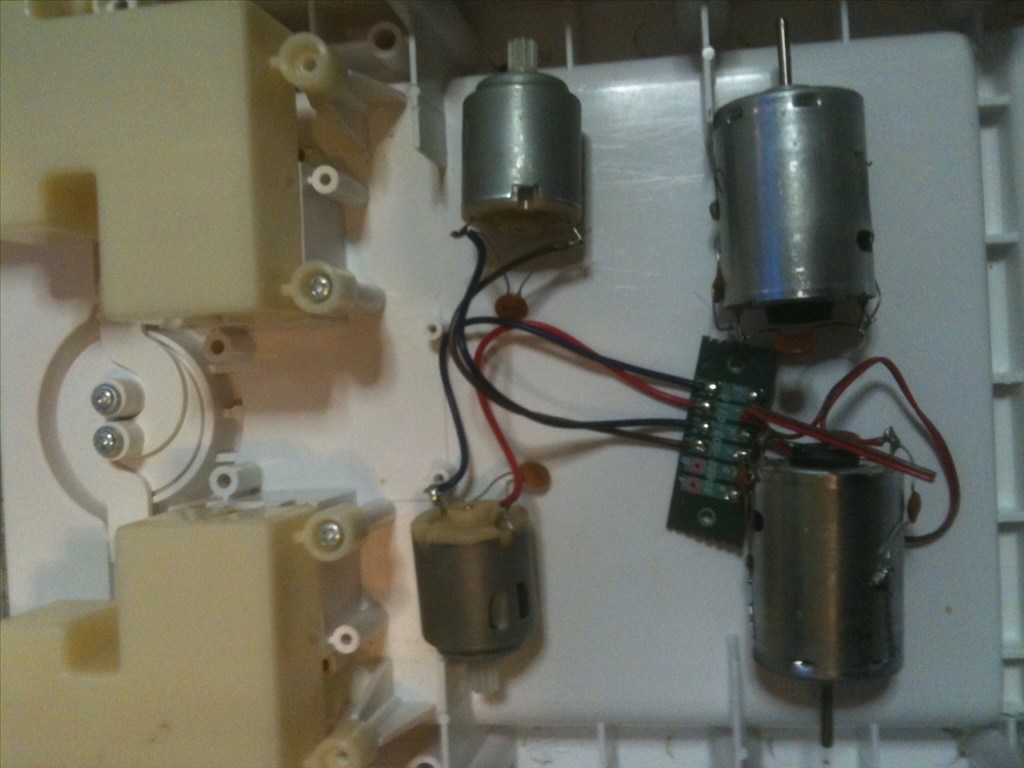
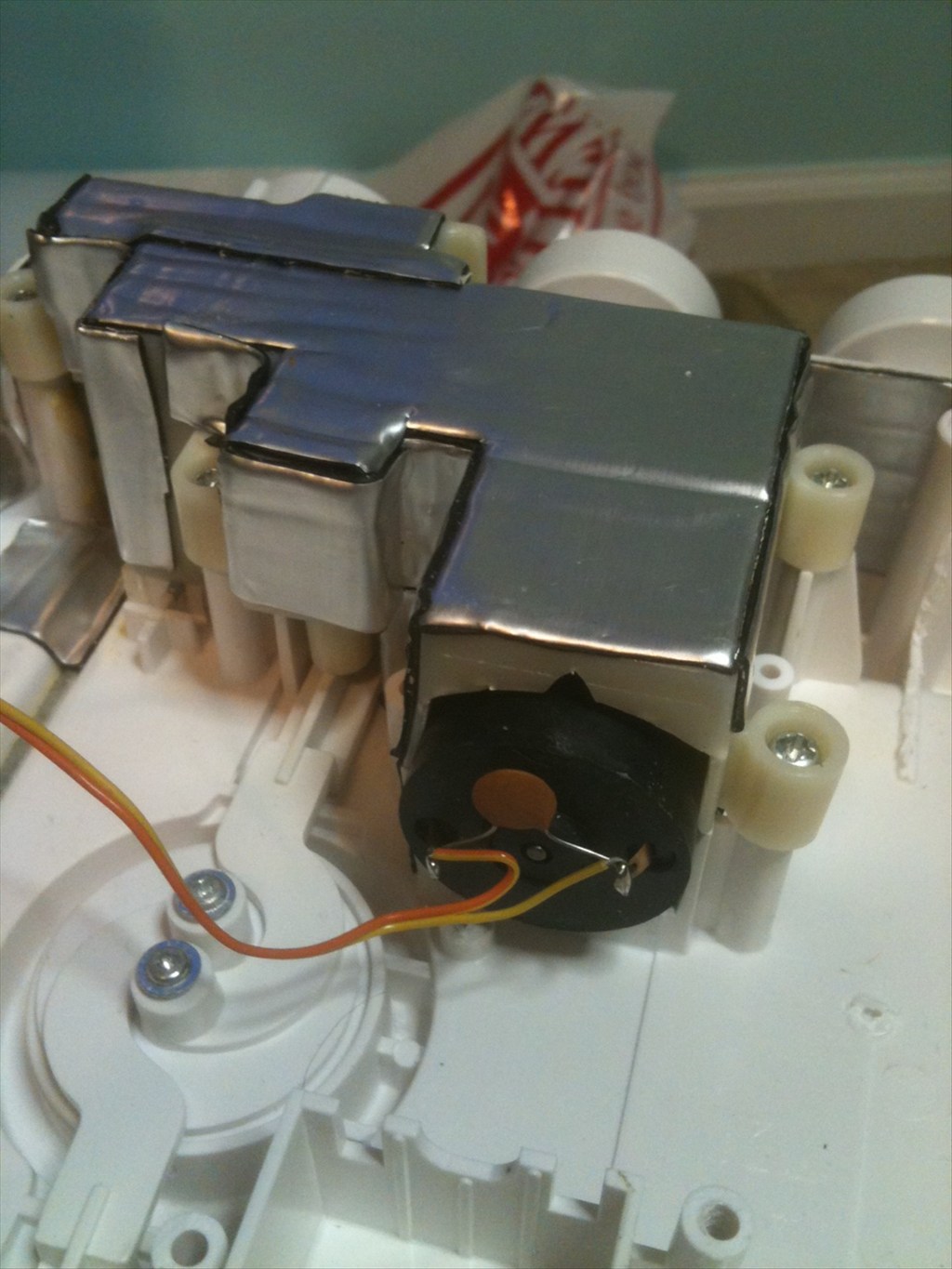
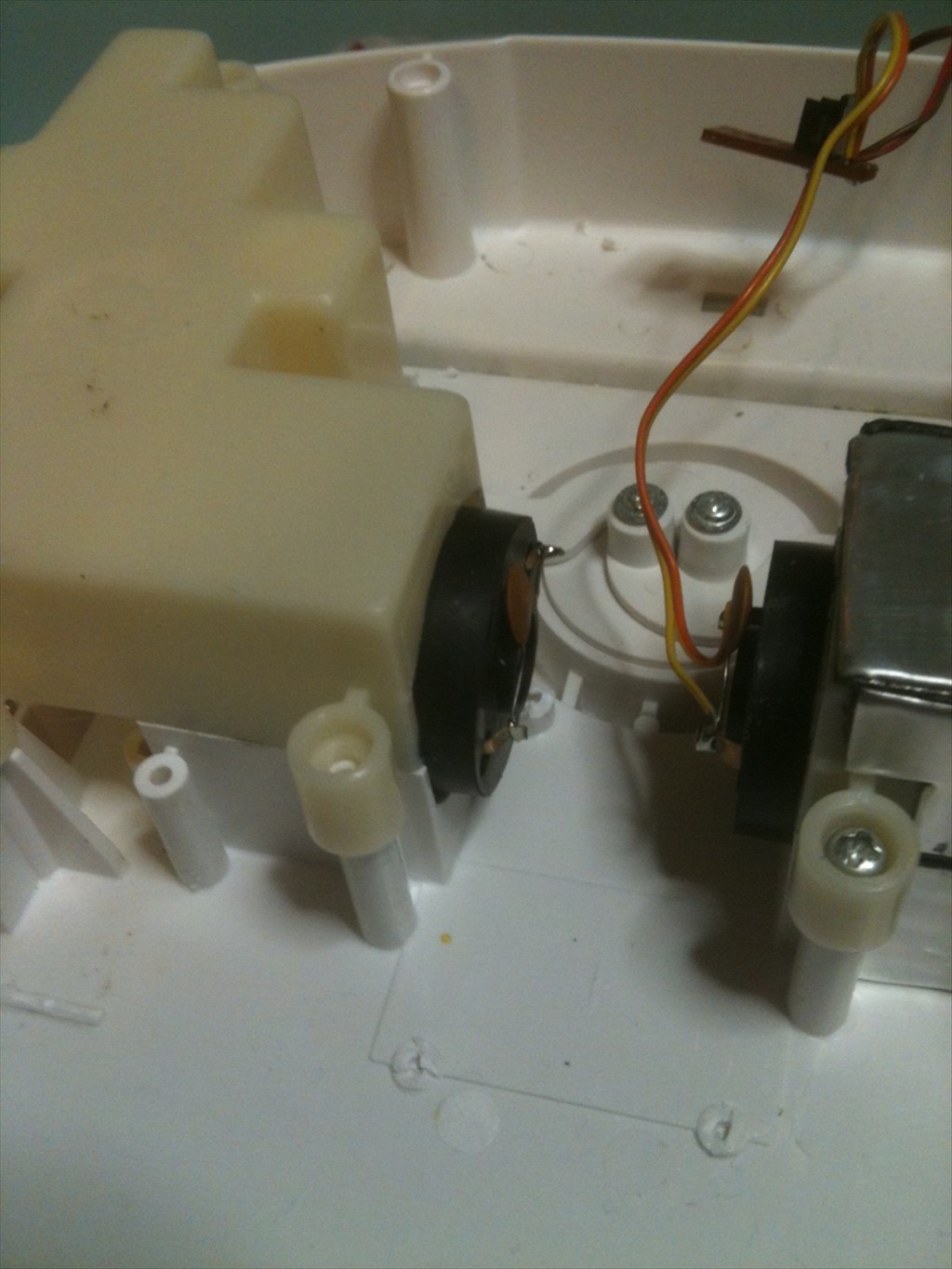
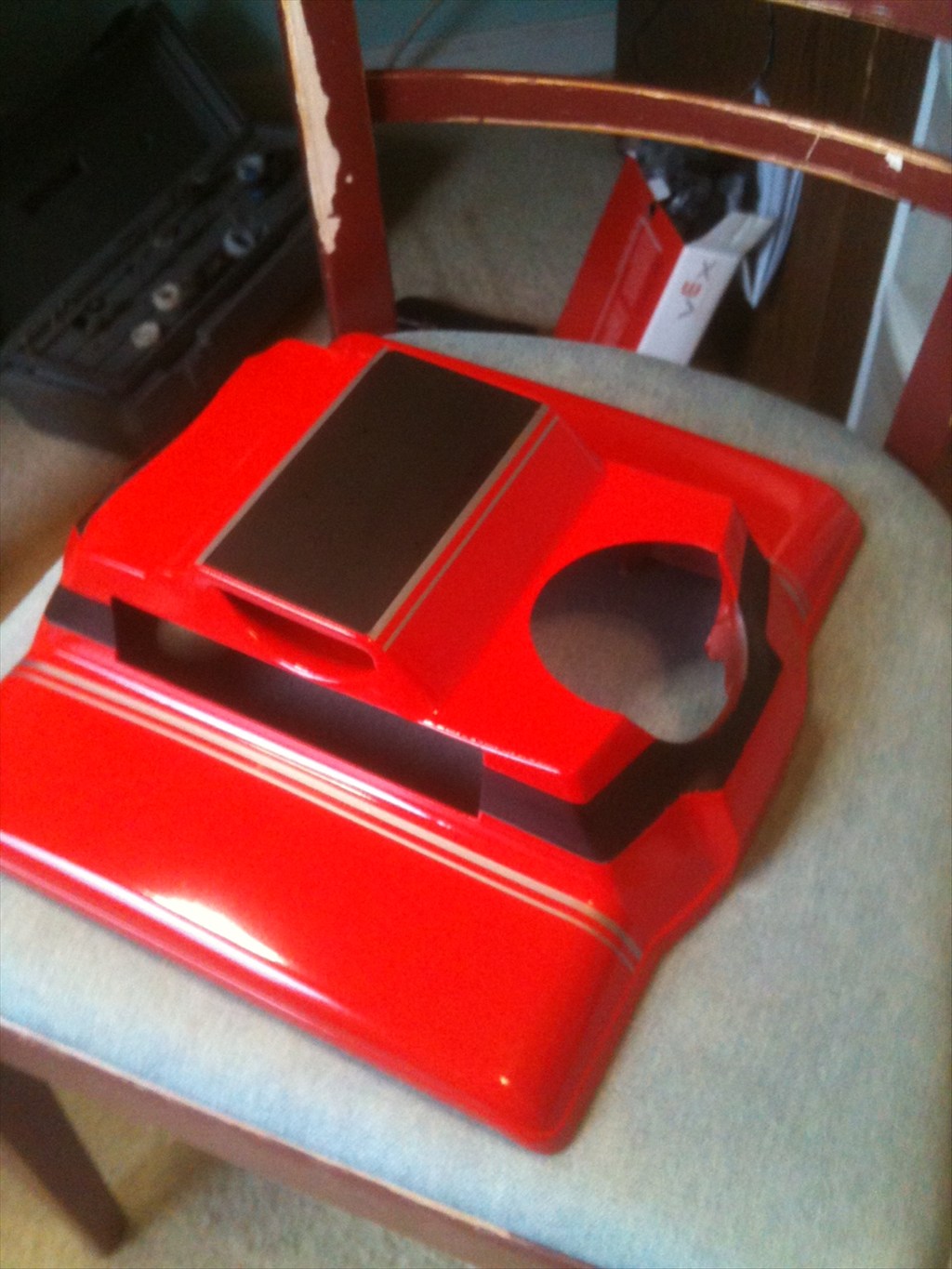
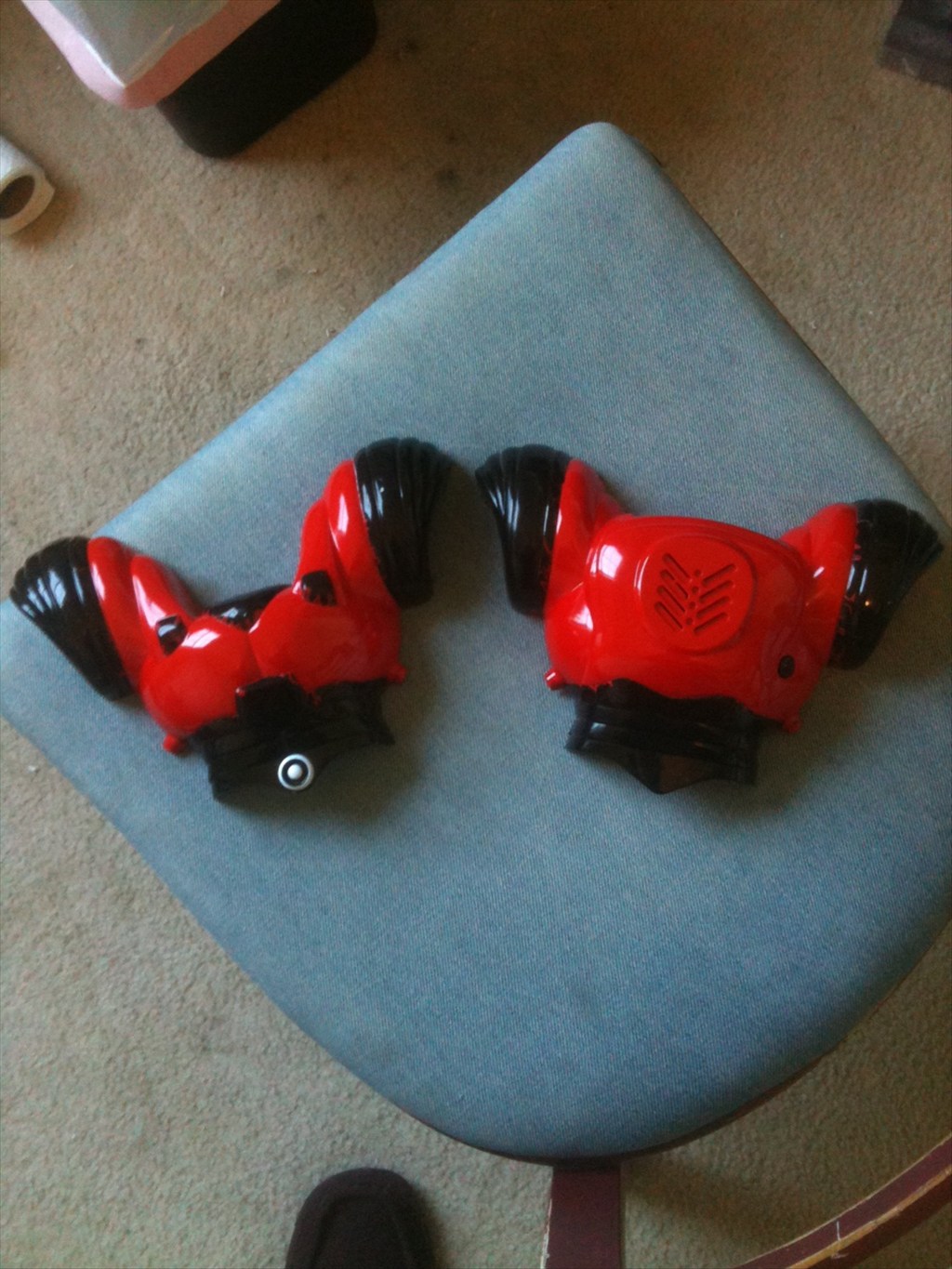
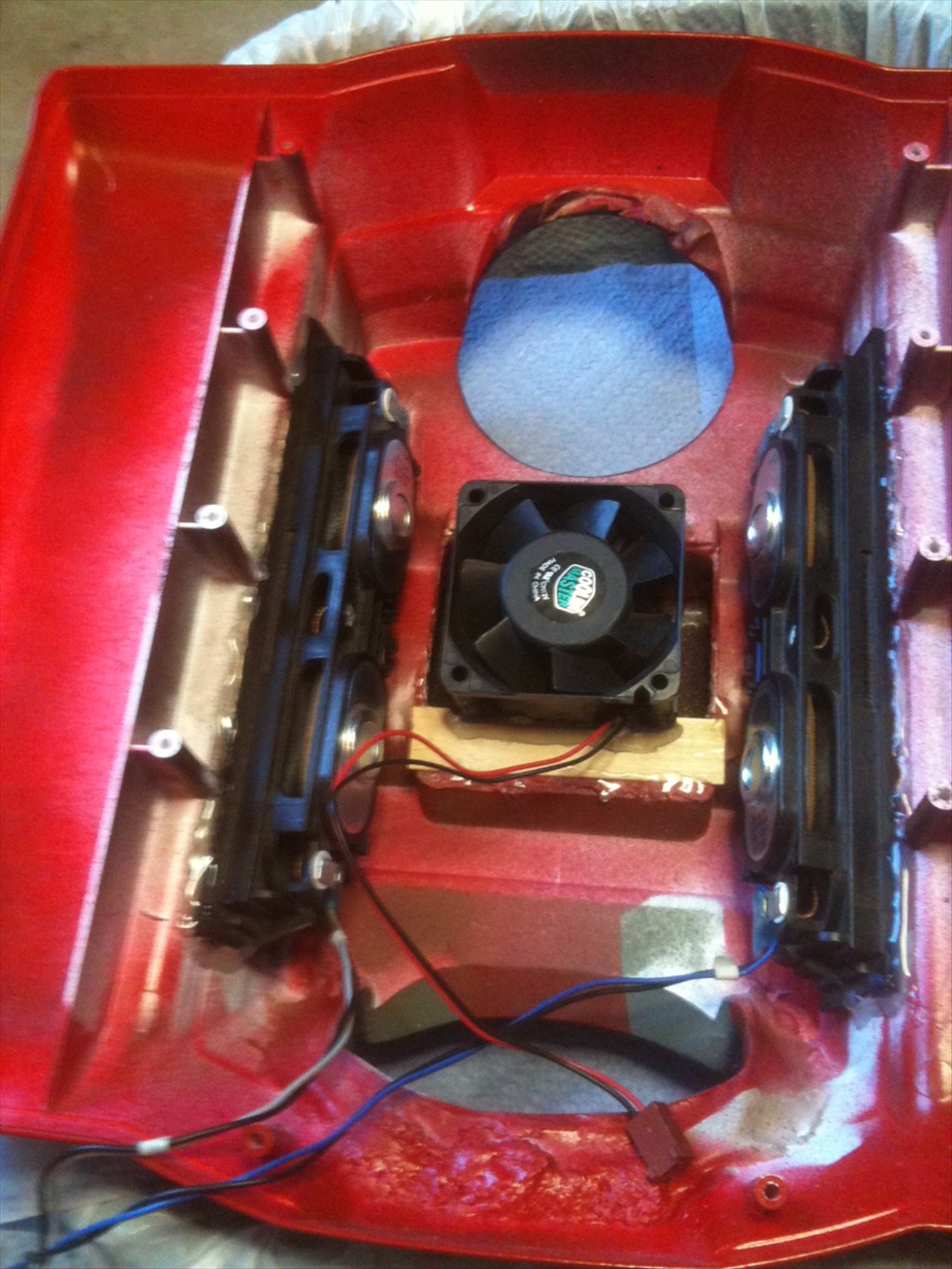
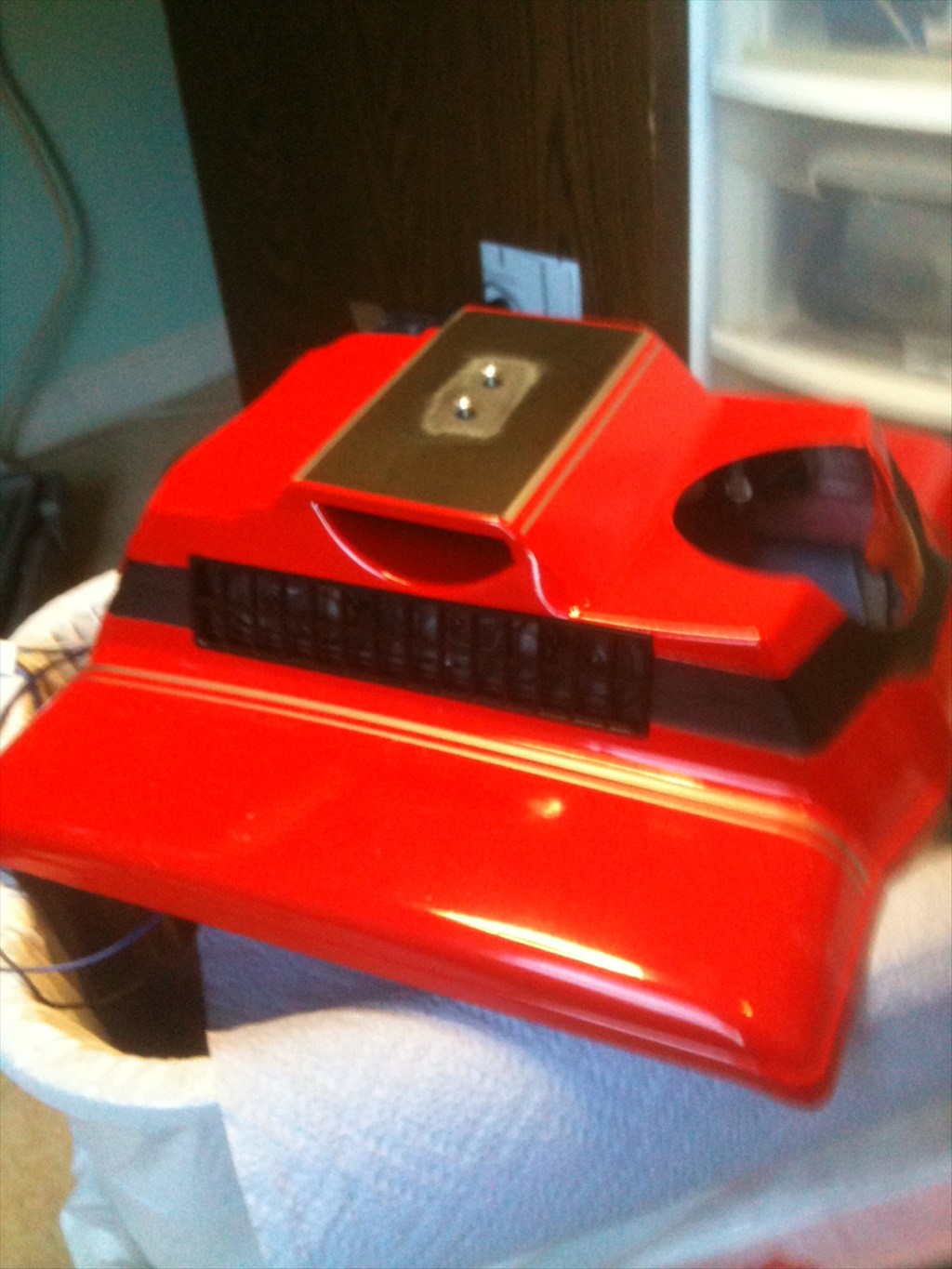
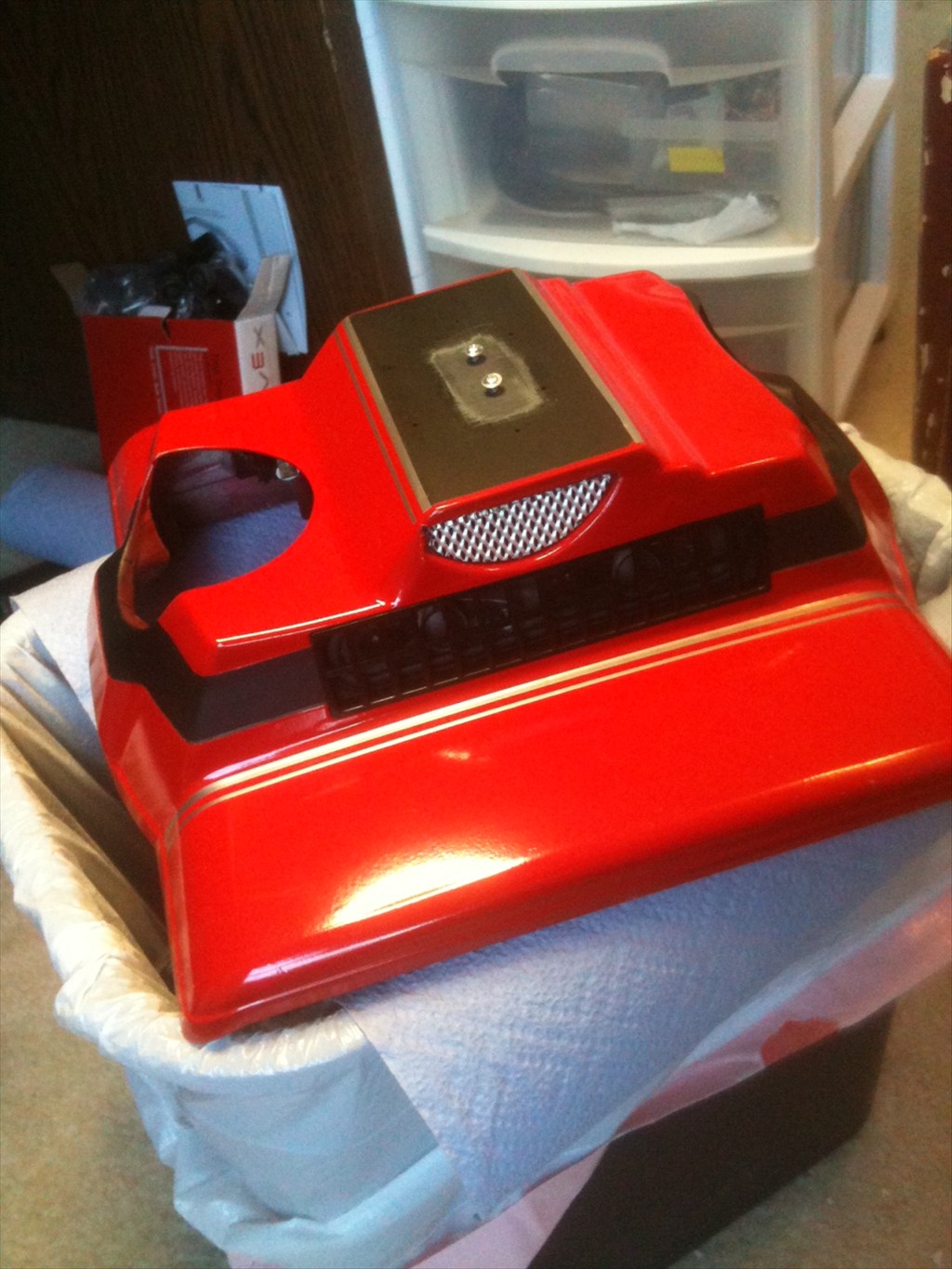
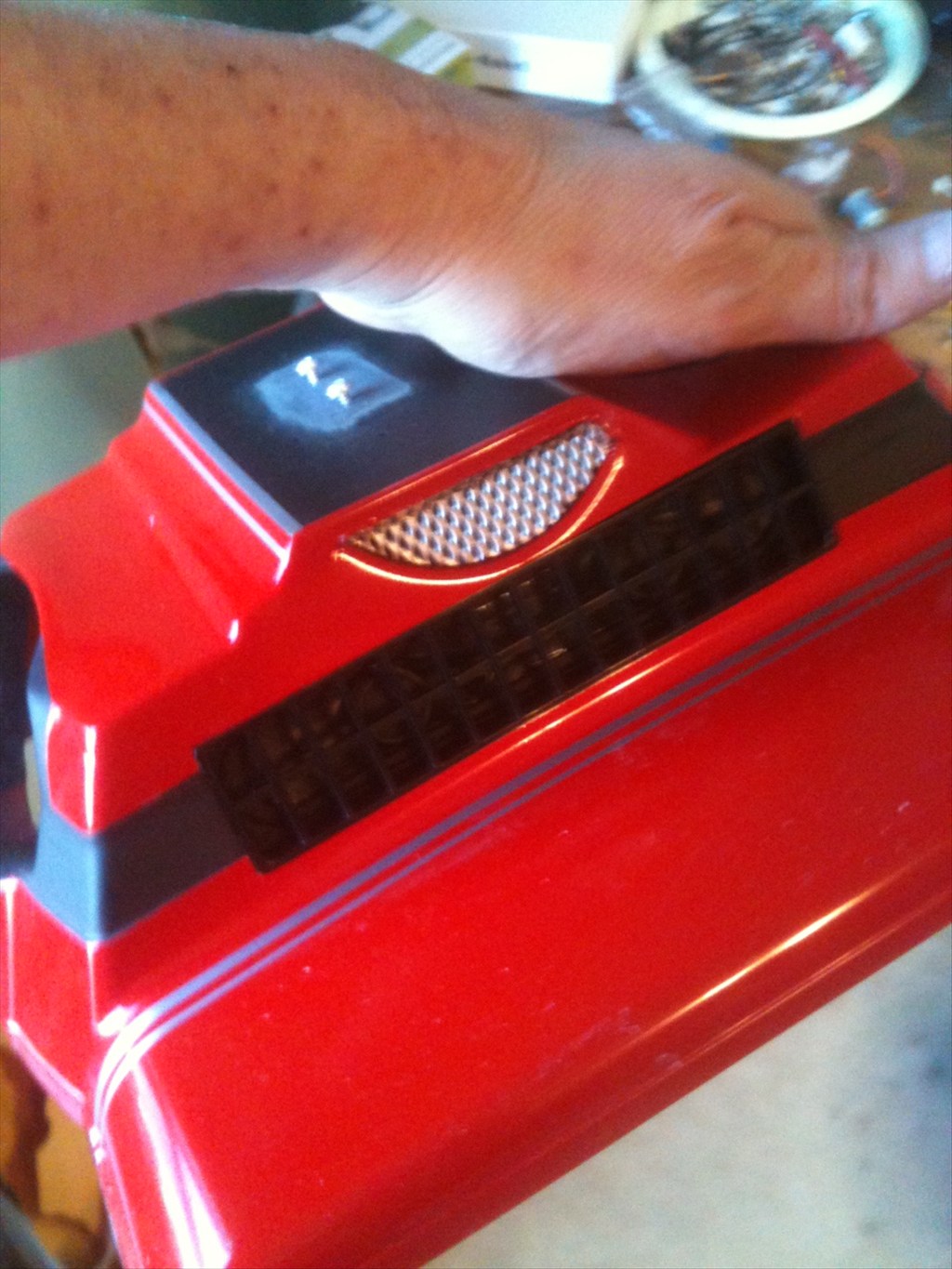
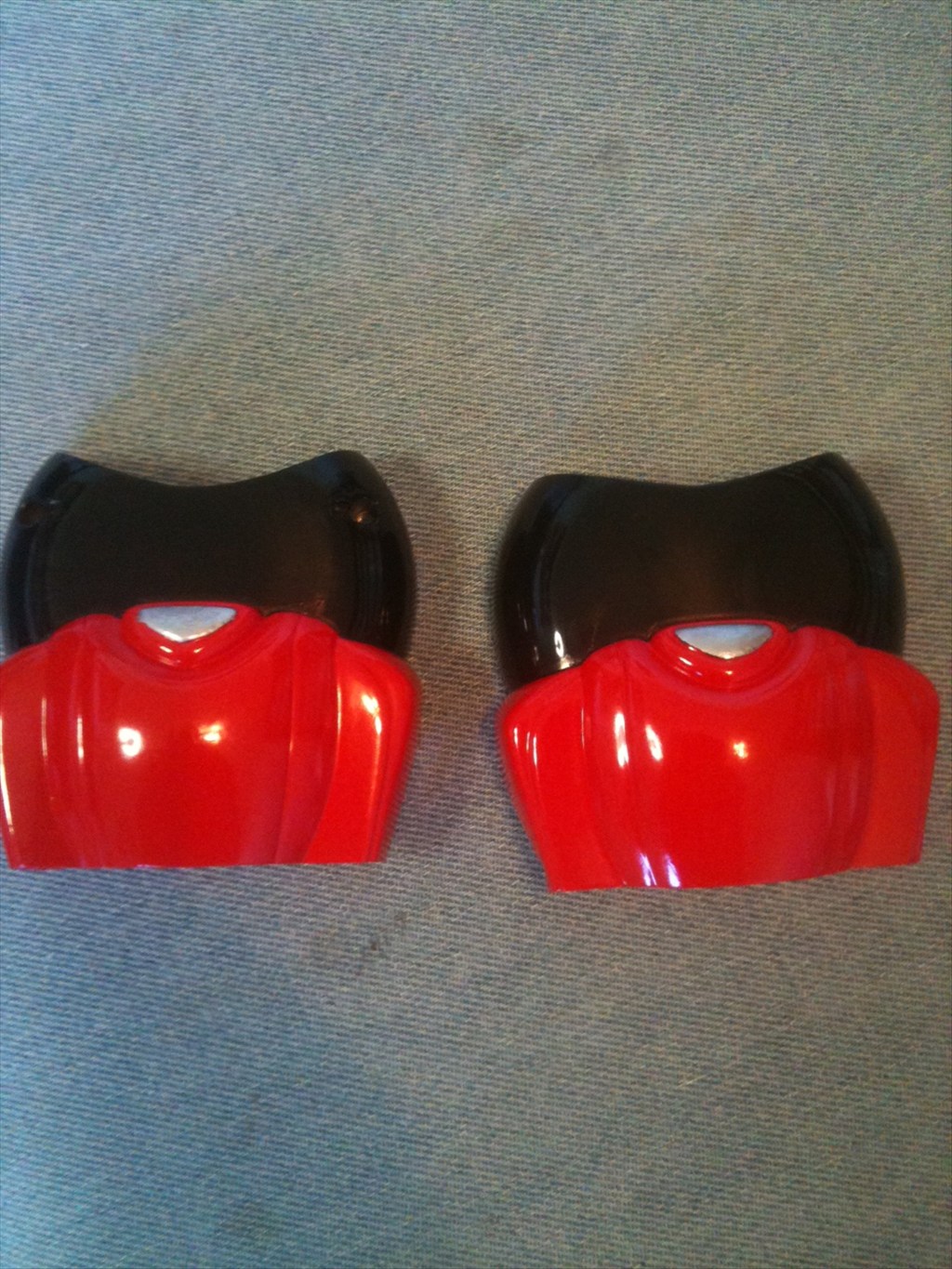
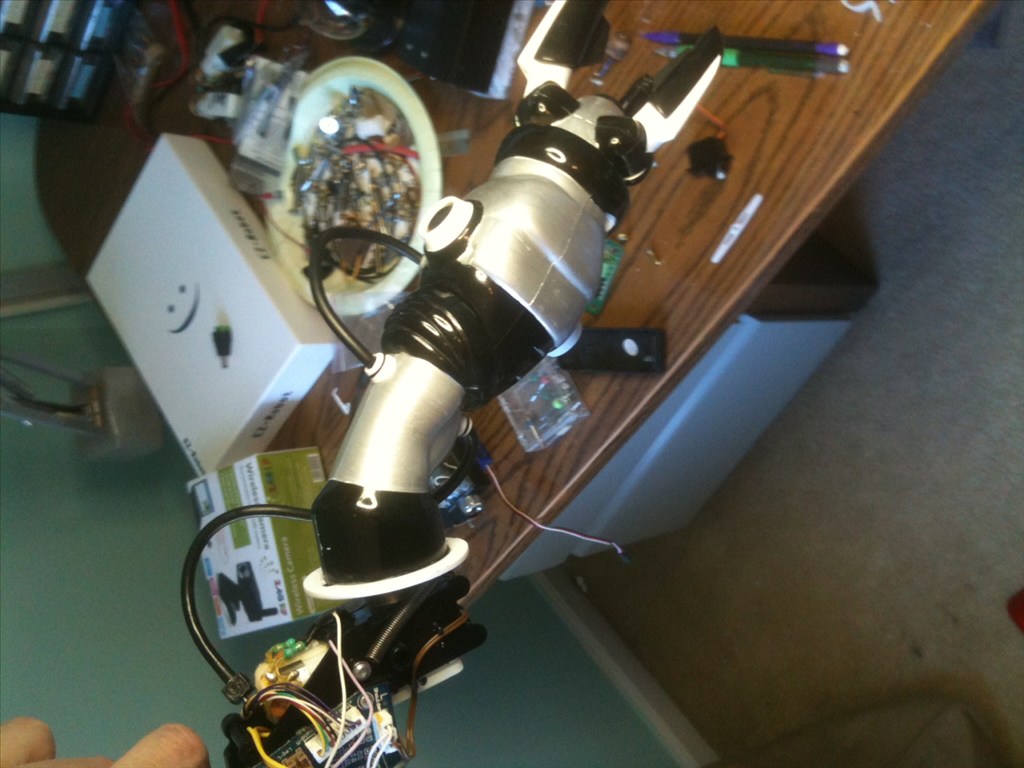
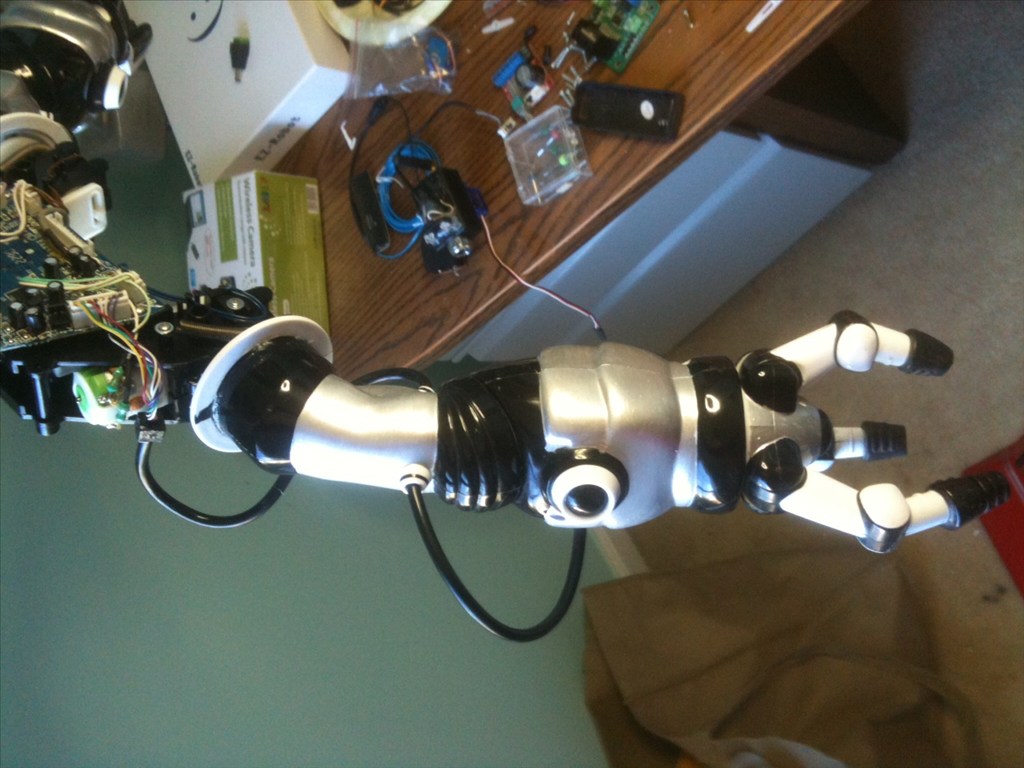
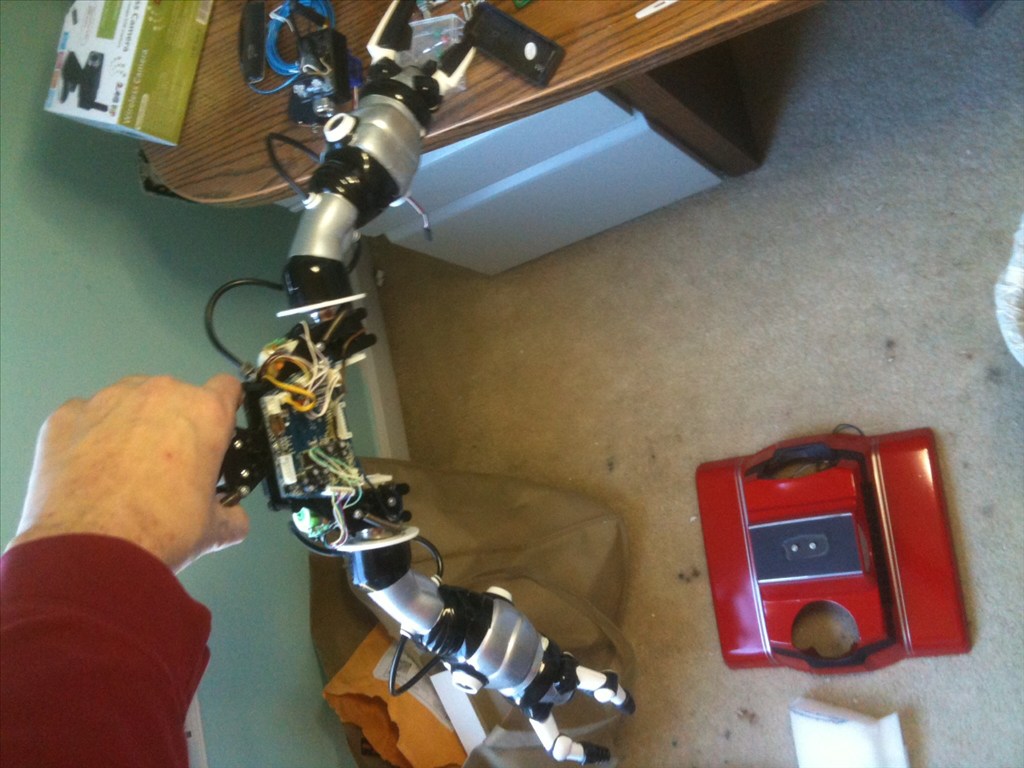
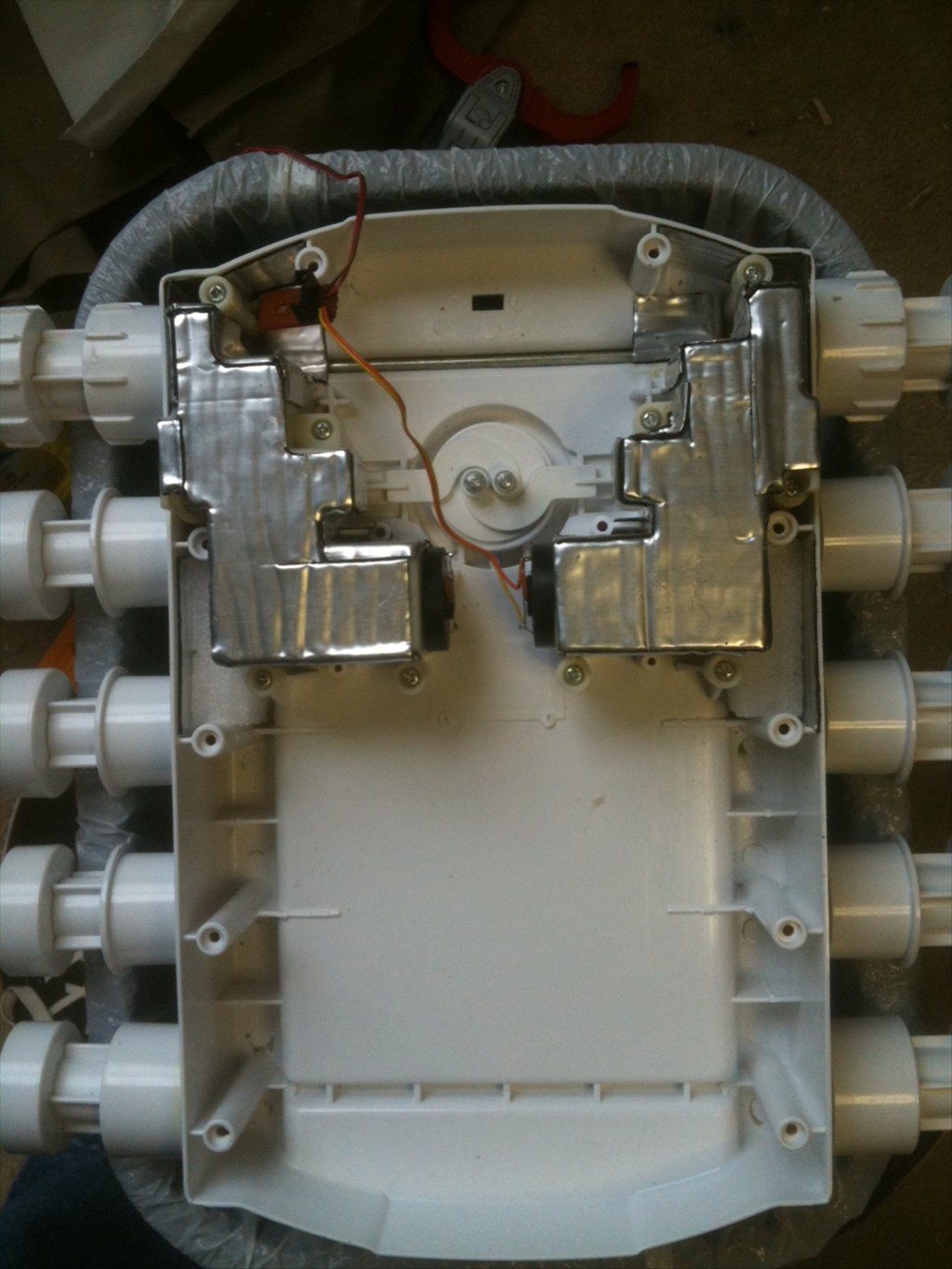
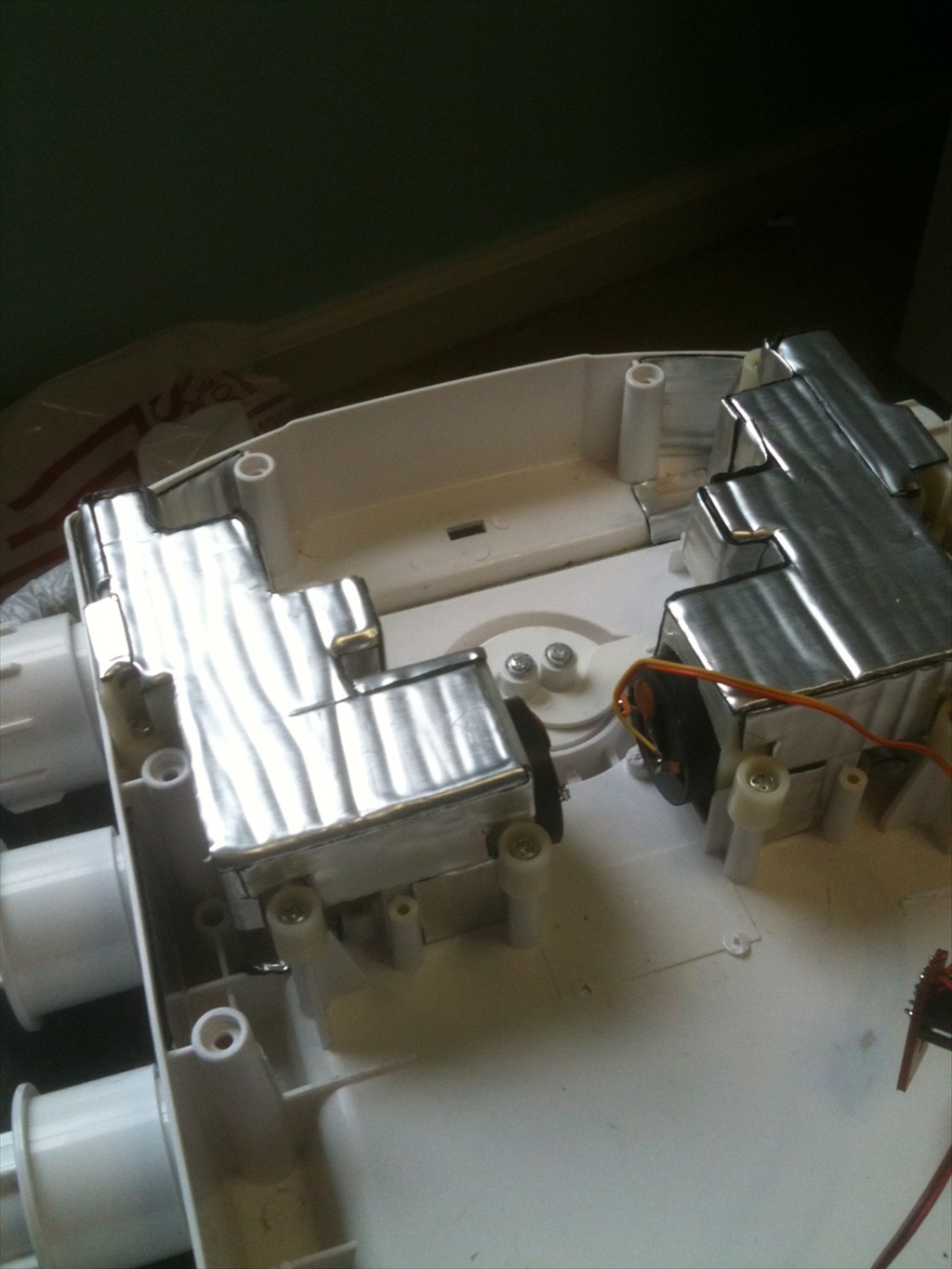
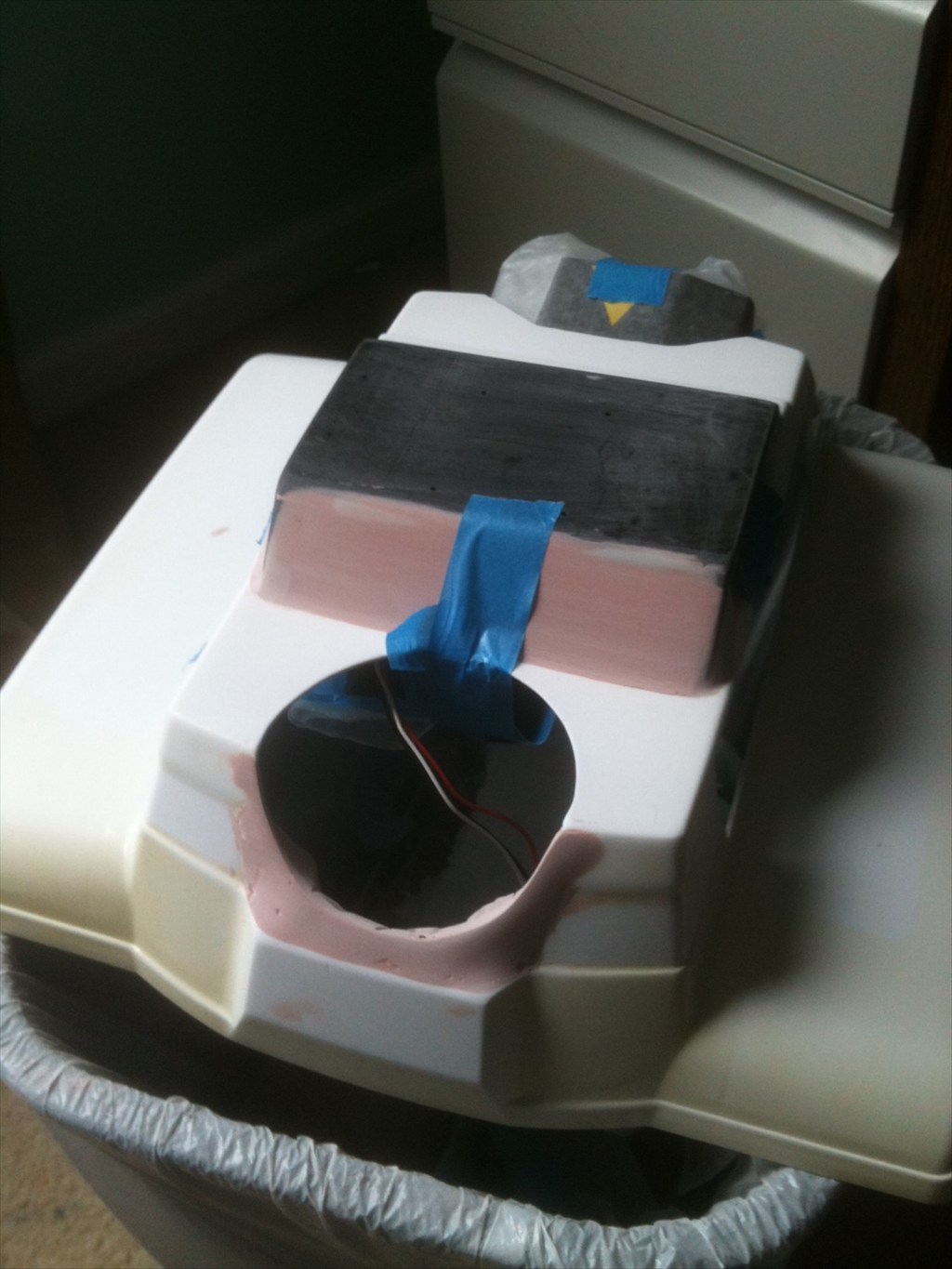
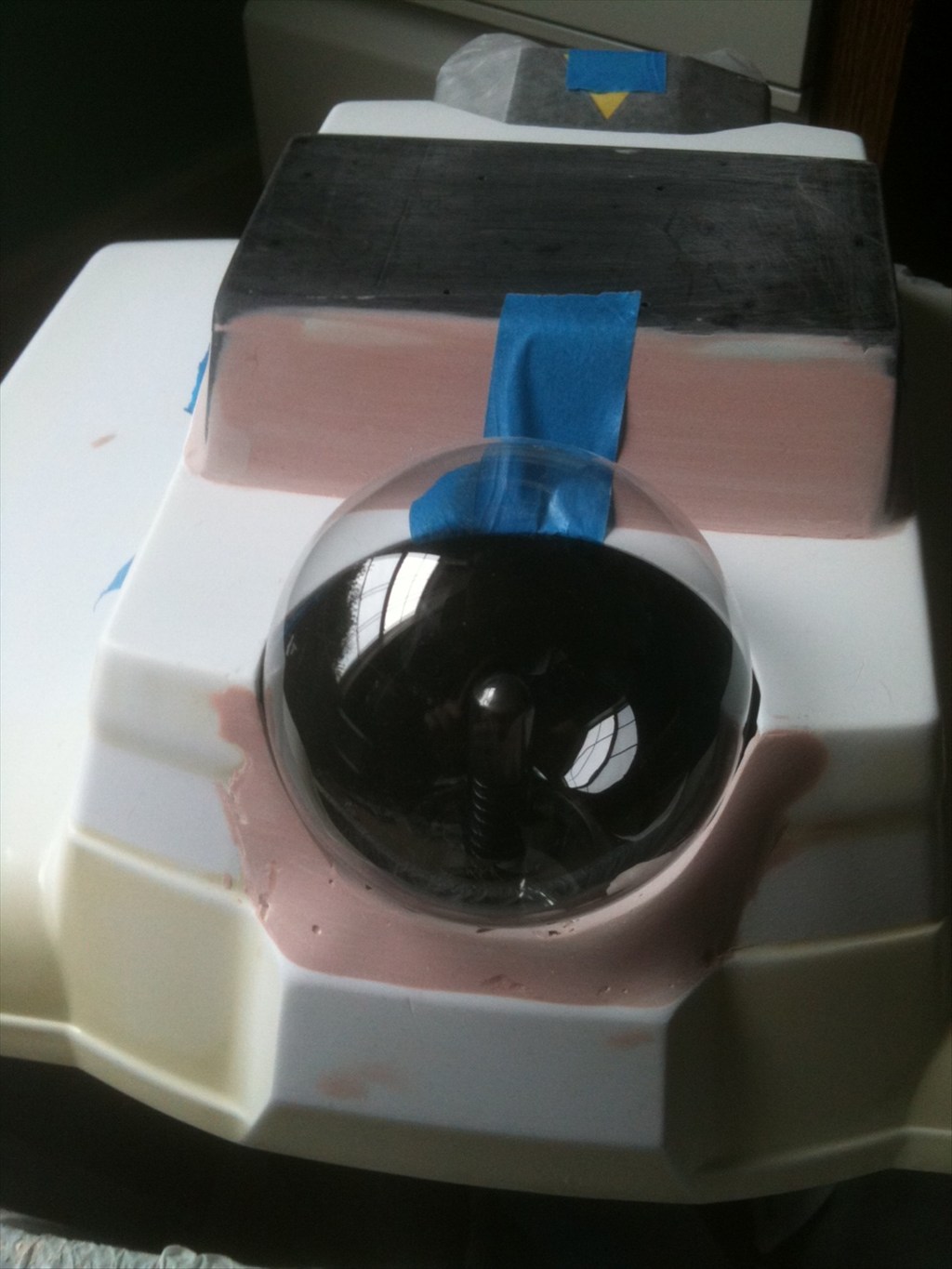
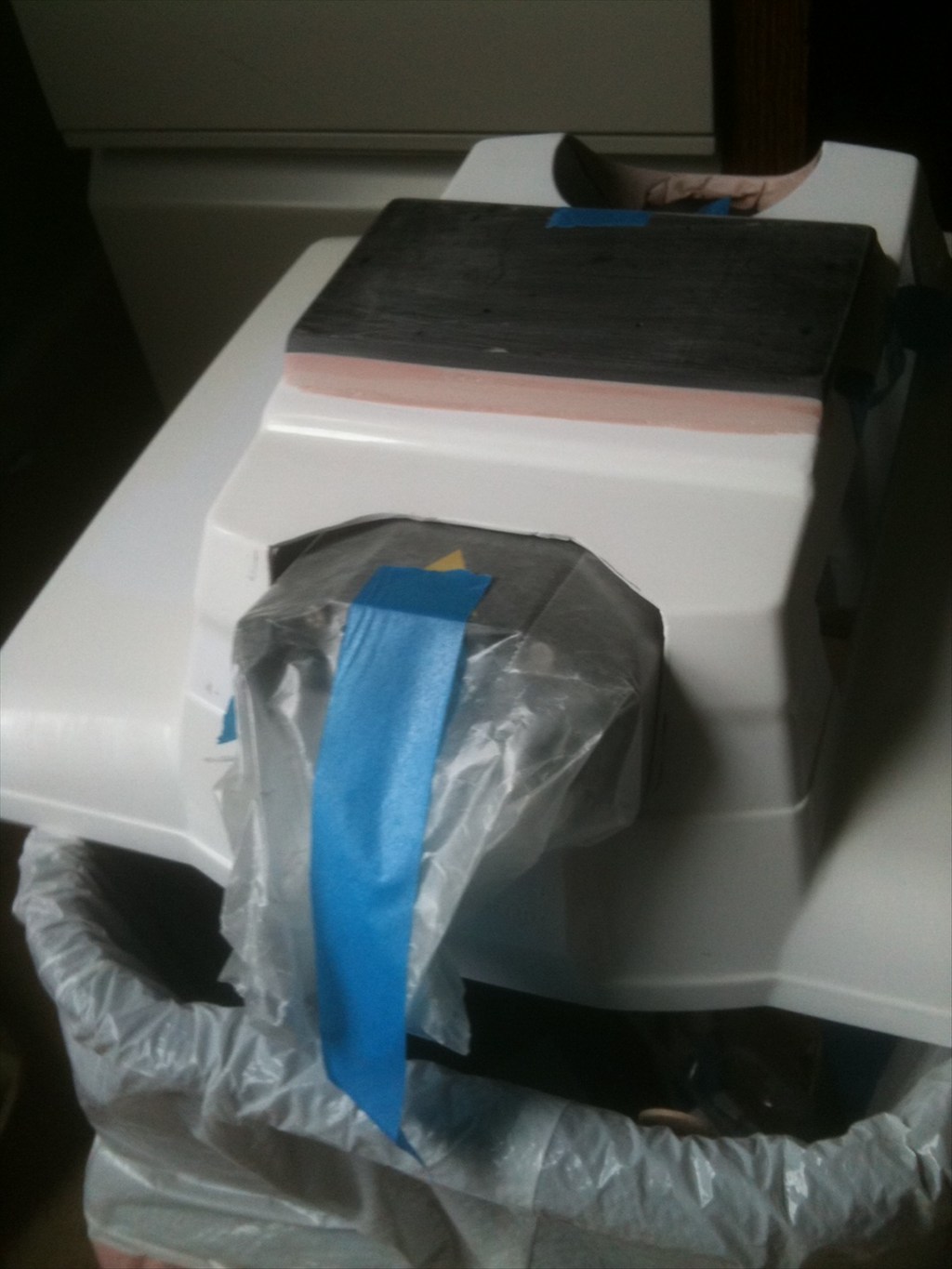
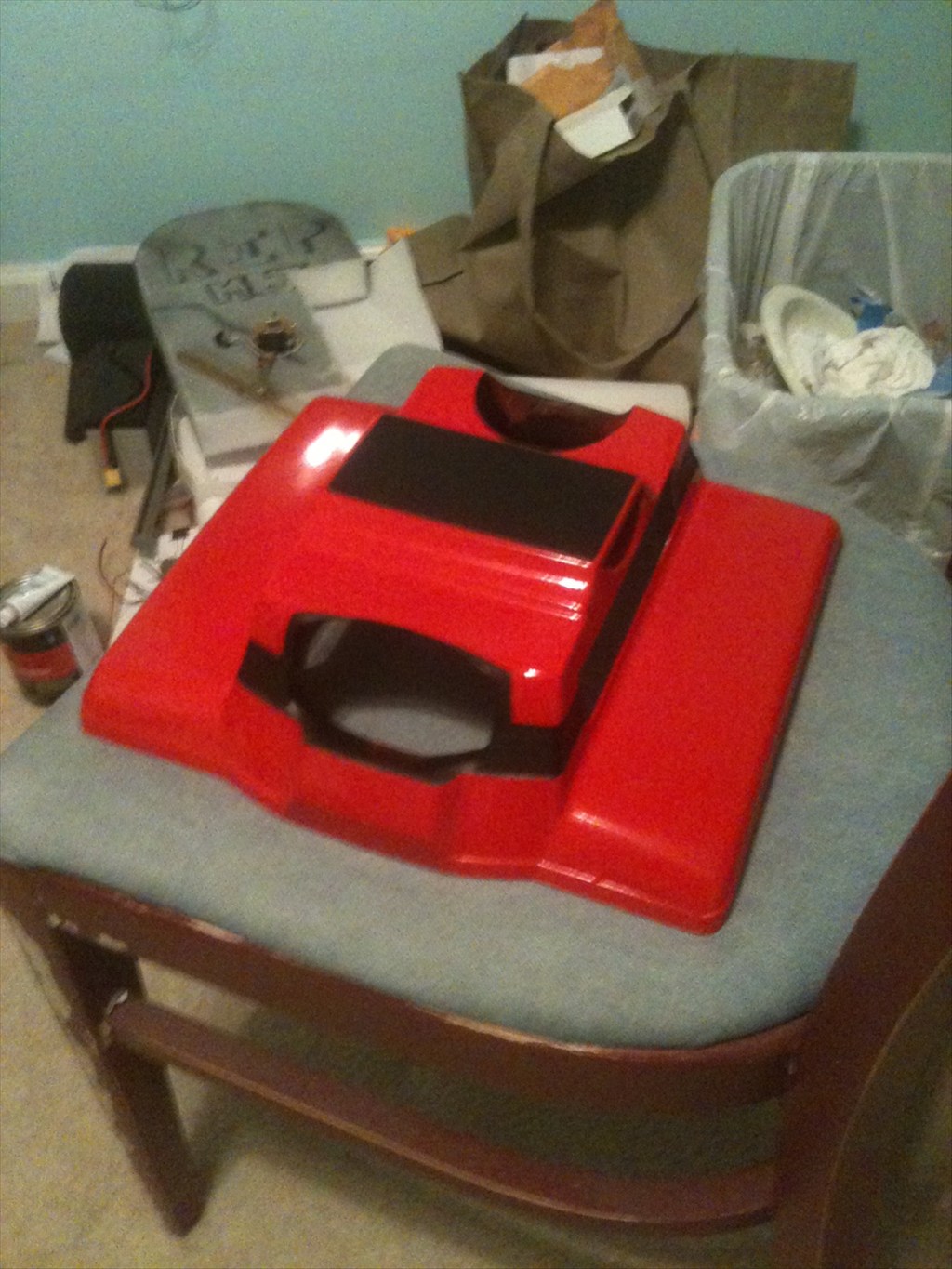
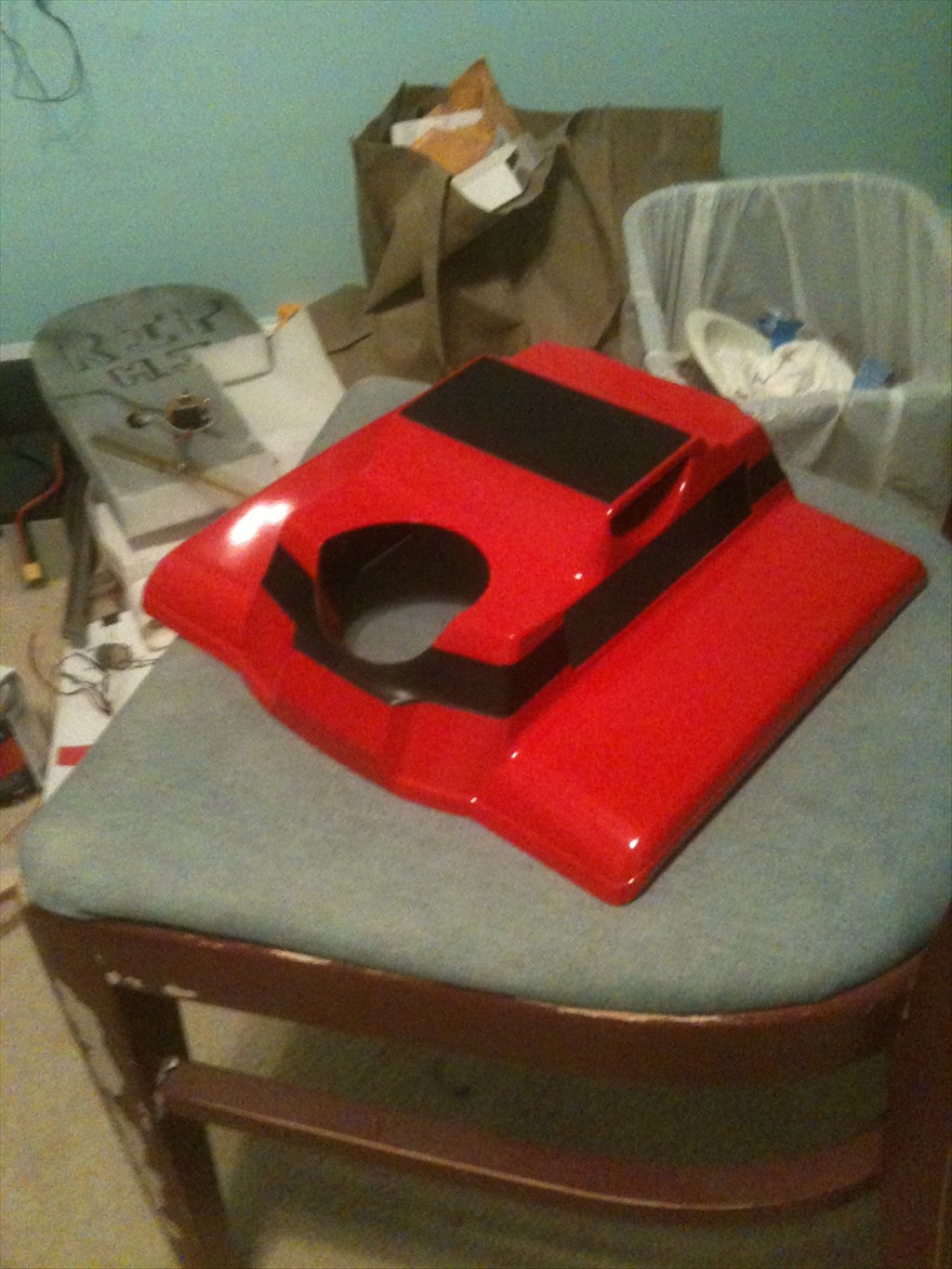
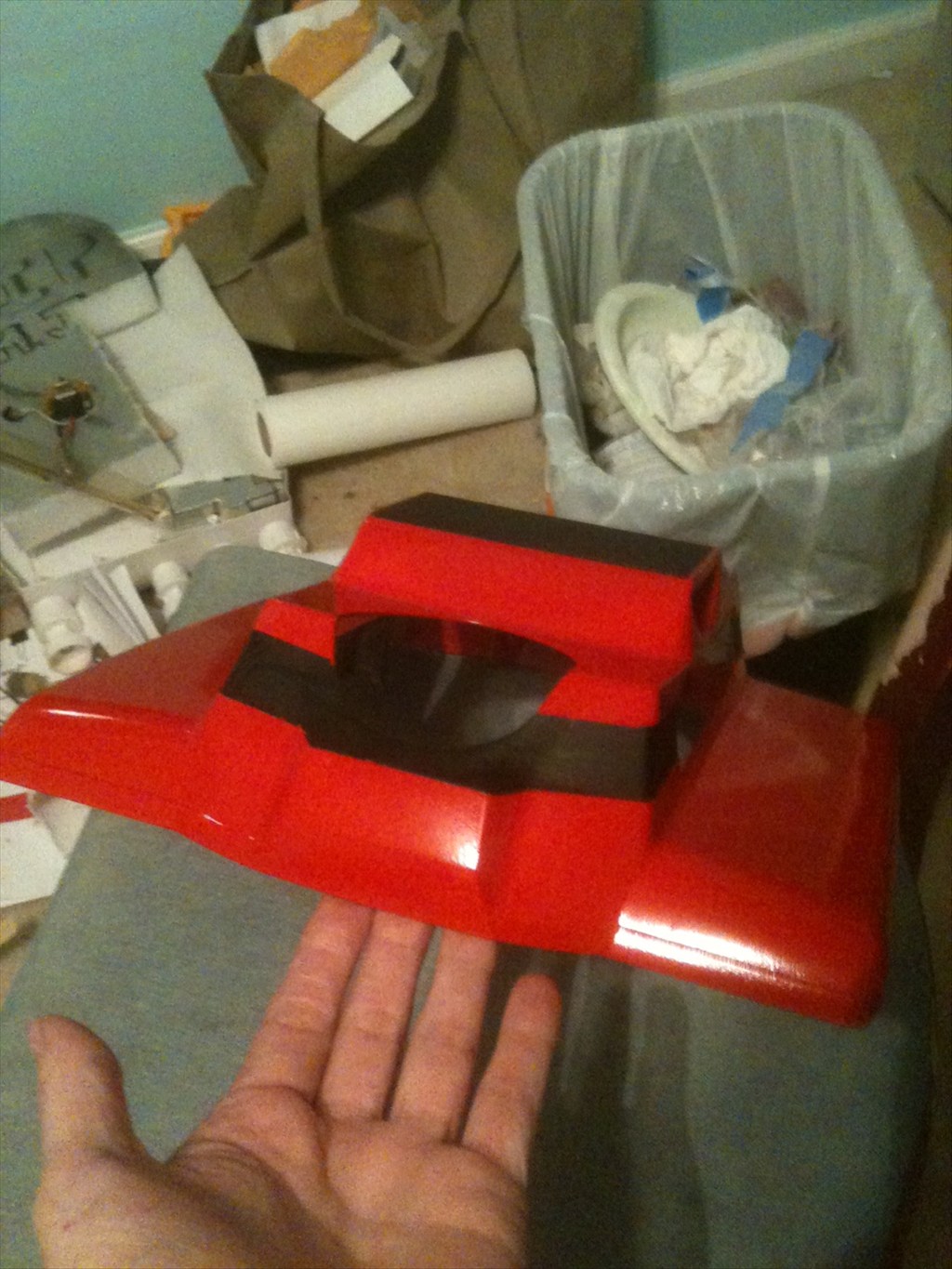
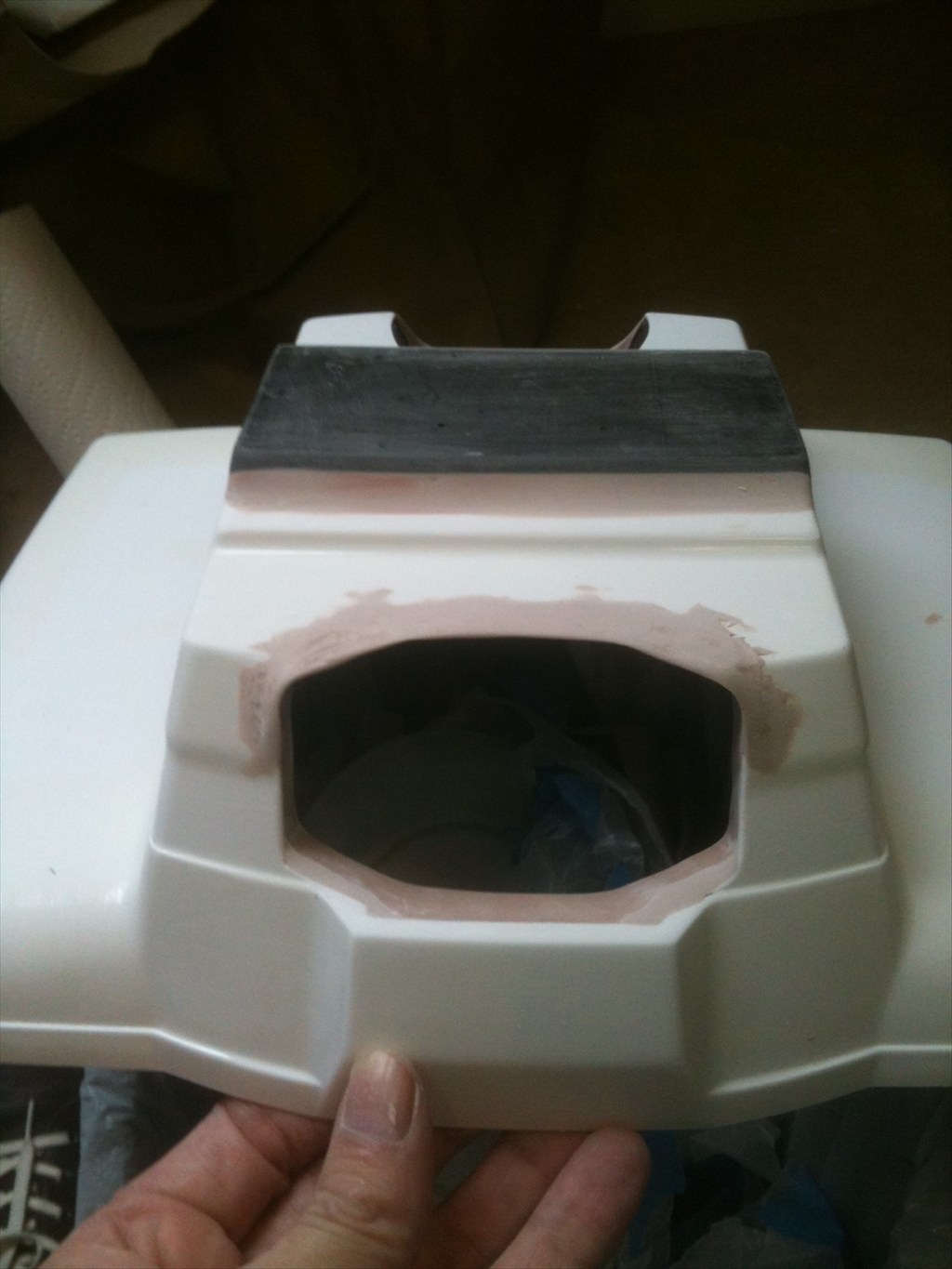
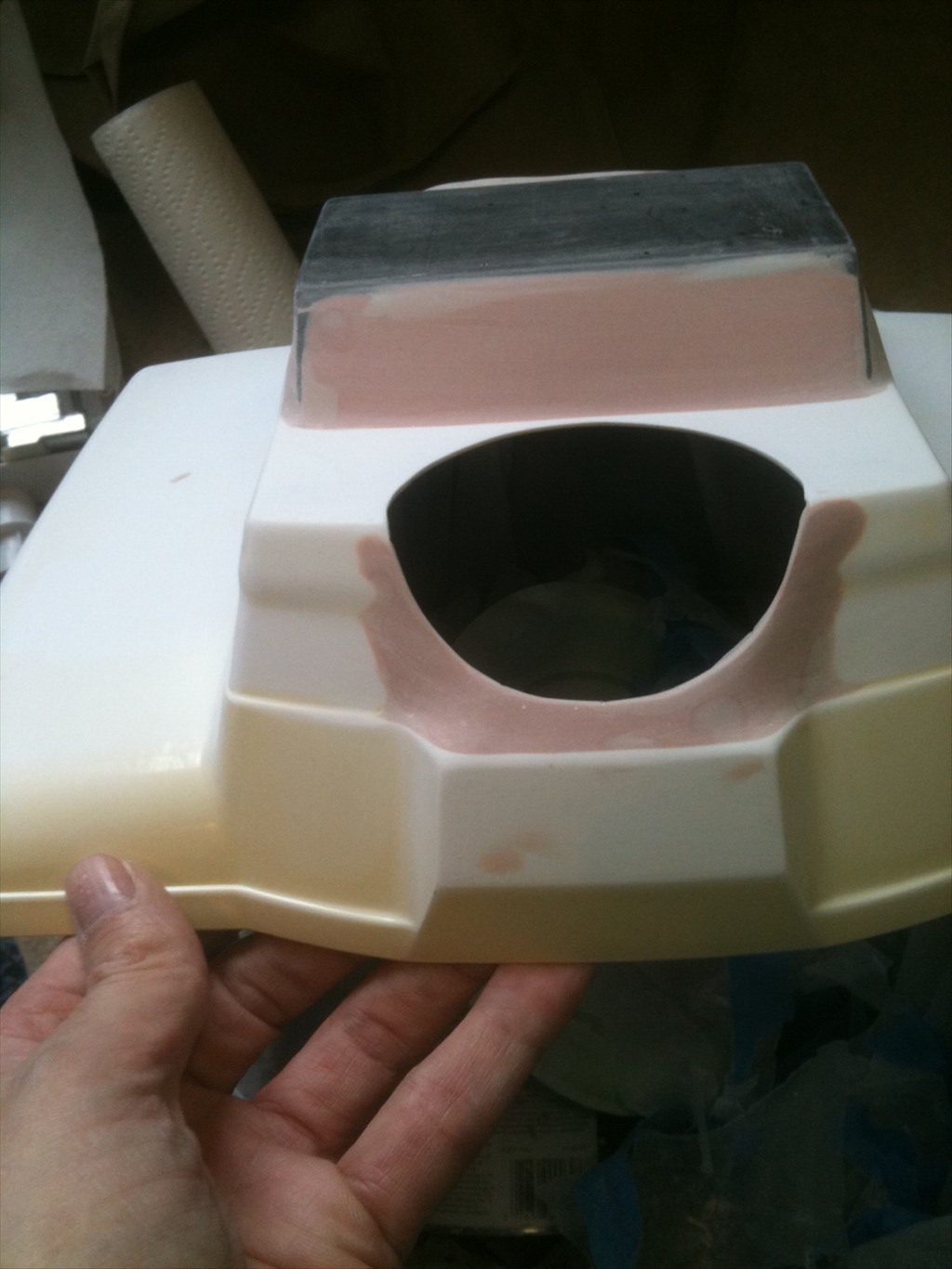
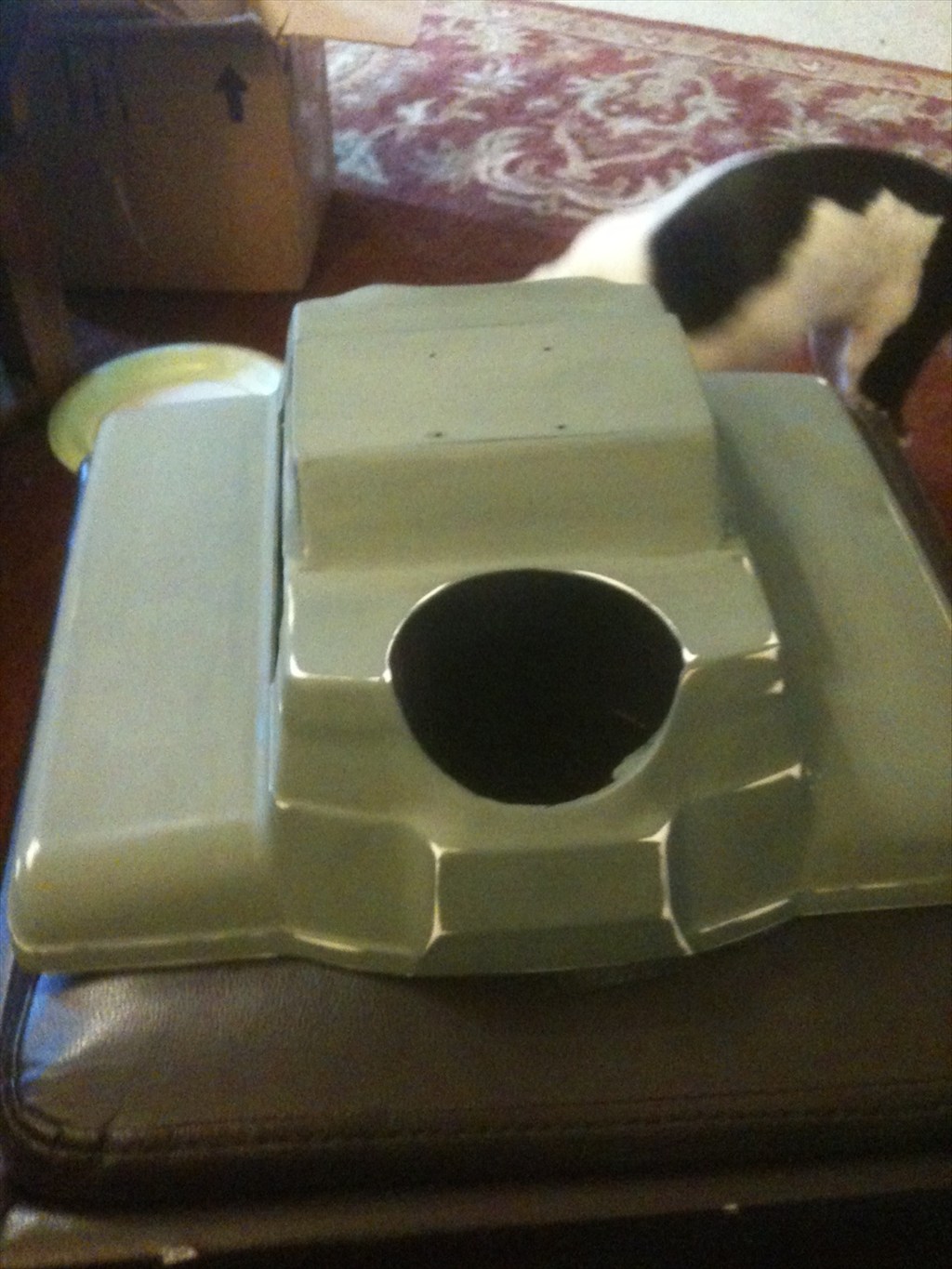
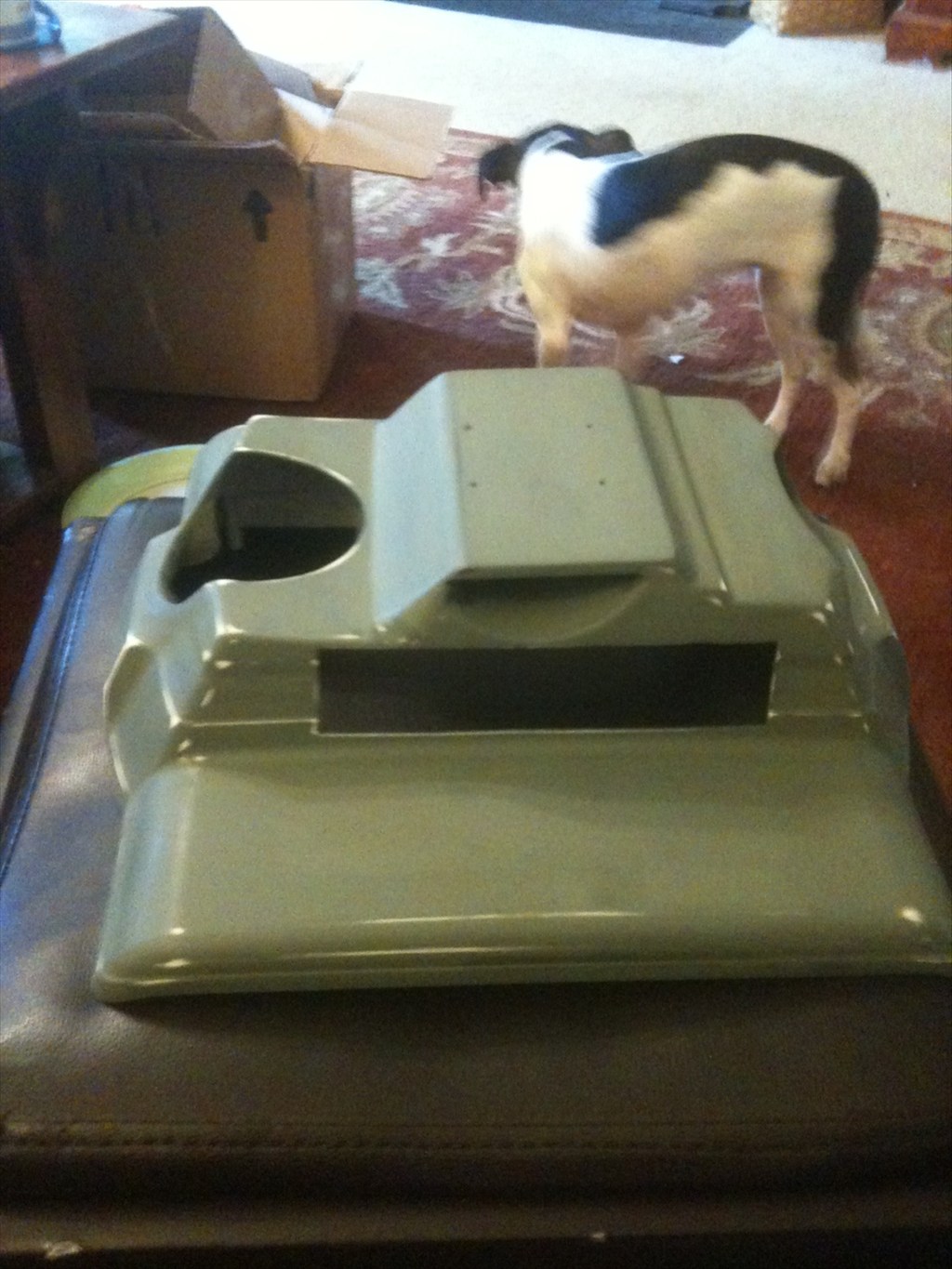
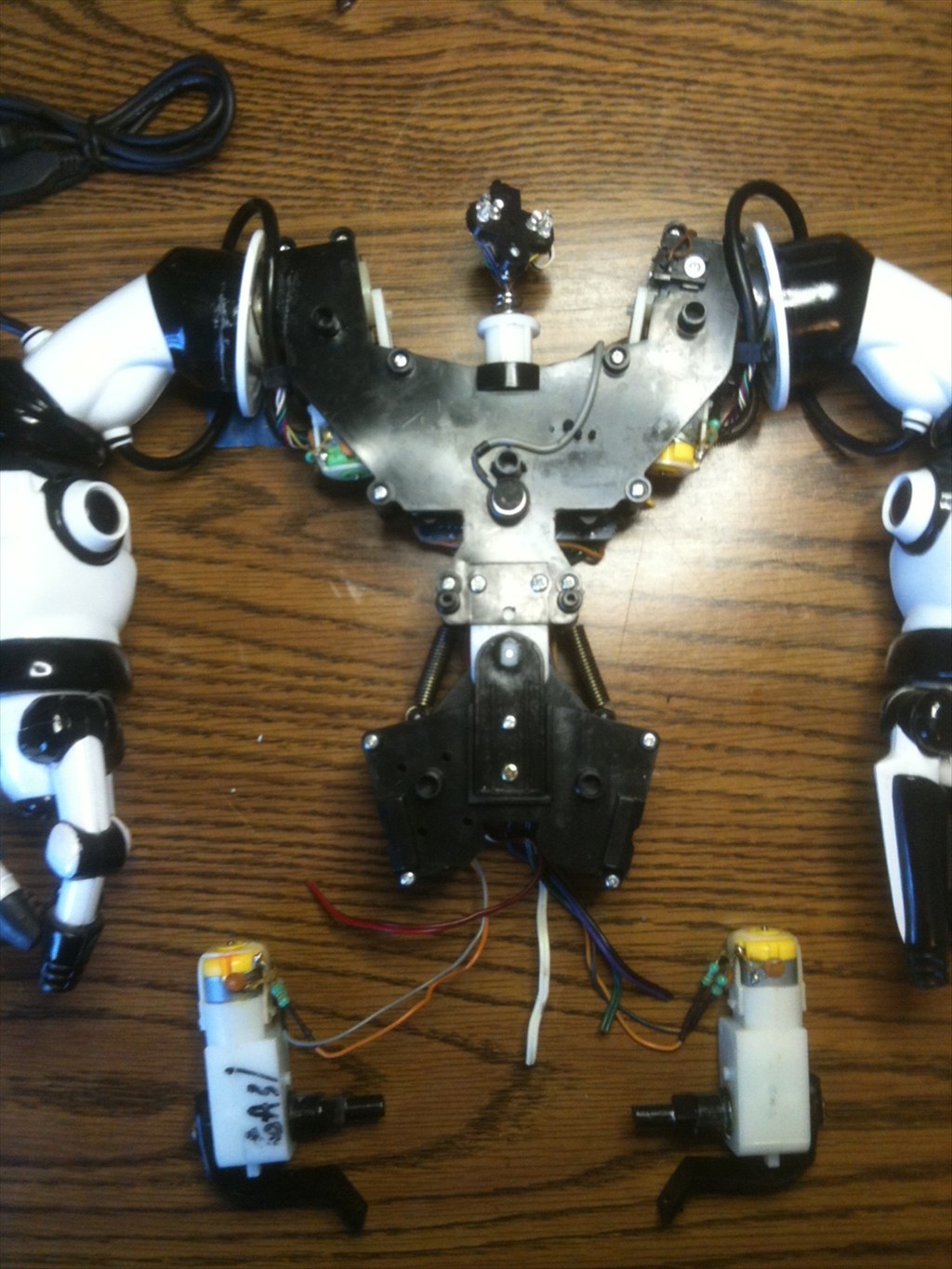
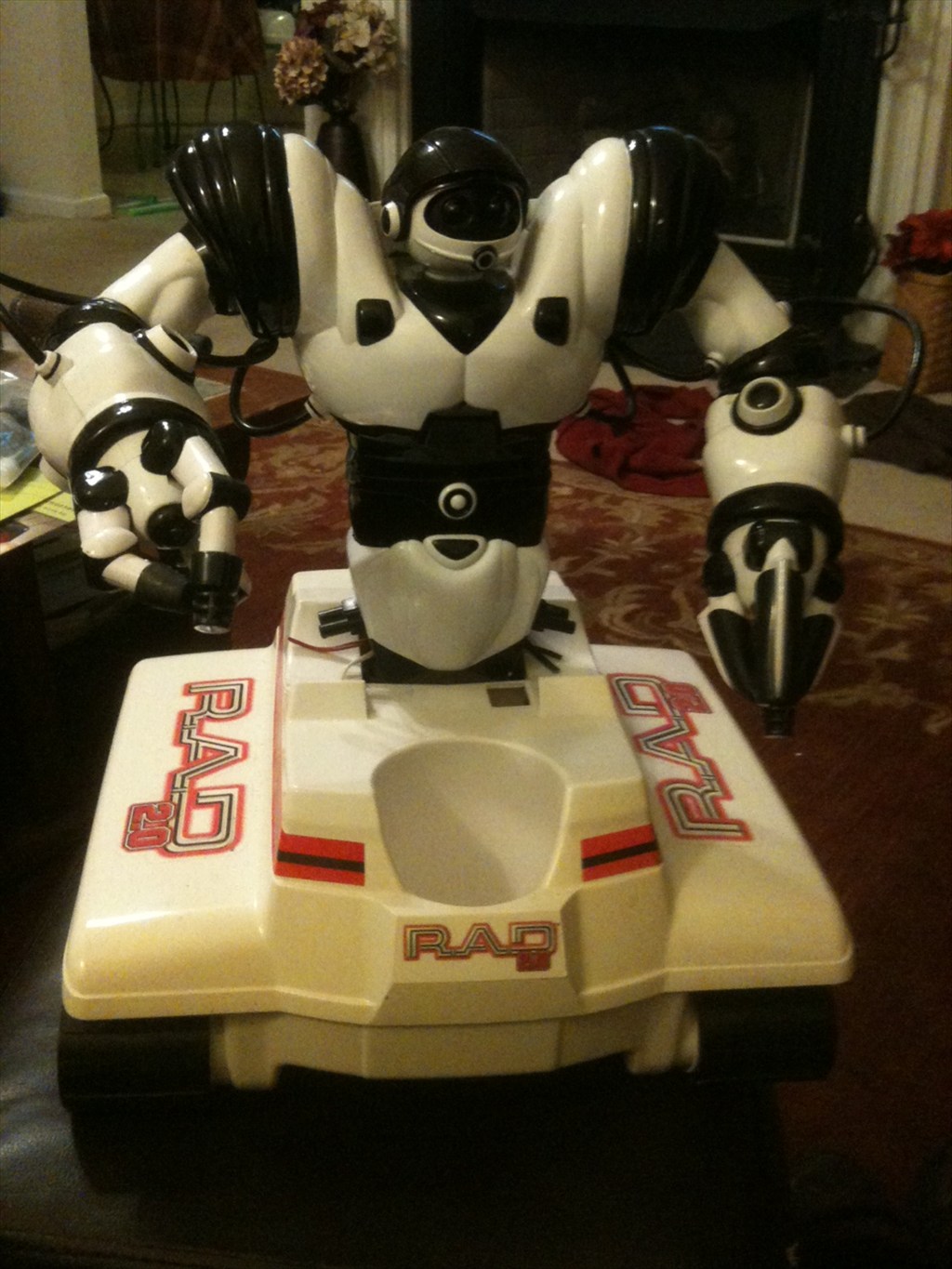
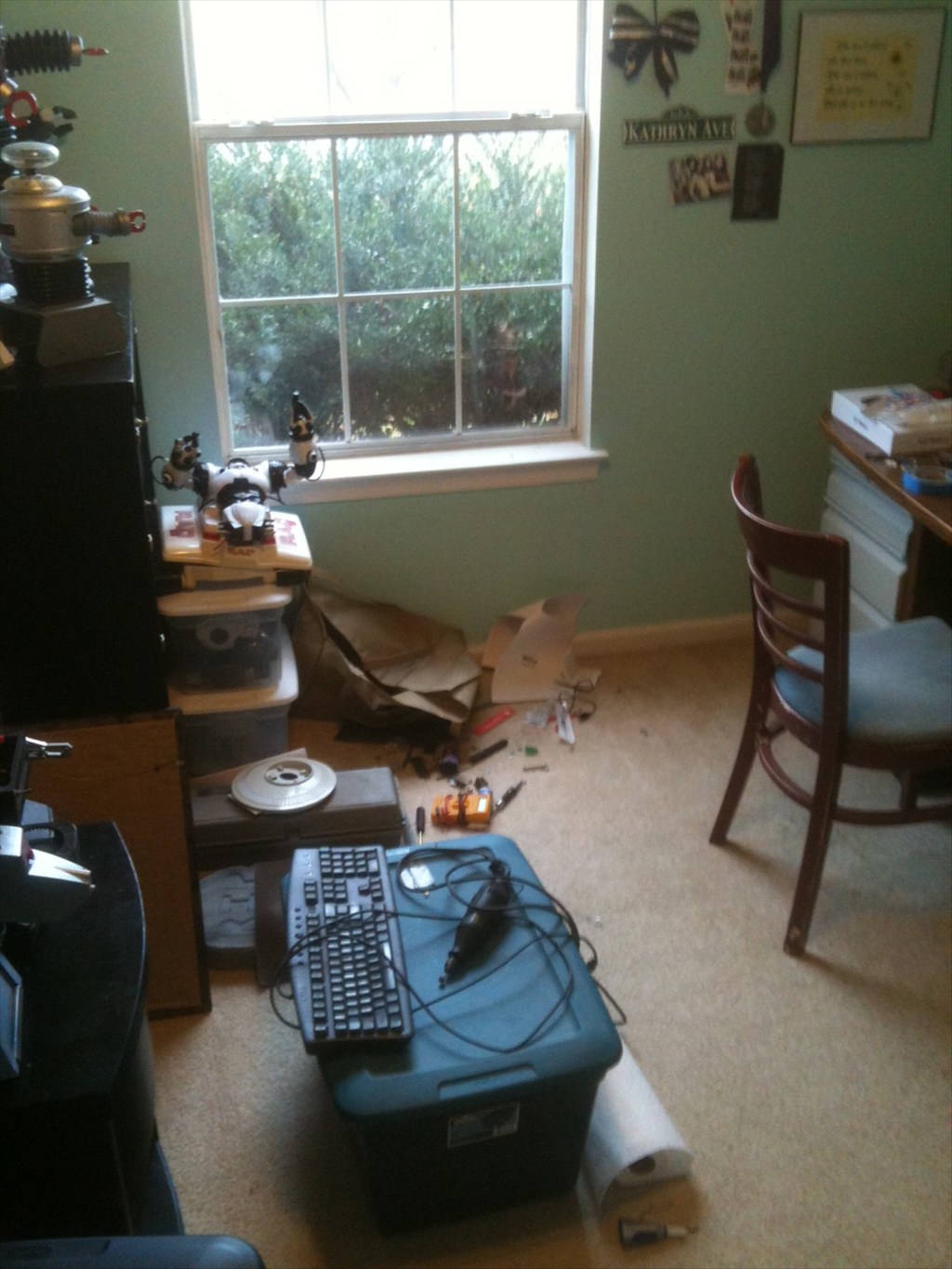
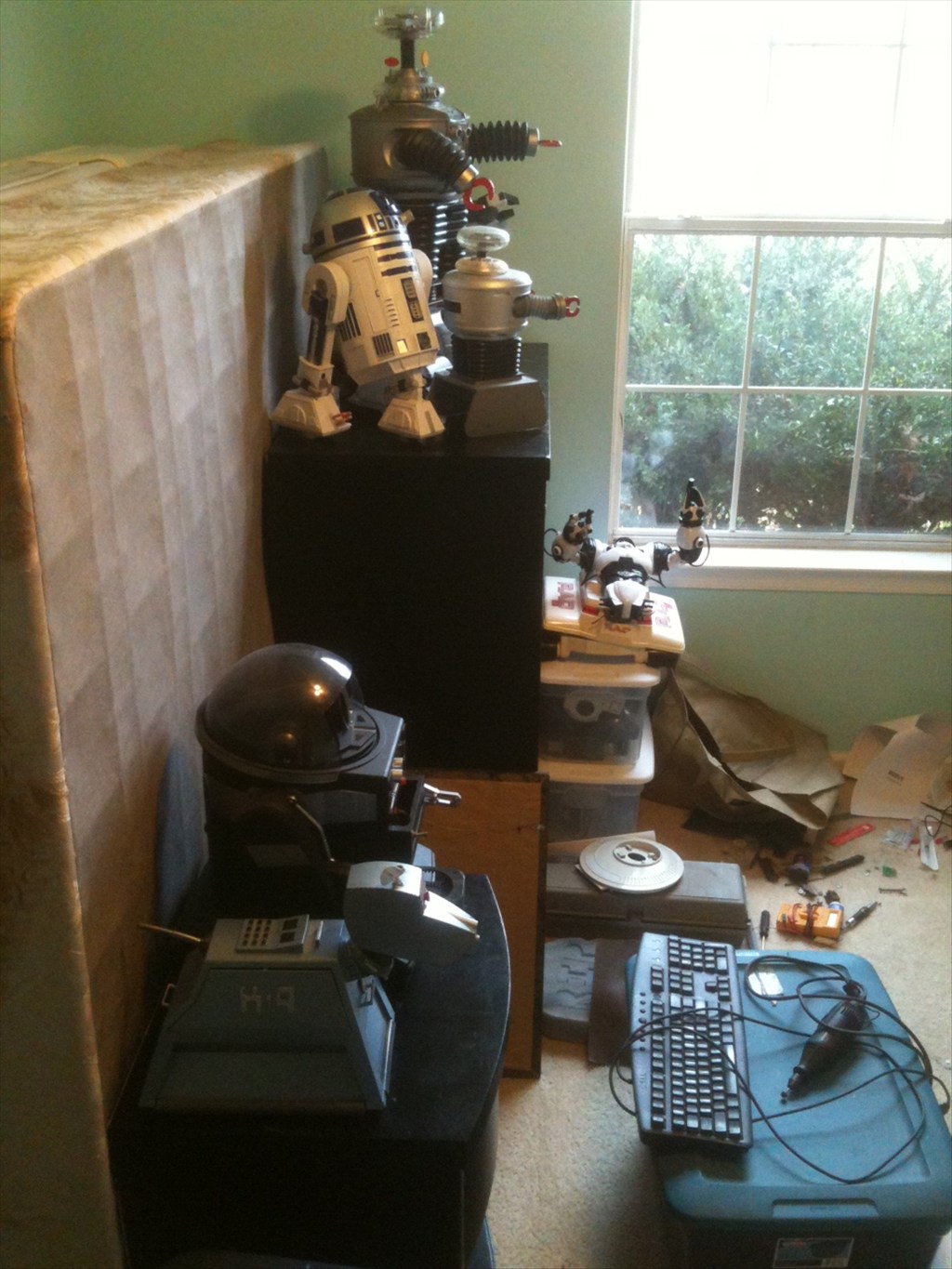
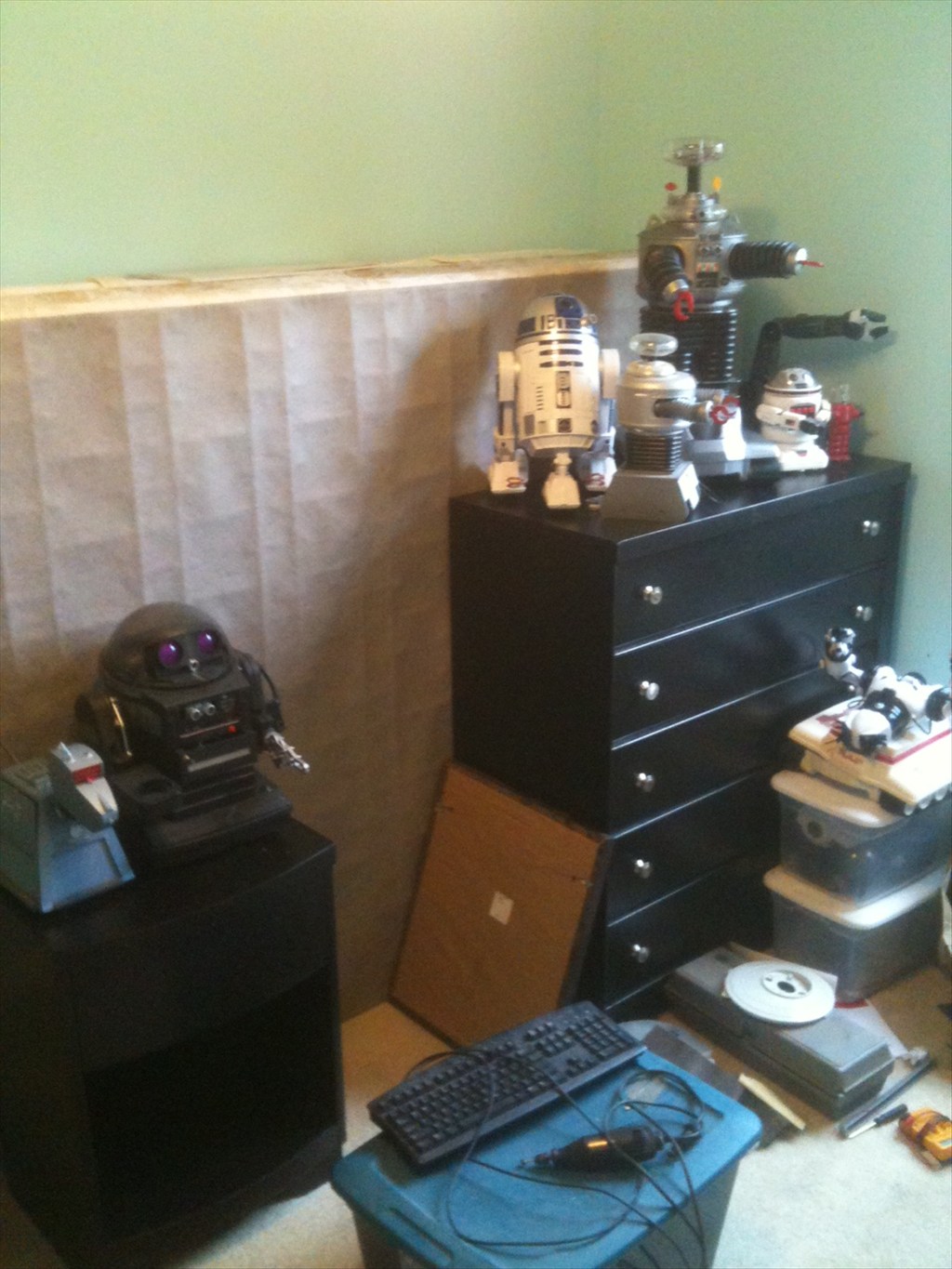
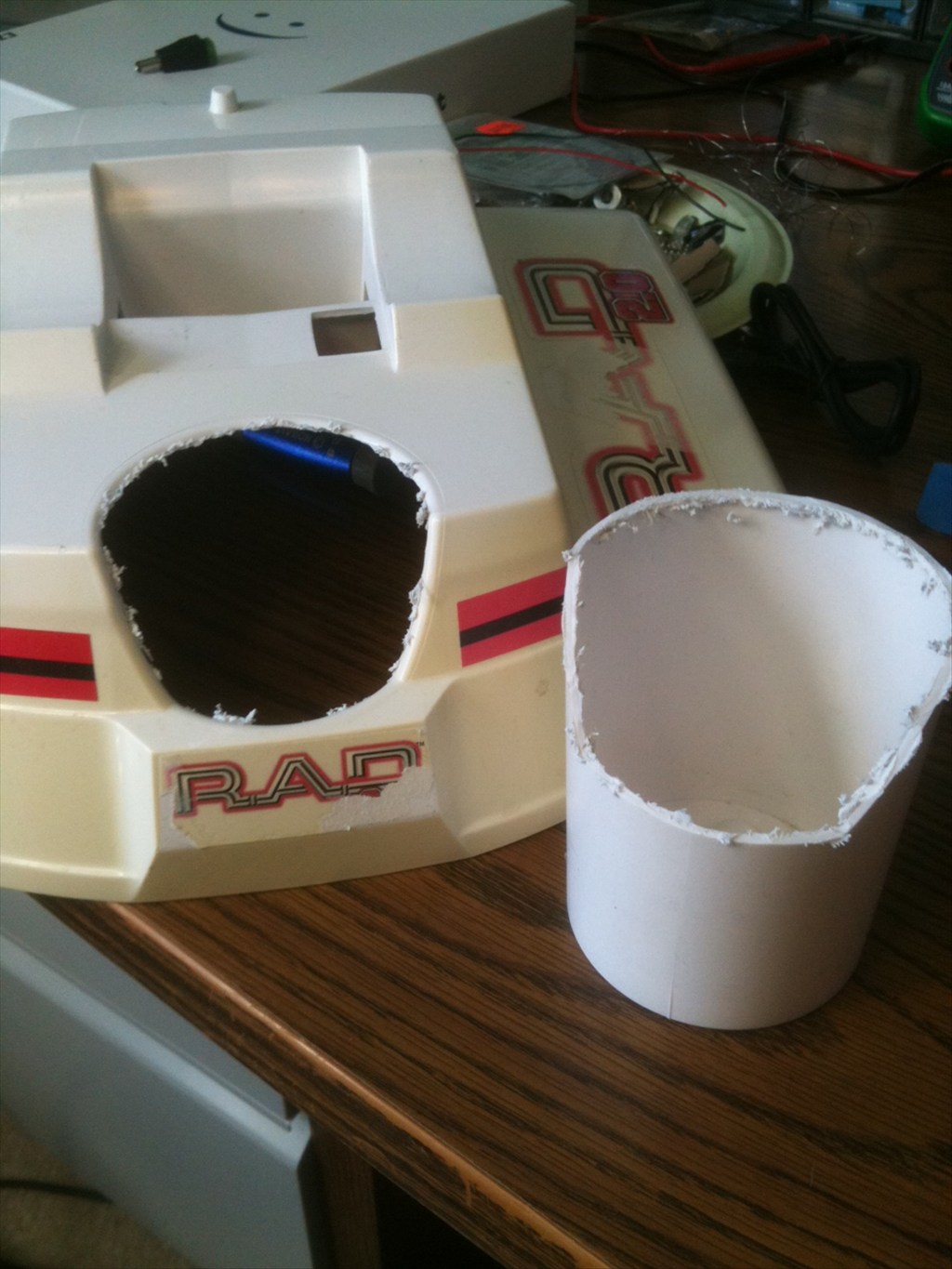
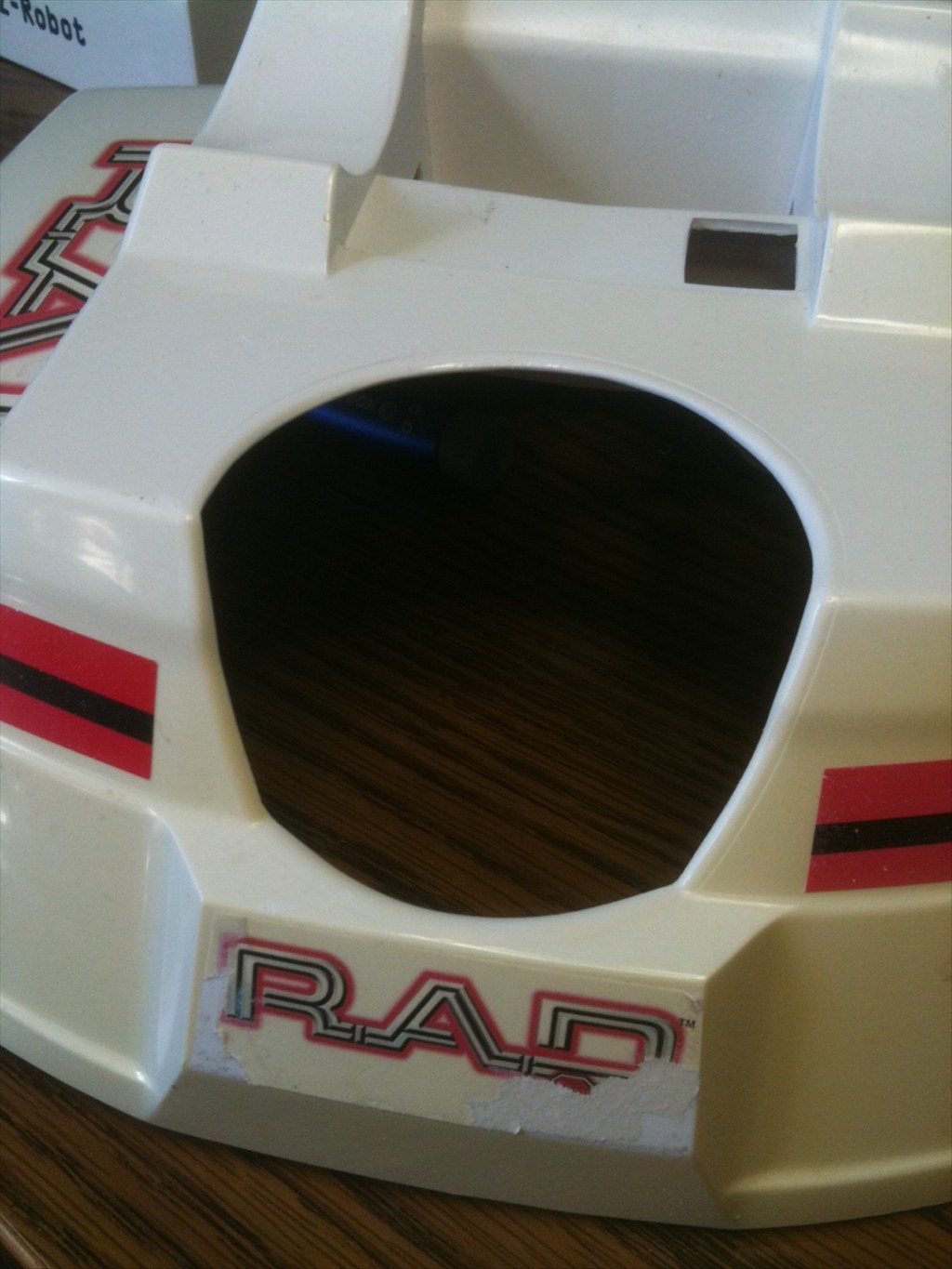
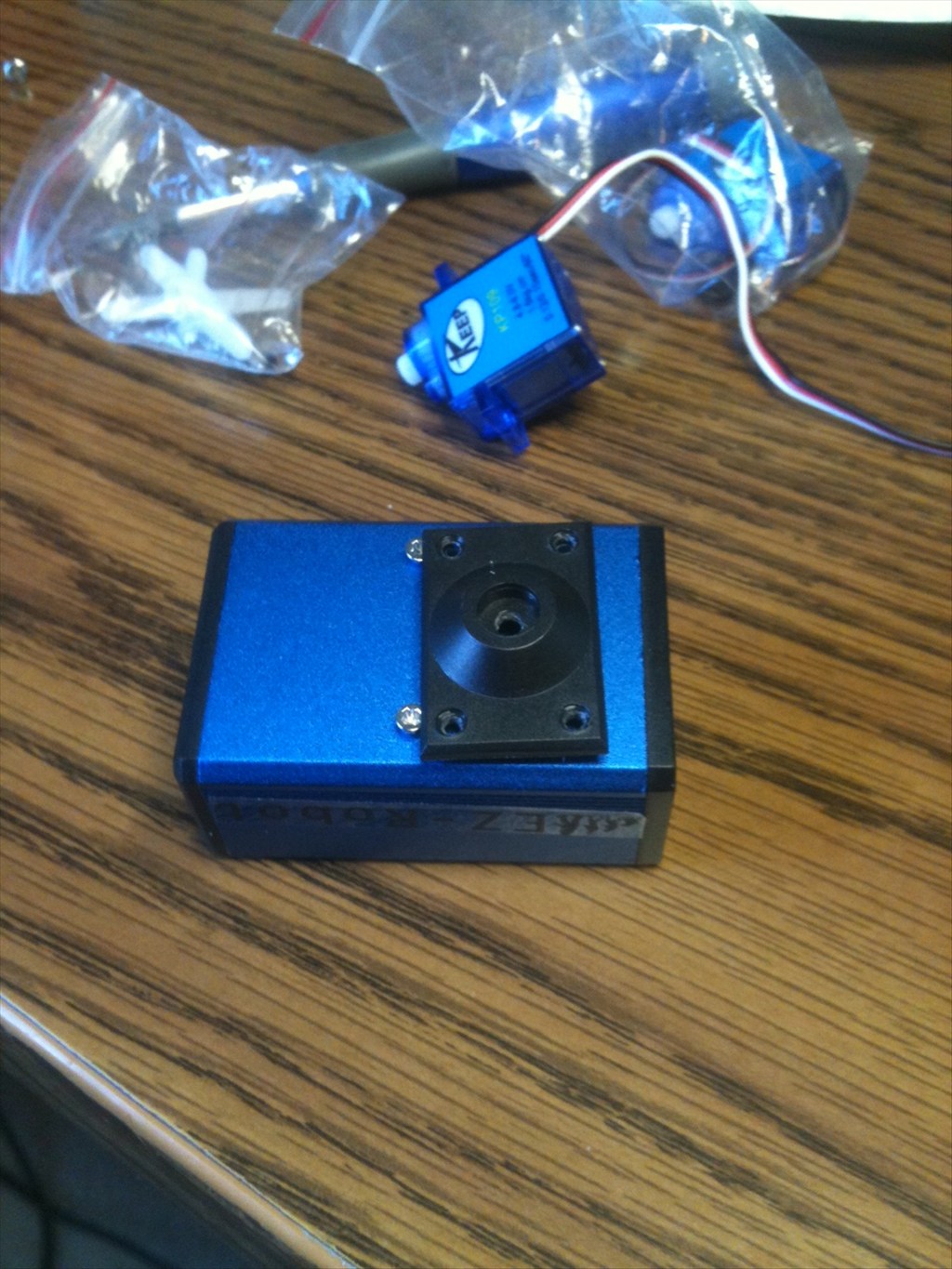
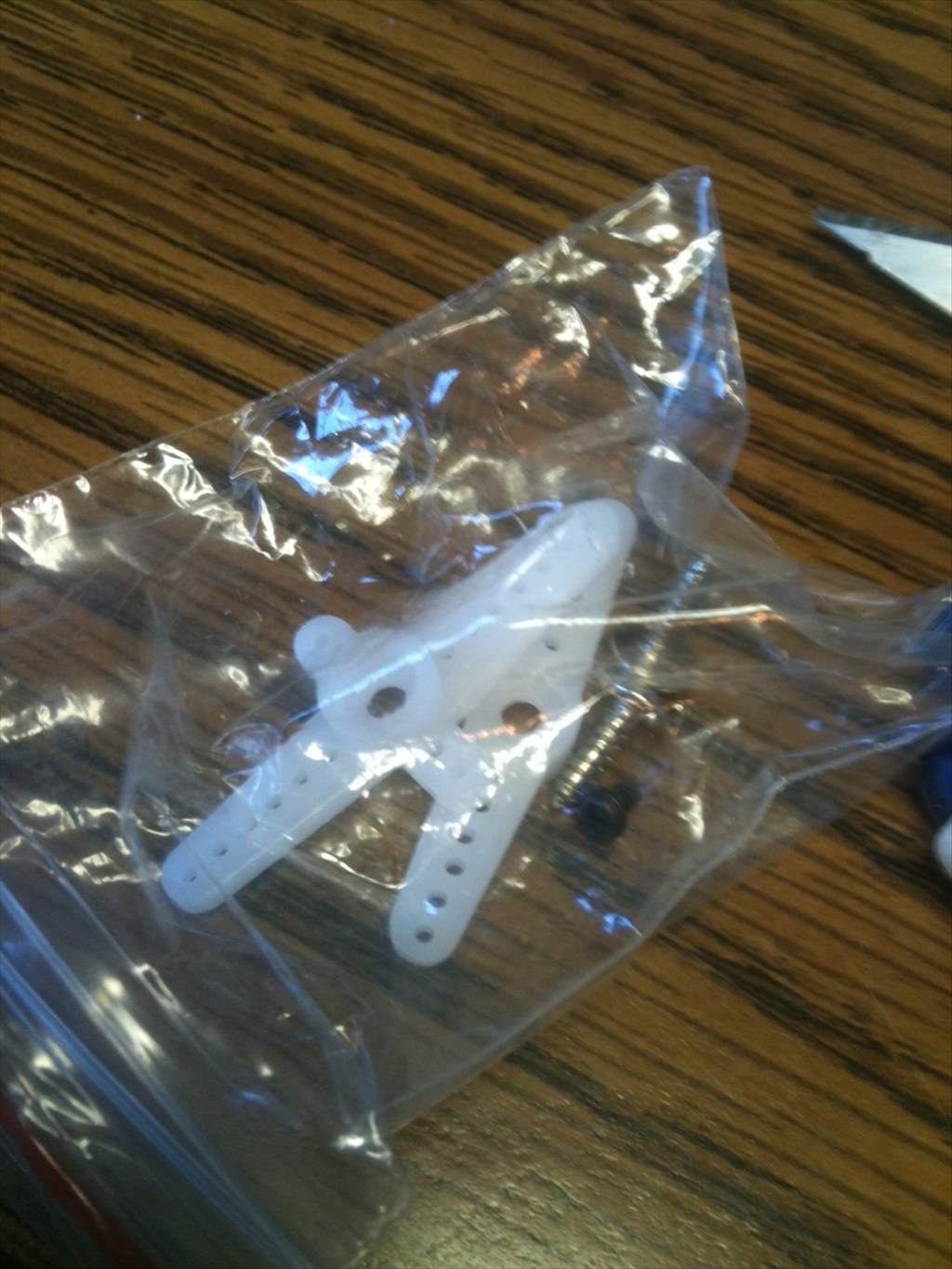
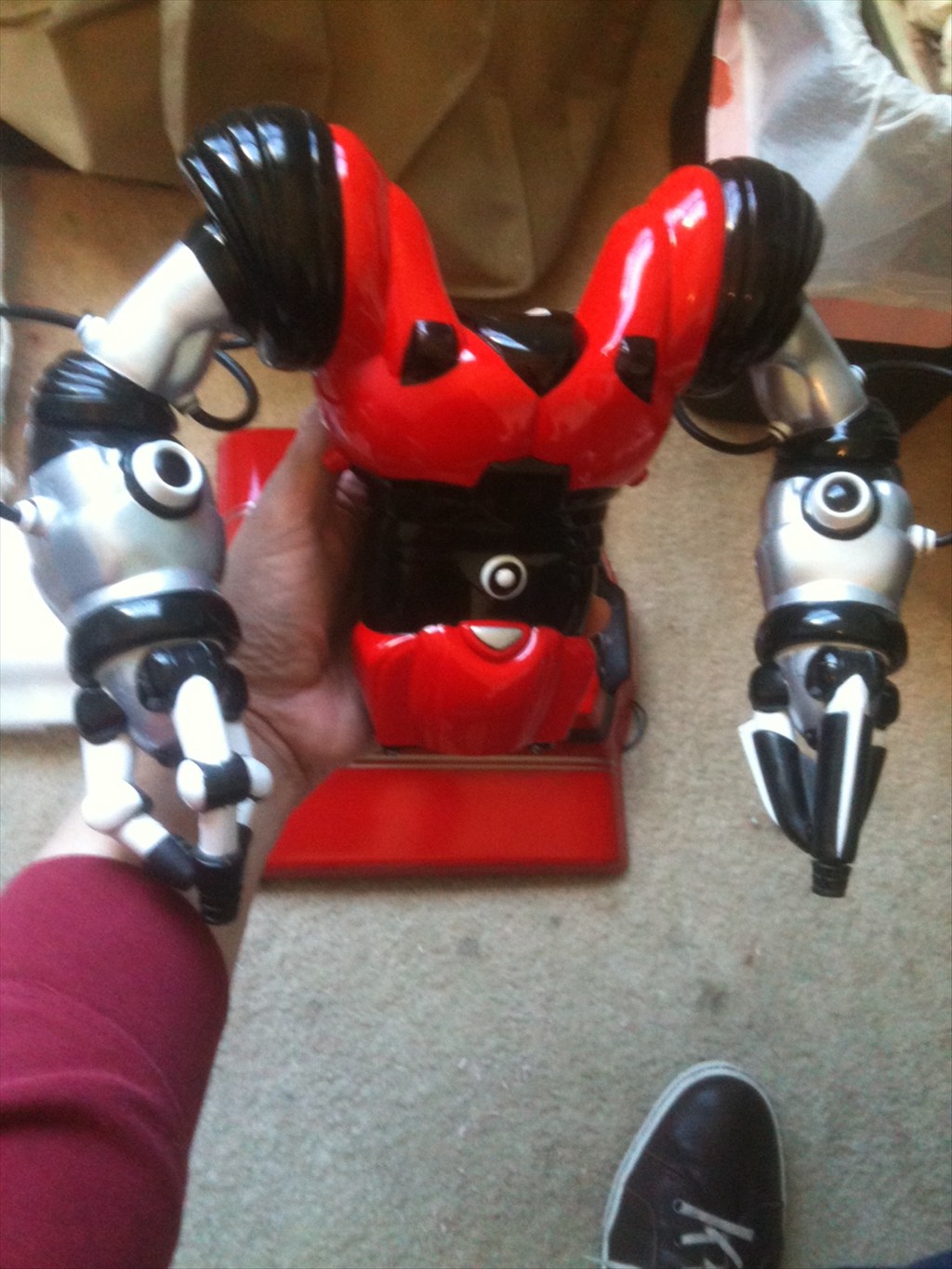
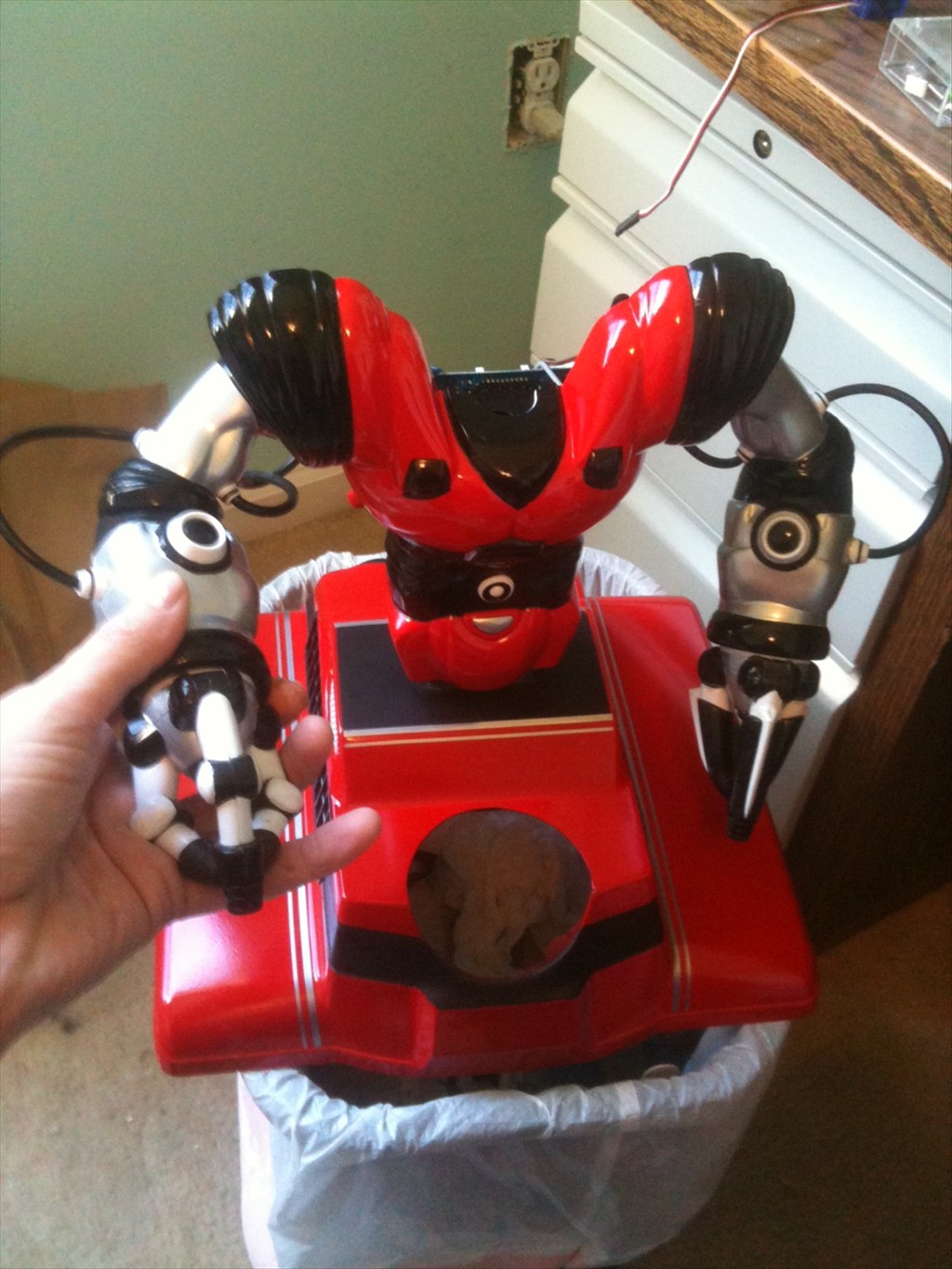
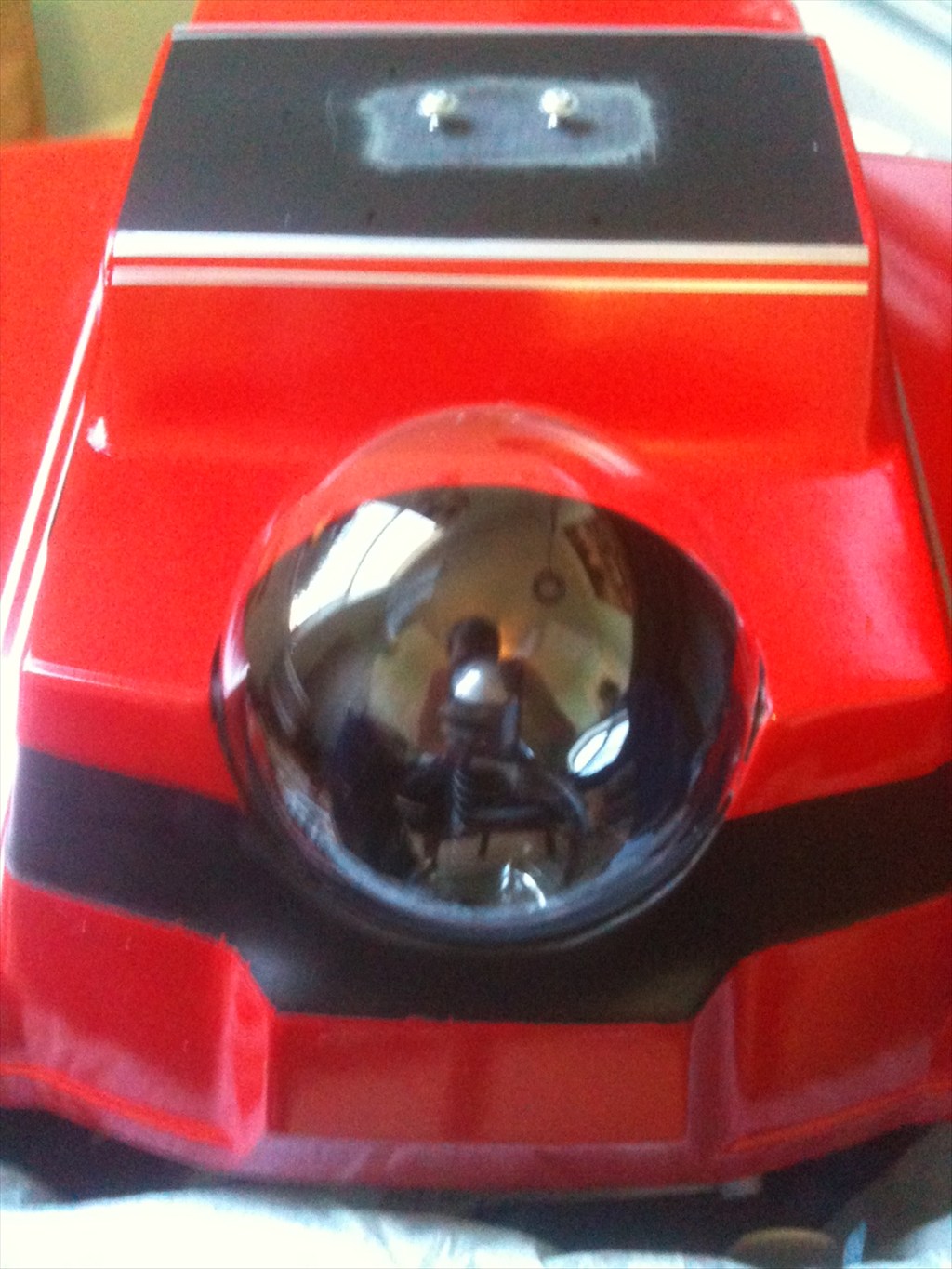
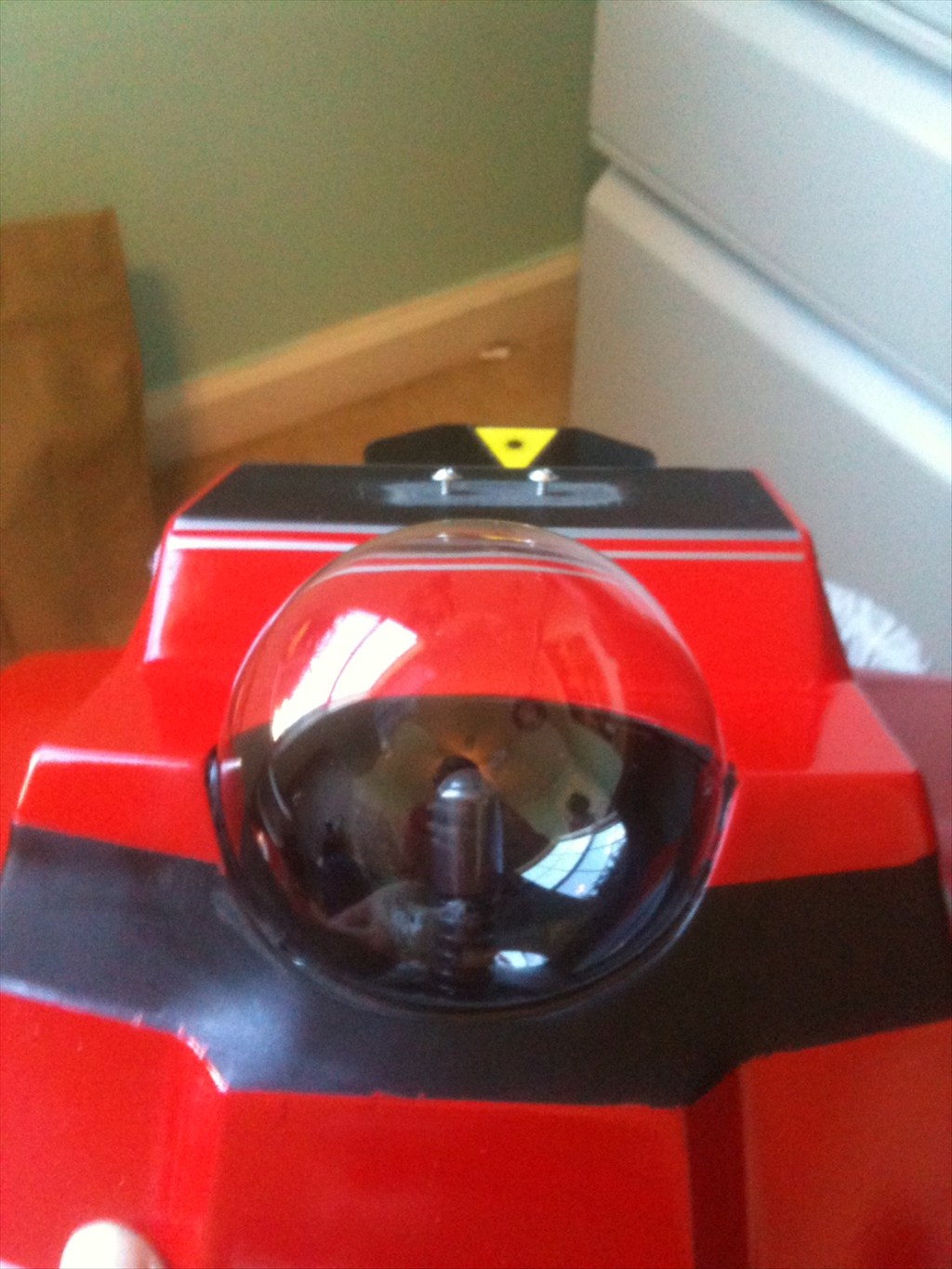
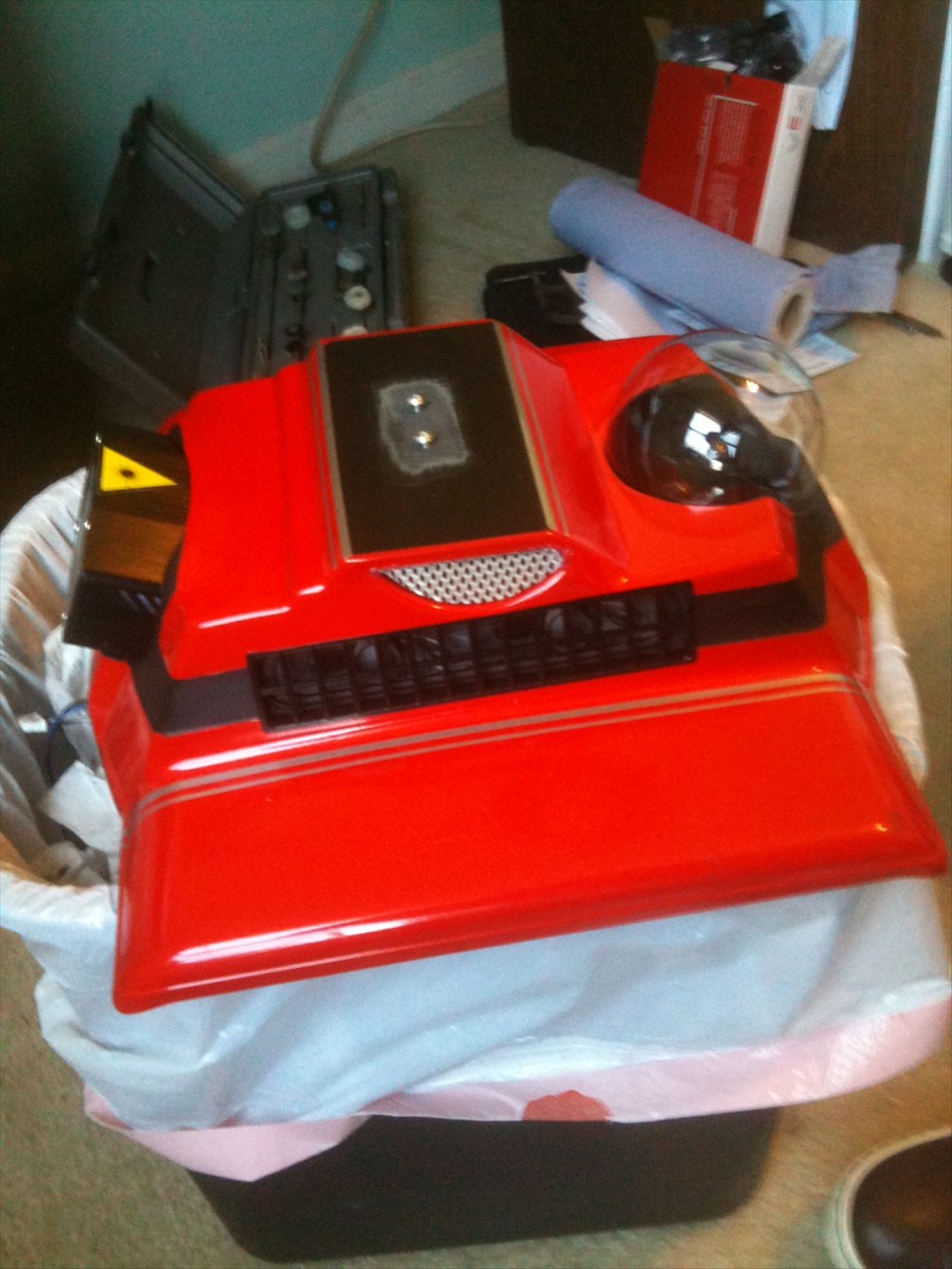

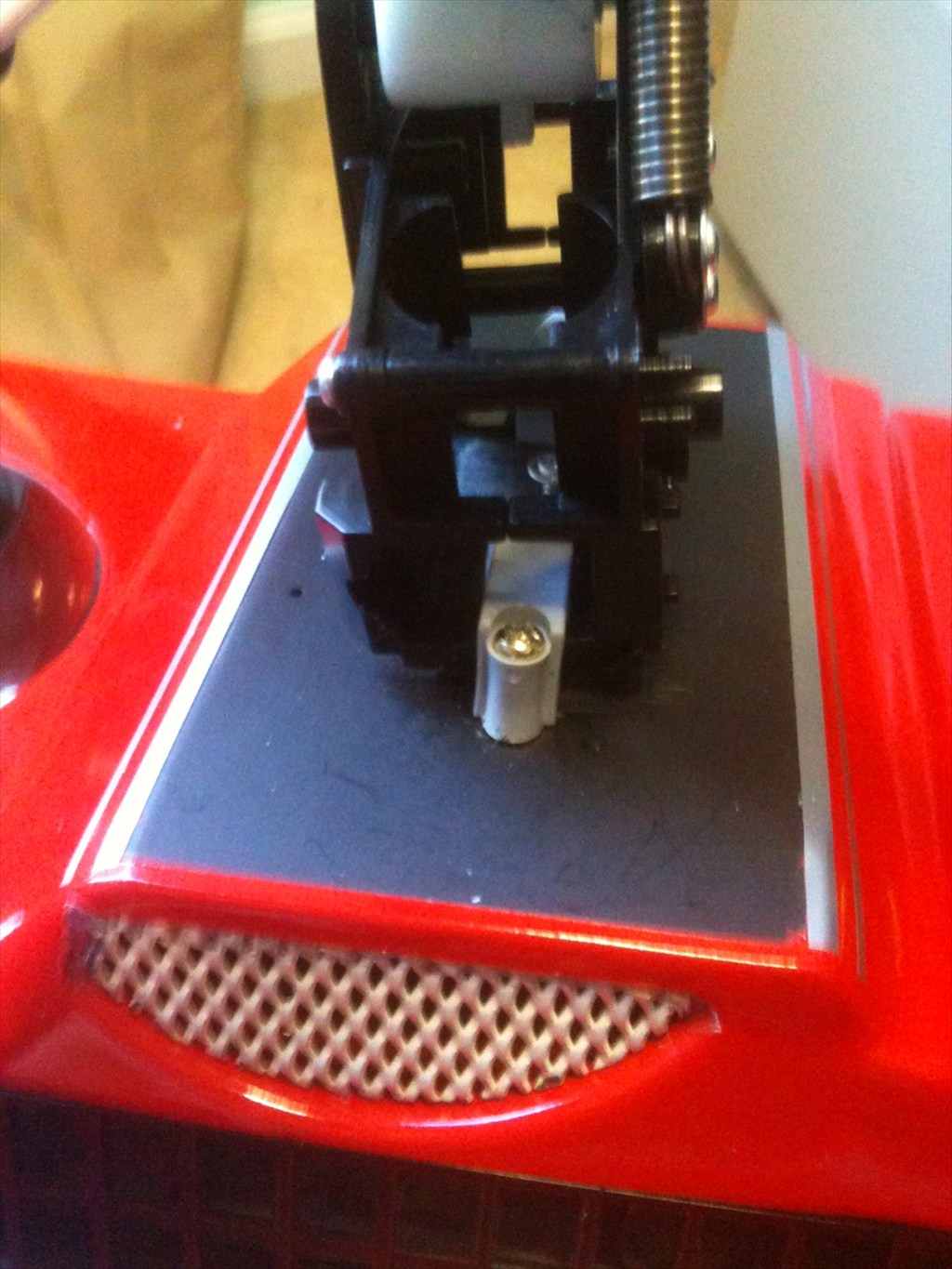
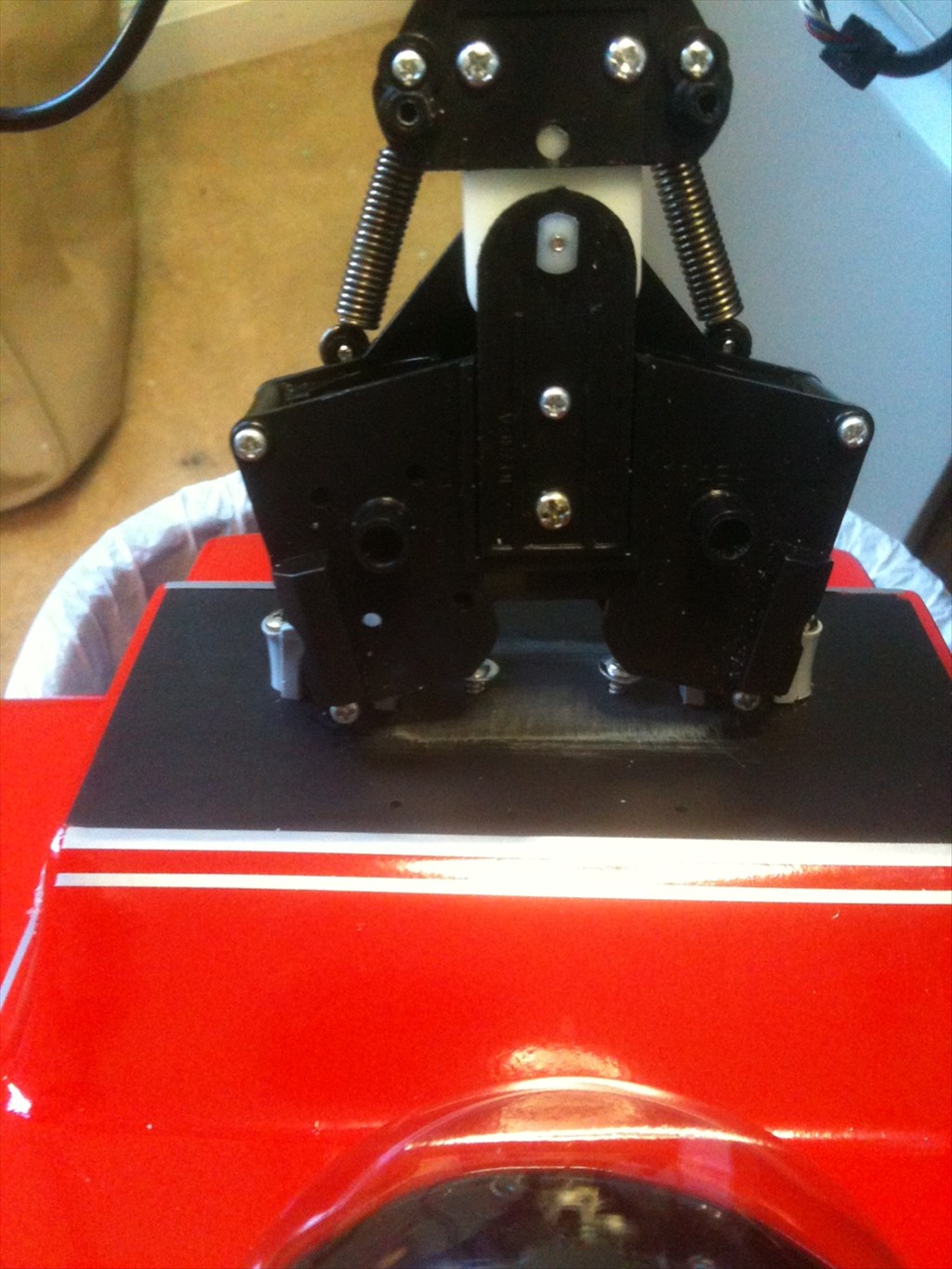
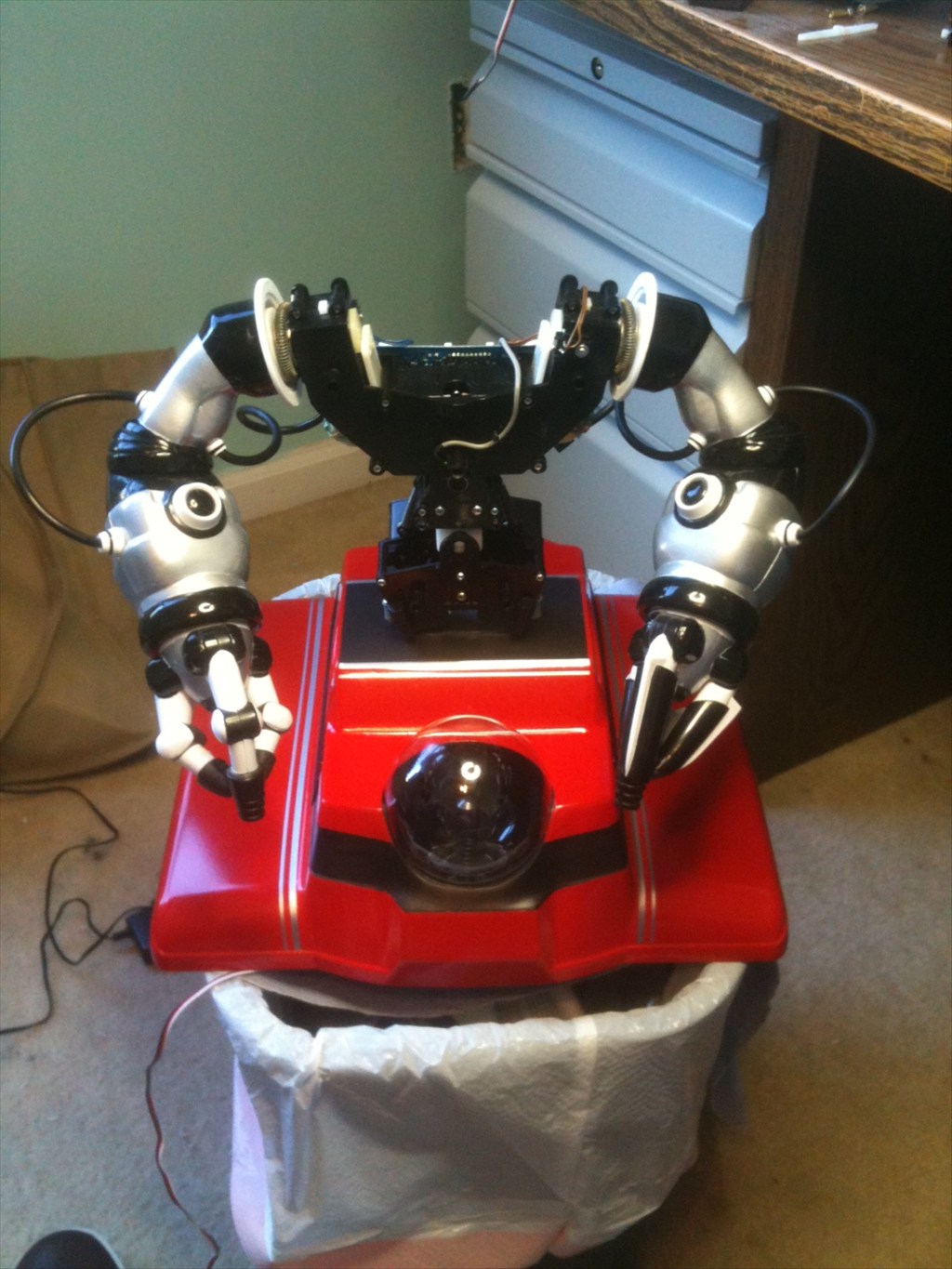
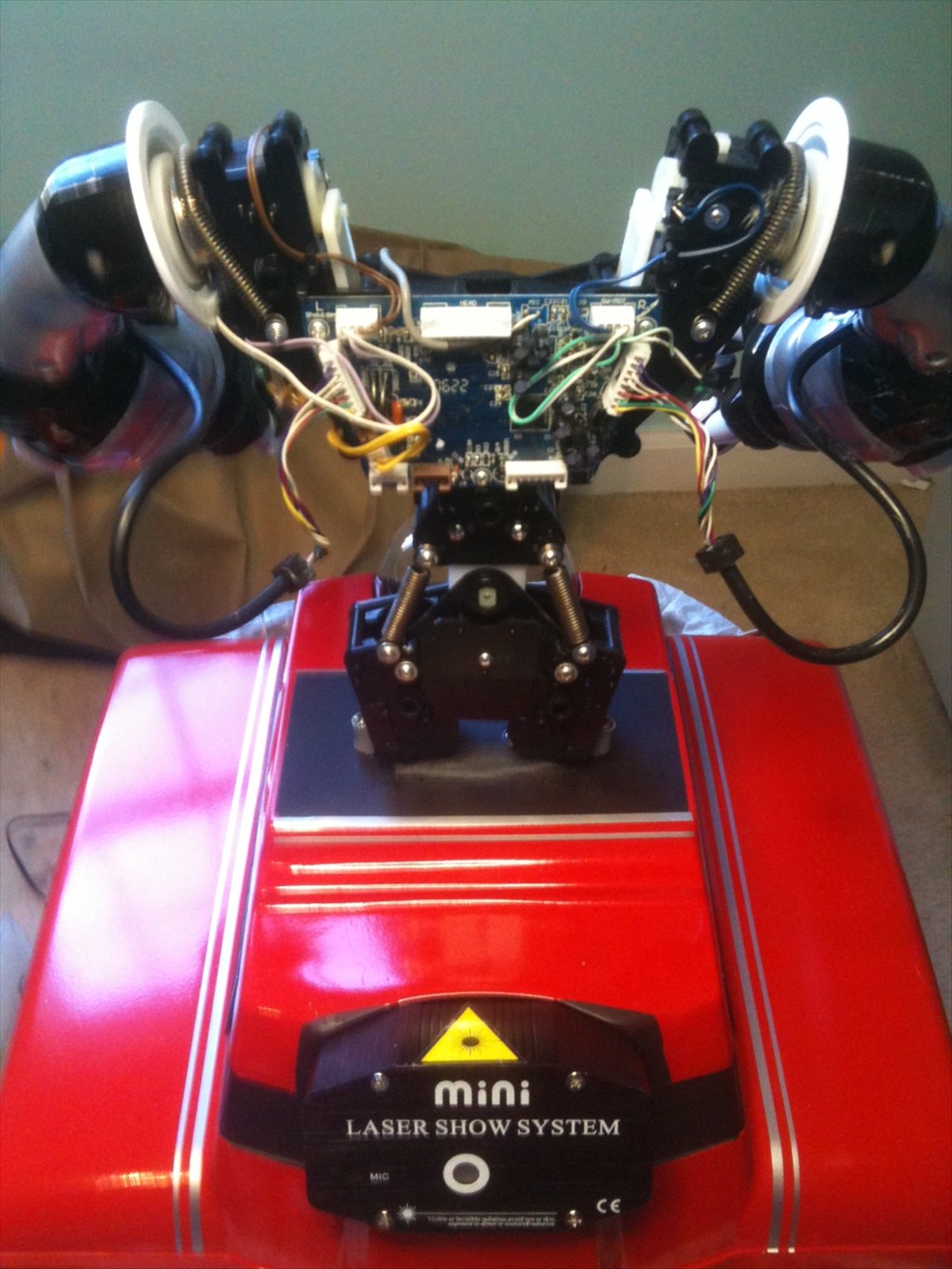
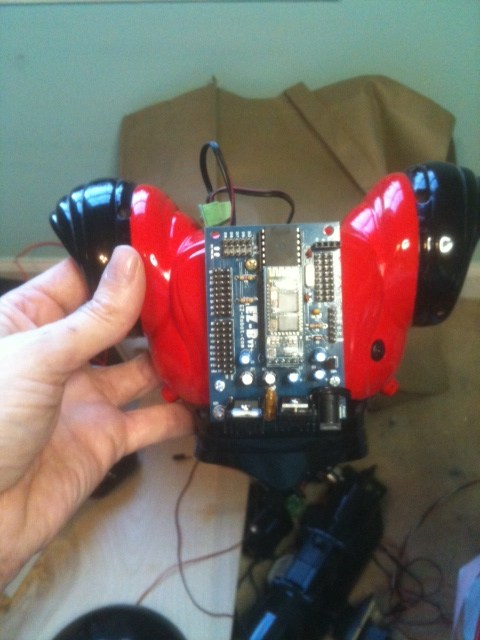
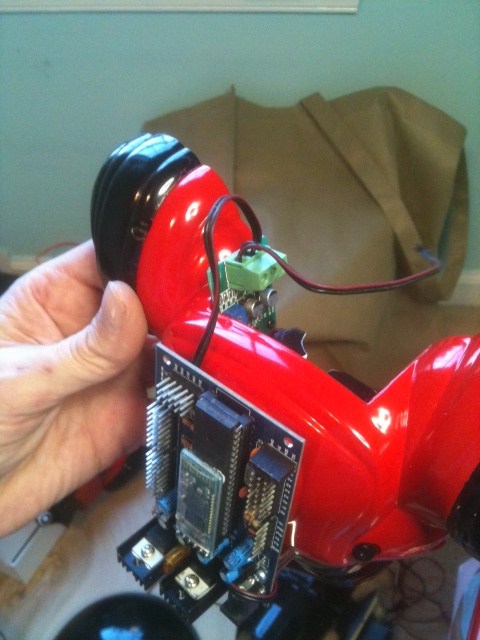
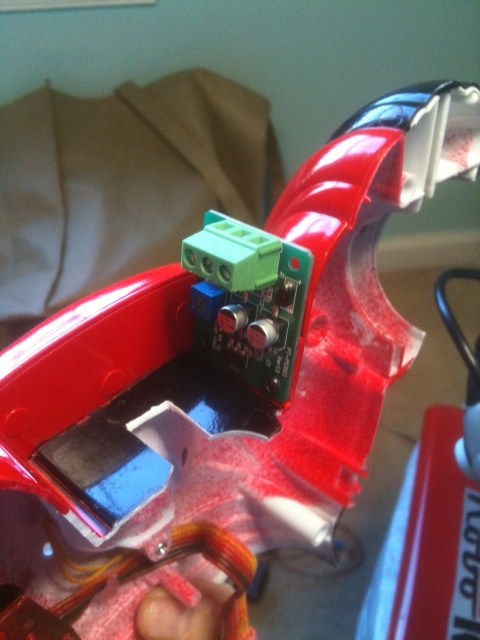
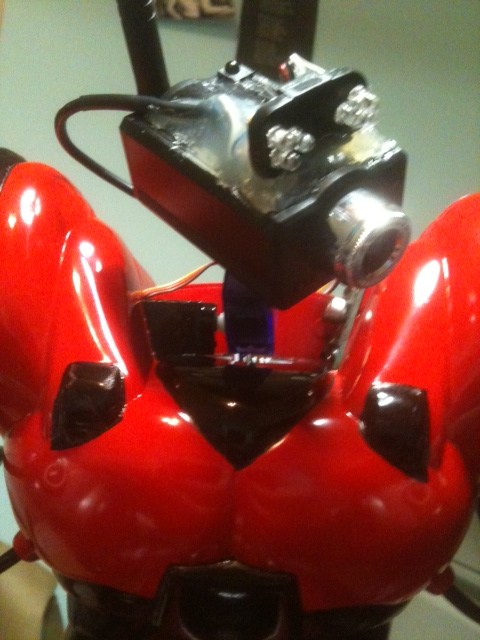
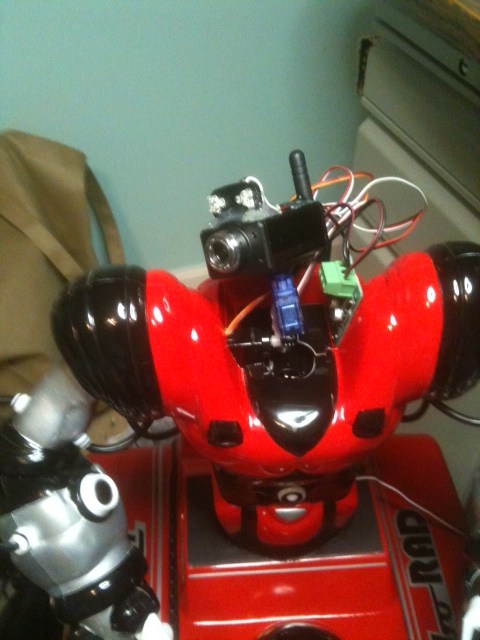
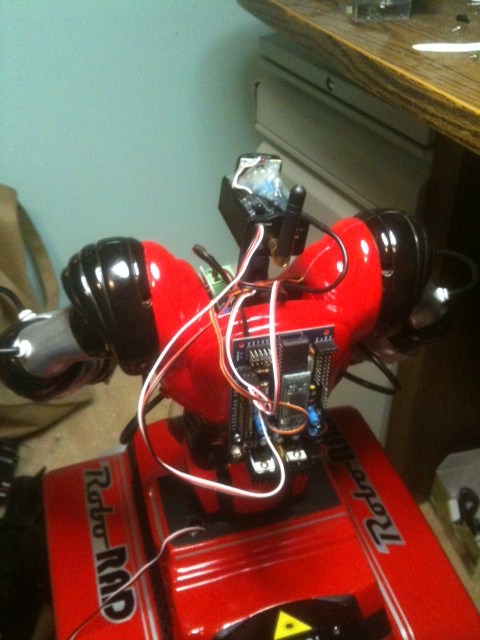
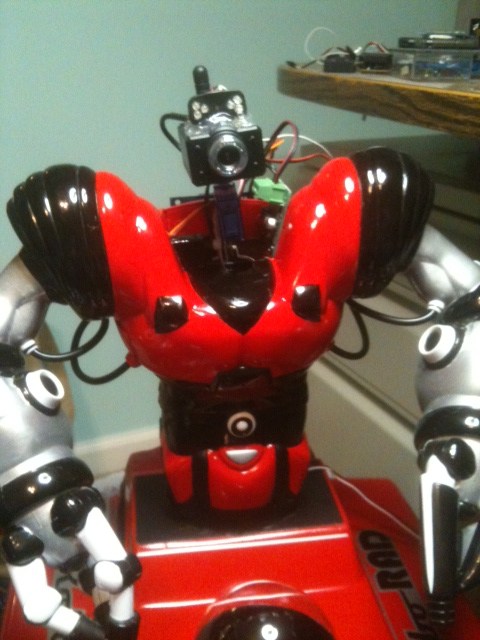
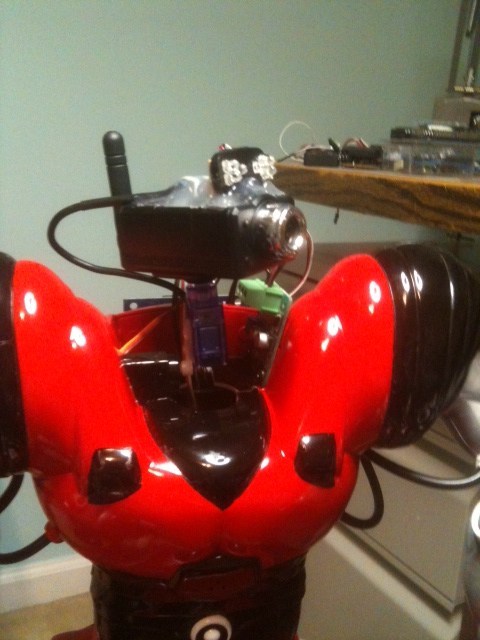
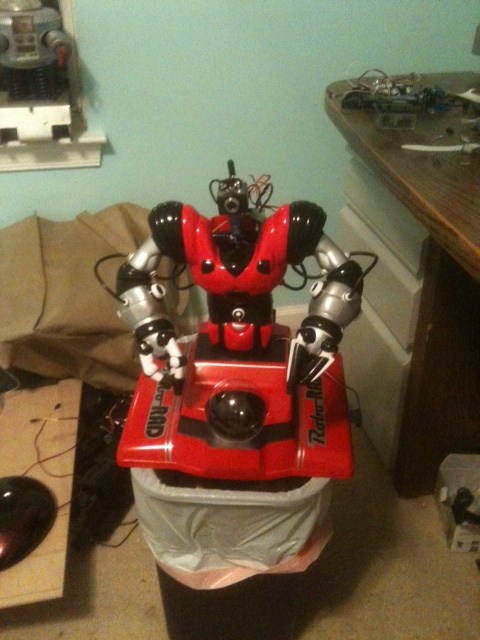
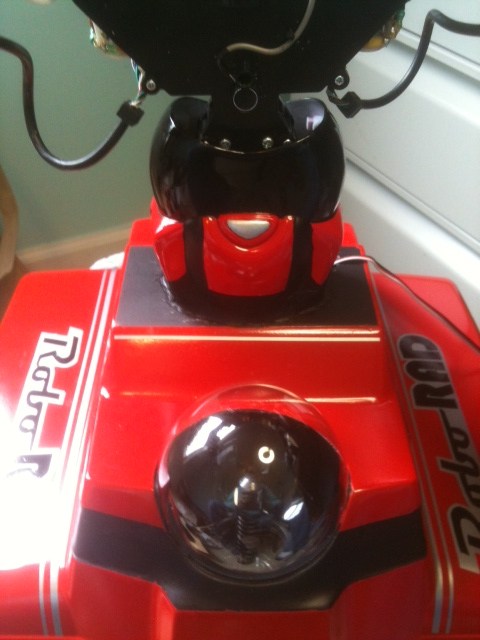
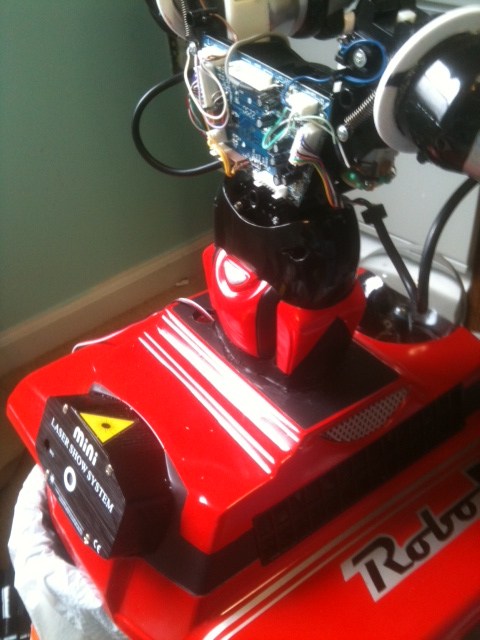
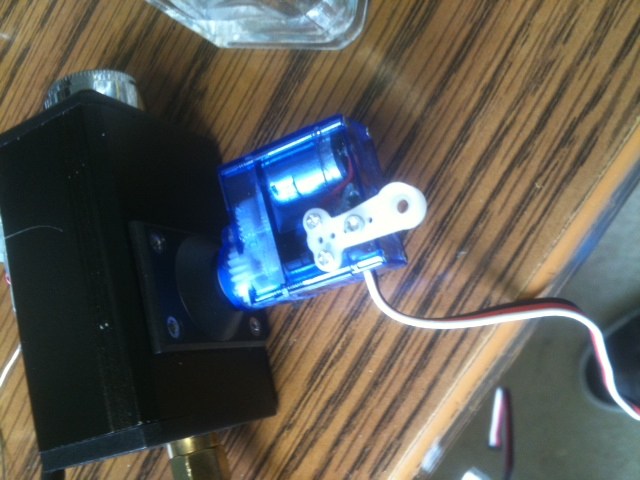
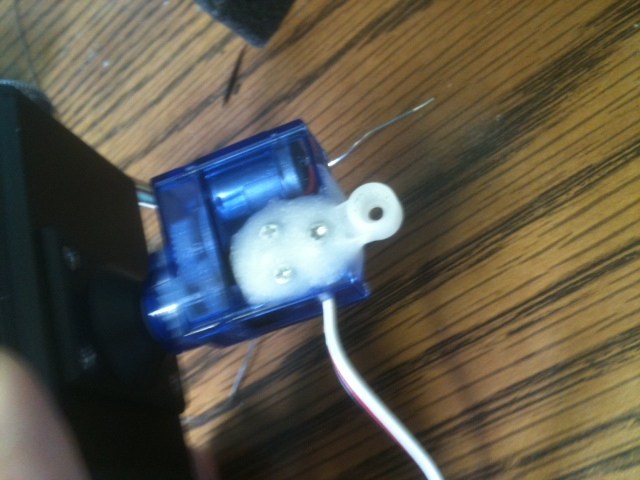
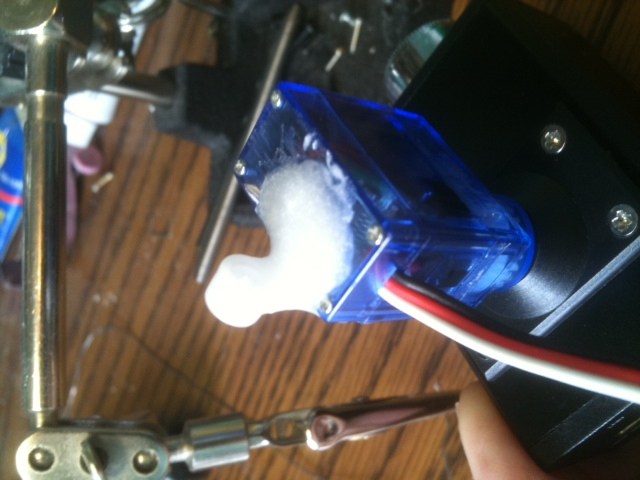
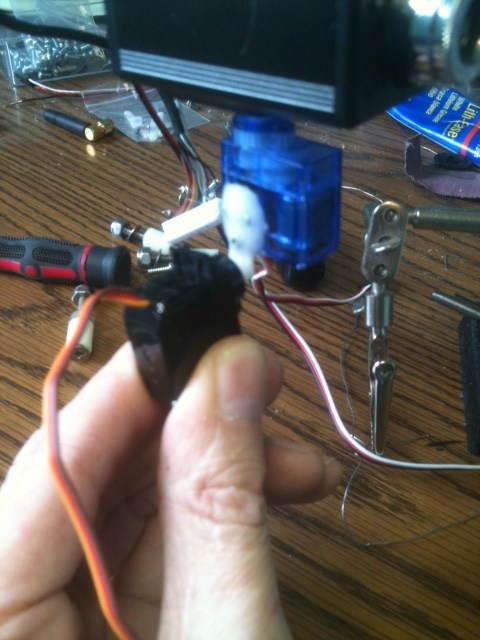
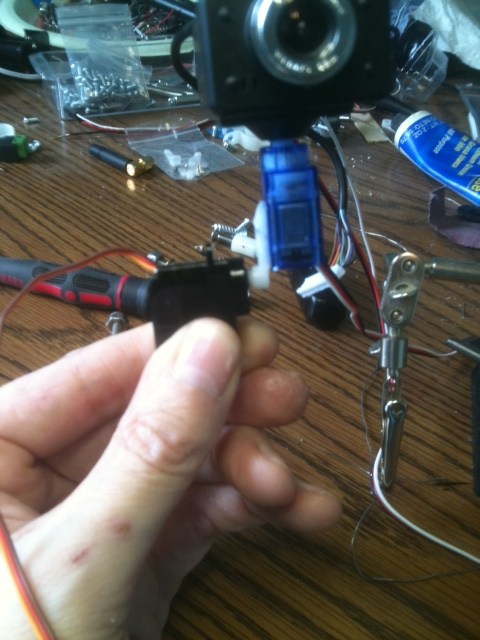
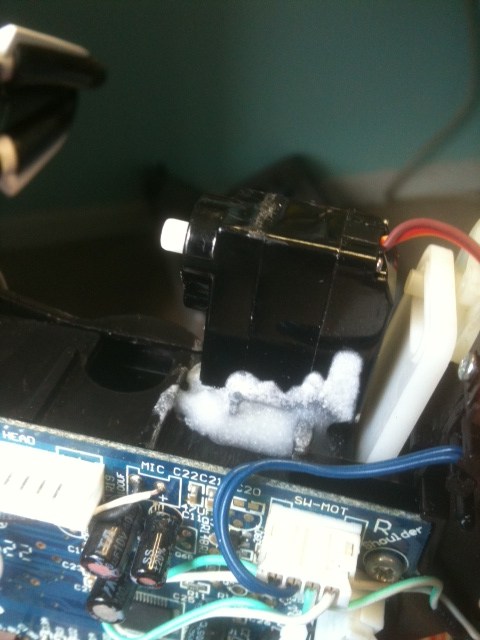
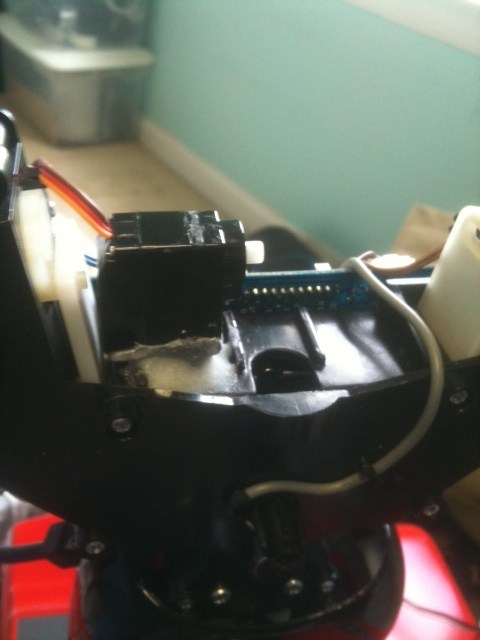
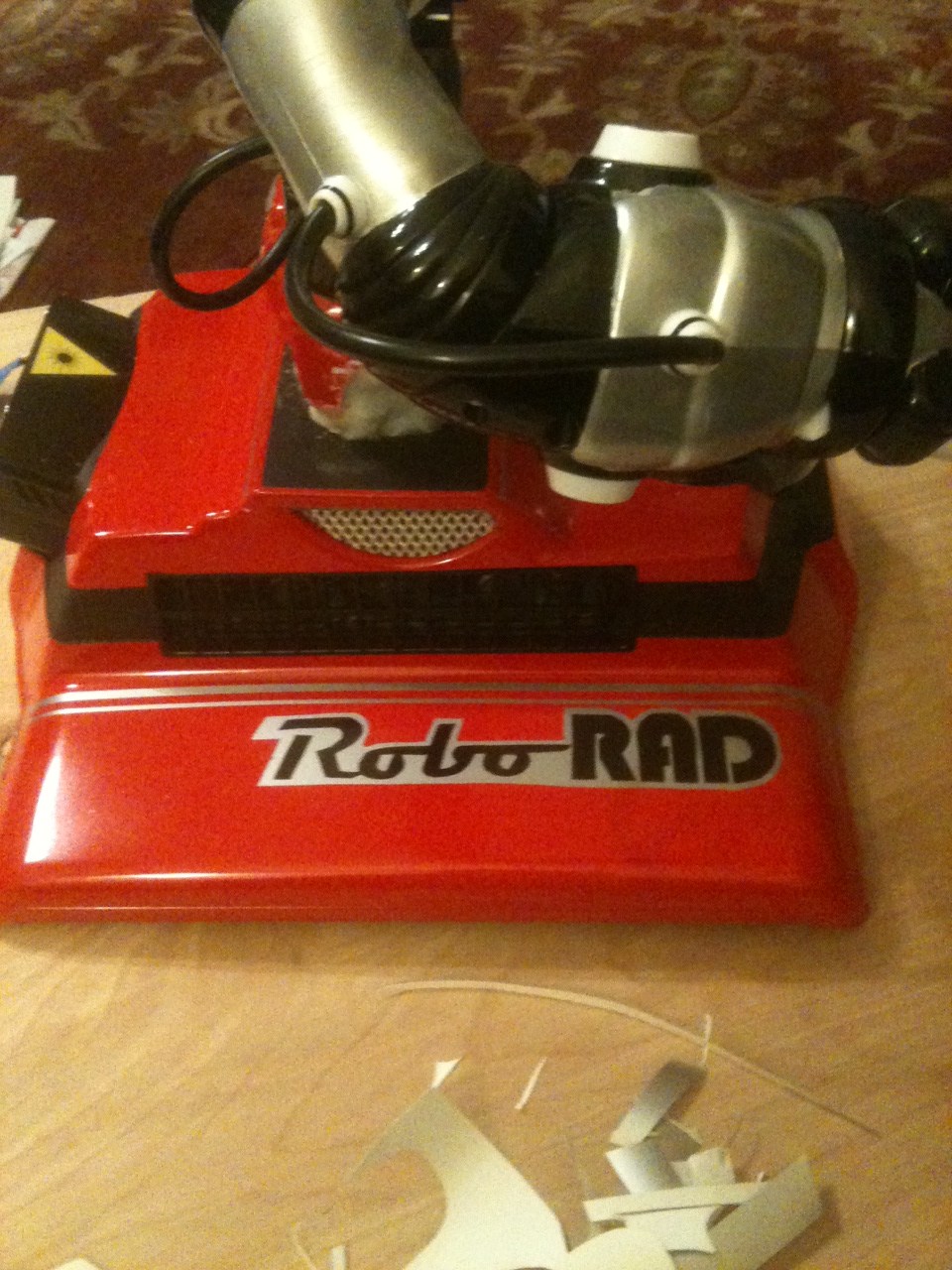
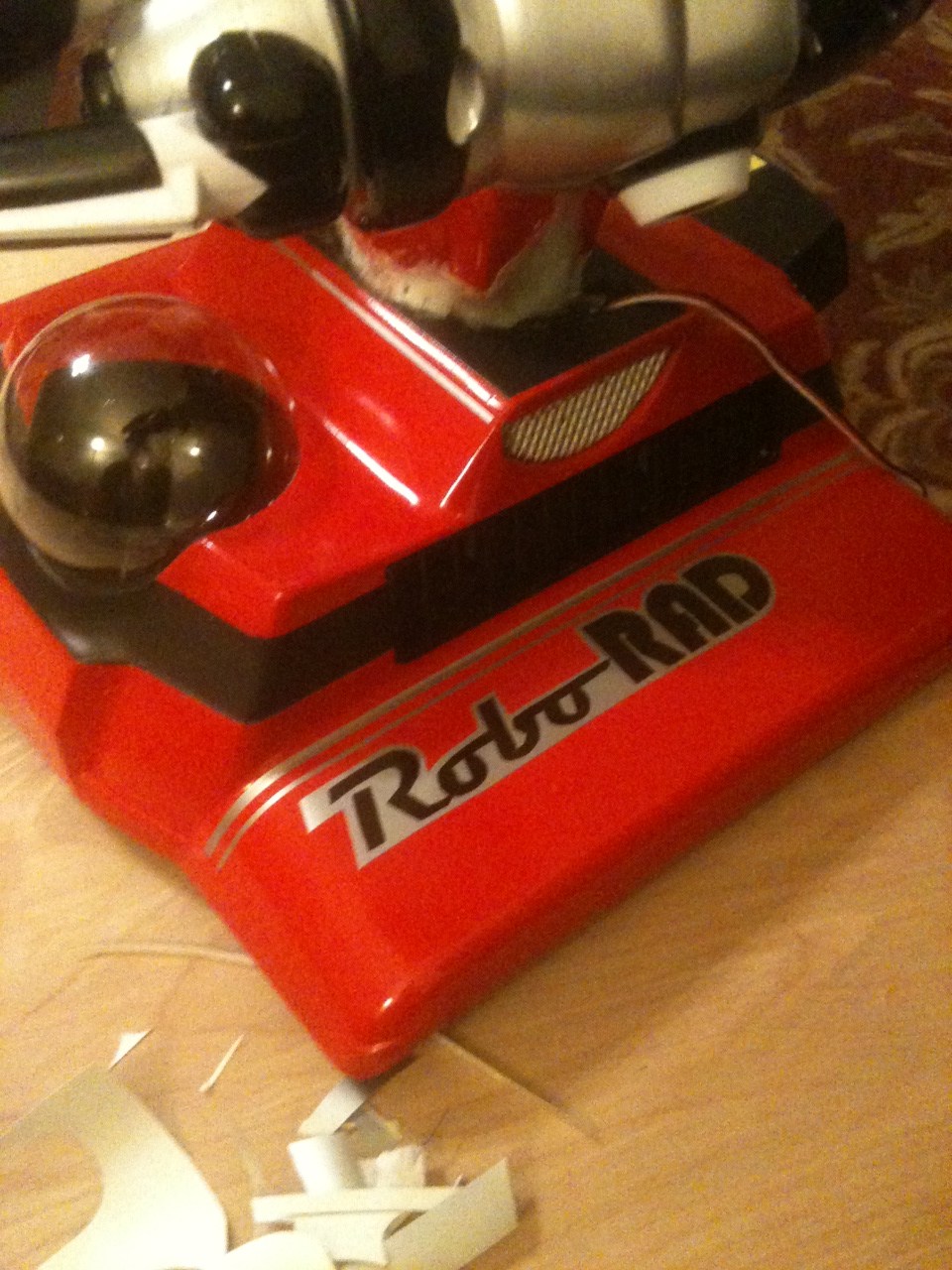
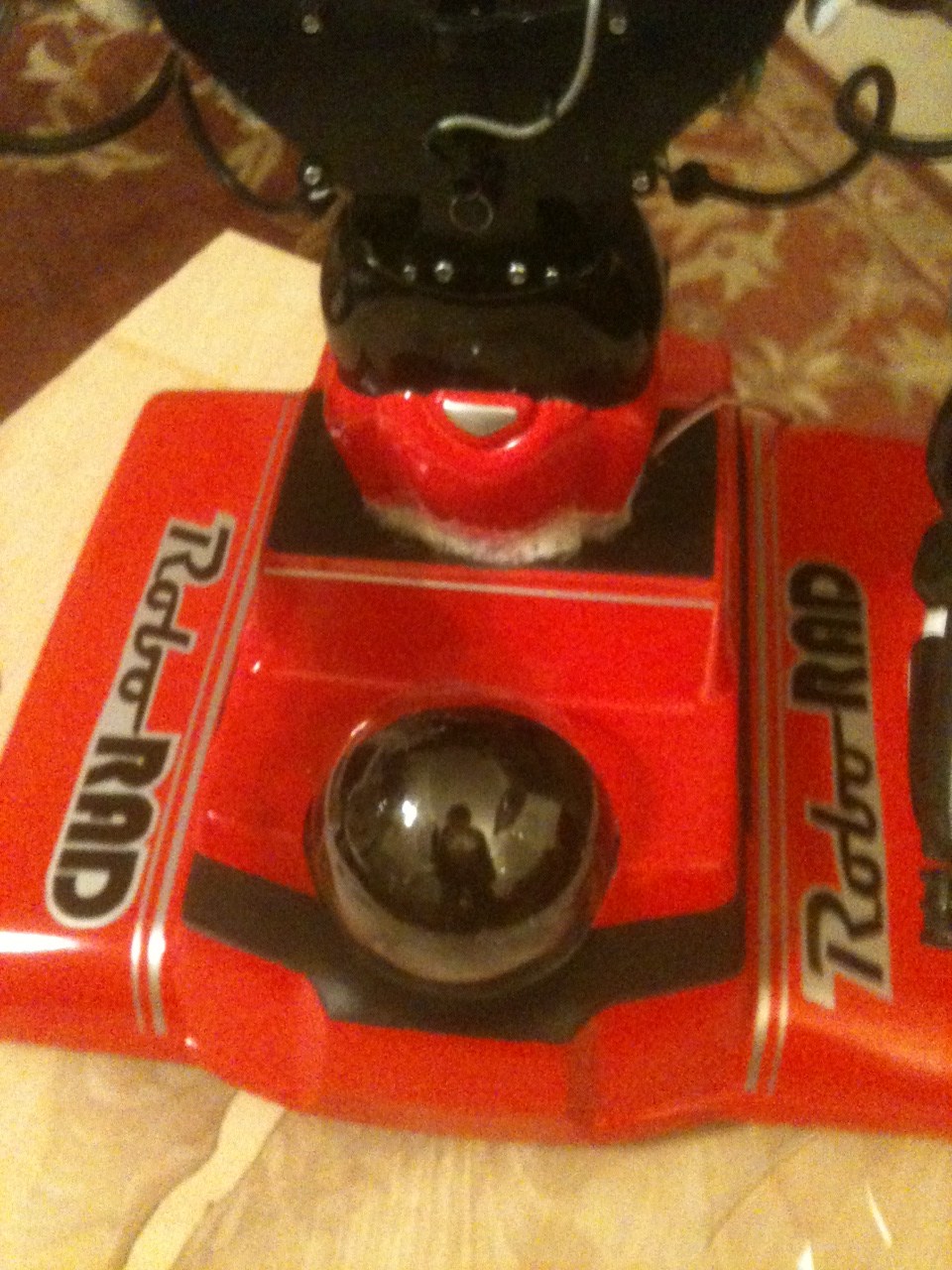
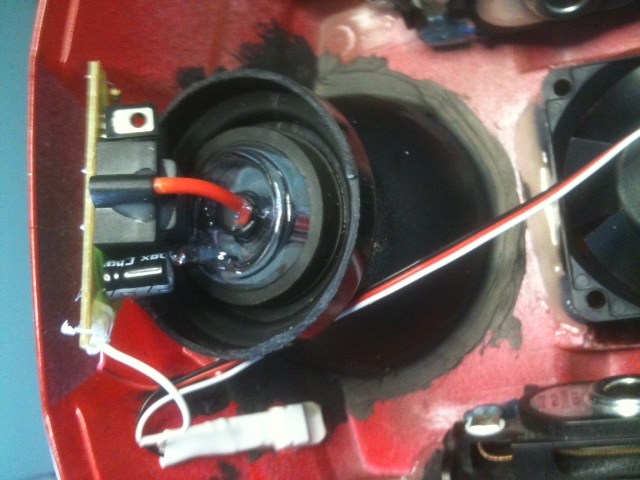
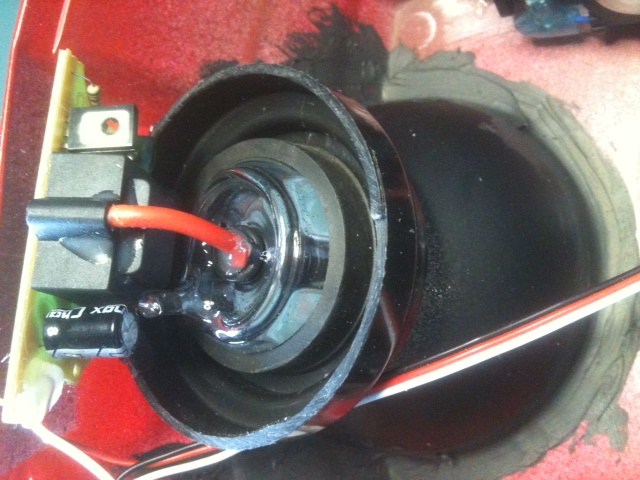
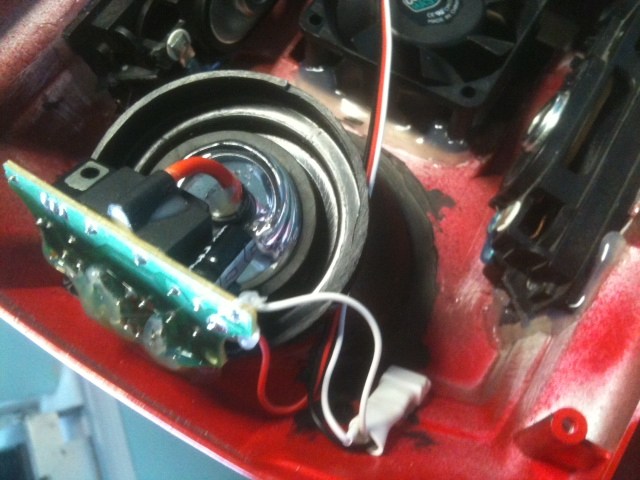
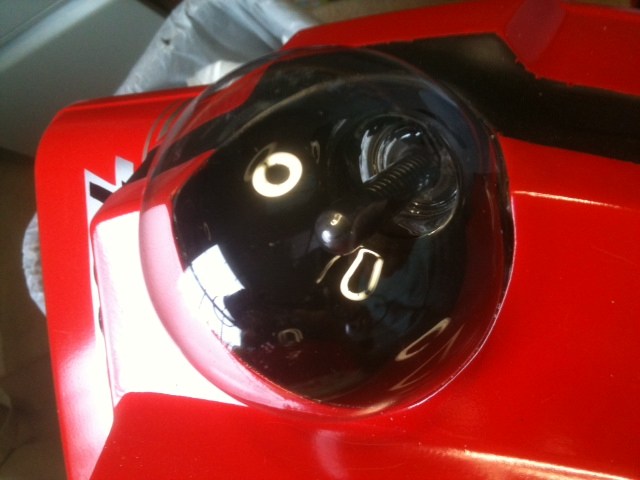
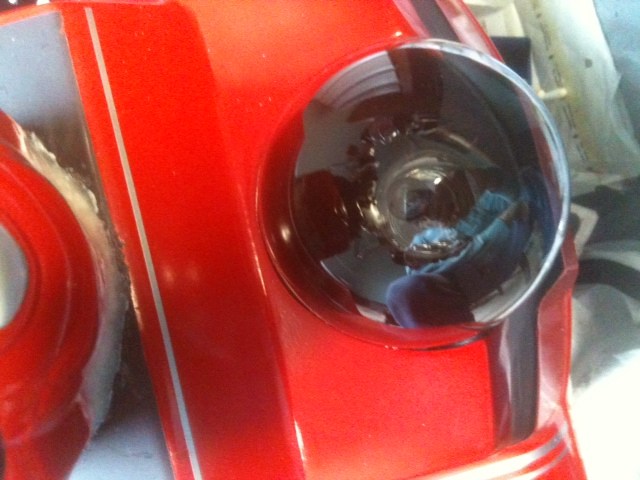
I posted this in the wrong section I guess, but here is a link to my newest bot - RoboRAD. I am combining a RAD 2.0 base and a robosapien.
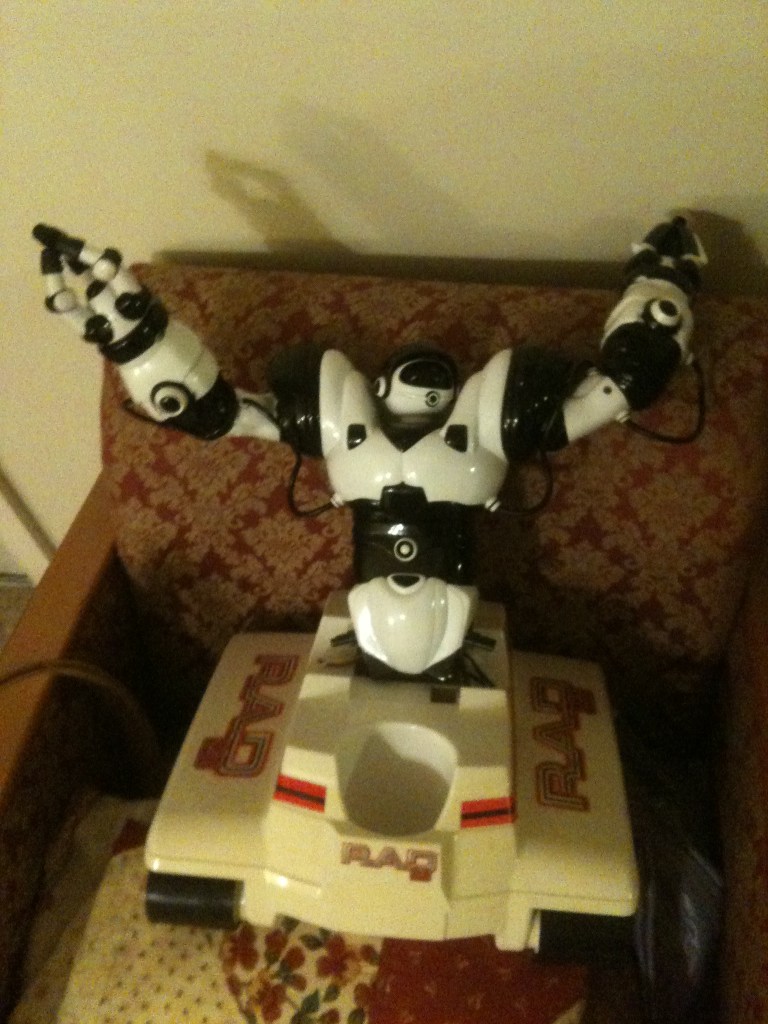
By bret.tallent
— Last update
Discover more robots
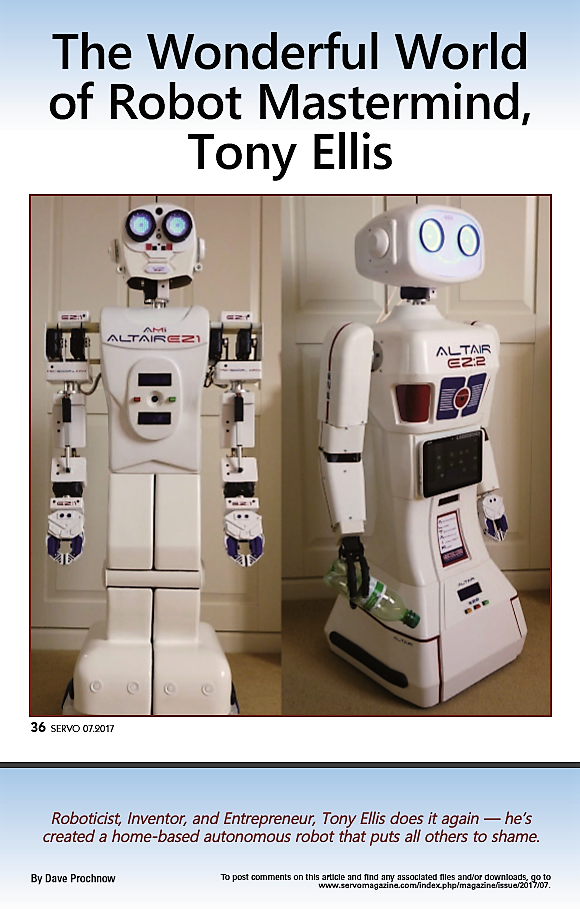
Toymaker's Altair Robots In Servo Magazine
ALTAIR robots featured on Servo magazine July cover; Dave Prochnow spotlights Tony's robotics work, 1979 programmable...
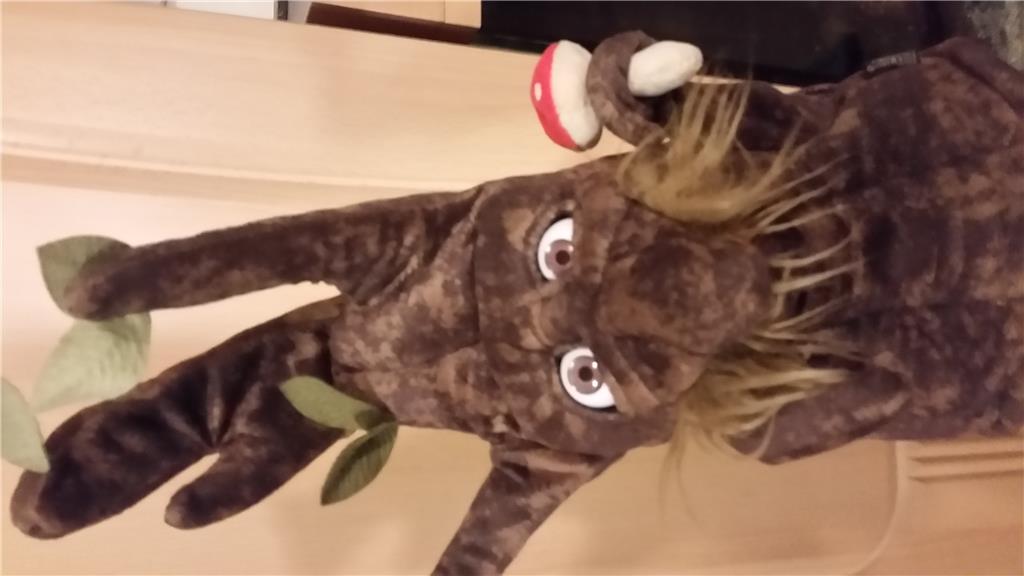
Stiko's Henry The Enchanted Tree
Bring an Enchanted Tree puppet to life with 3D-printed parts and an E-Z-B V4 camera to animate arms, mouth and eyes.
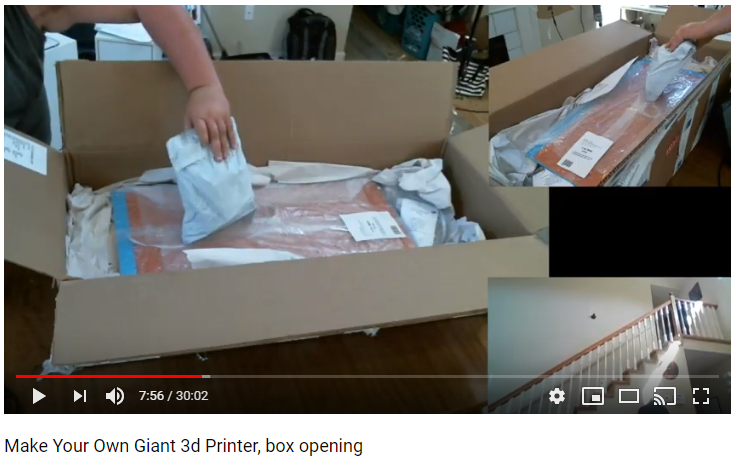
Jstarne1's Build A Giant 3D Printer , Live Build, Come Join...
Unboxing Folger FT-6 large-format 3D printer kit with 3-camera views; full build livestream planned to print larger,...

I don't have any schematics. I wanted to use the robosapien features because they are already programmed into it's board so simple voice commands is all I need with a single wire hookup. What I want that for is the control of the arms, claws, sounds and waist. That way I won't have to use up all of my EZ-B hookups to control those. I really need to control the RAD base separate from the EZ-B so that is what I want to do, but I need the one Movement Panel to connect to the Robosapien and I can't add a second Movement Panel to control the base. So I am unsure of what to do.
scratches head ya i see your problem. This may require some additional hacking in the wowwee control board. To run the tracks off the leg motors the first thing that comes to mind is switching transistors to power the tracks. Once you wire that you have a limitation of either left and right turning or forward and reverse. :/ the best thing i can honestly think of is to run the whole robot from ezb and a h bridge. Maybe you could record the sounds and phrases that he makes and lookup all the voice commands and manually enter them to use through ez board.....
Robosapien Commands thanks to DJ
Quote:
RoboSapien( RoboSapienCommand ) Send a command to a RoboSapien connected on port D1. Find the available RoboSapien commands further down in this document. . Example: RoboSapien( WalkForward ) . Example: RoboSapien( LeftArmUp )
Quote:
RoboSapien Commands . TurnRight . RightArmUp . RightArmOut . TiltBodyRight . RightArmDown . RightArmIn . WalkForward . WalkReverse . TurnLeft . LeftArmUp . LeftArmOut . TiltBodyLeft . LeftArmDown . LeftArmIn . Stop . WakeUp . Burp . RightHandStrike . RightHandSweep . RightHandStrike2 . HighFive . Fart . LeftHandStrike . LeftHandSweep . Whistle . Roar
Ah gotcha
So it turns out I can use a different Movement Panel and run the RAD base like we have done in the past. I will connect the D1 port to the Robosapien's control board then I can get it to work in EZ-Script - maybe with voice commands.
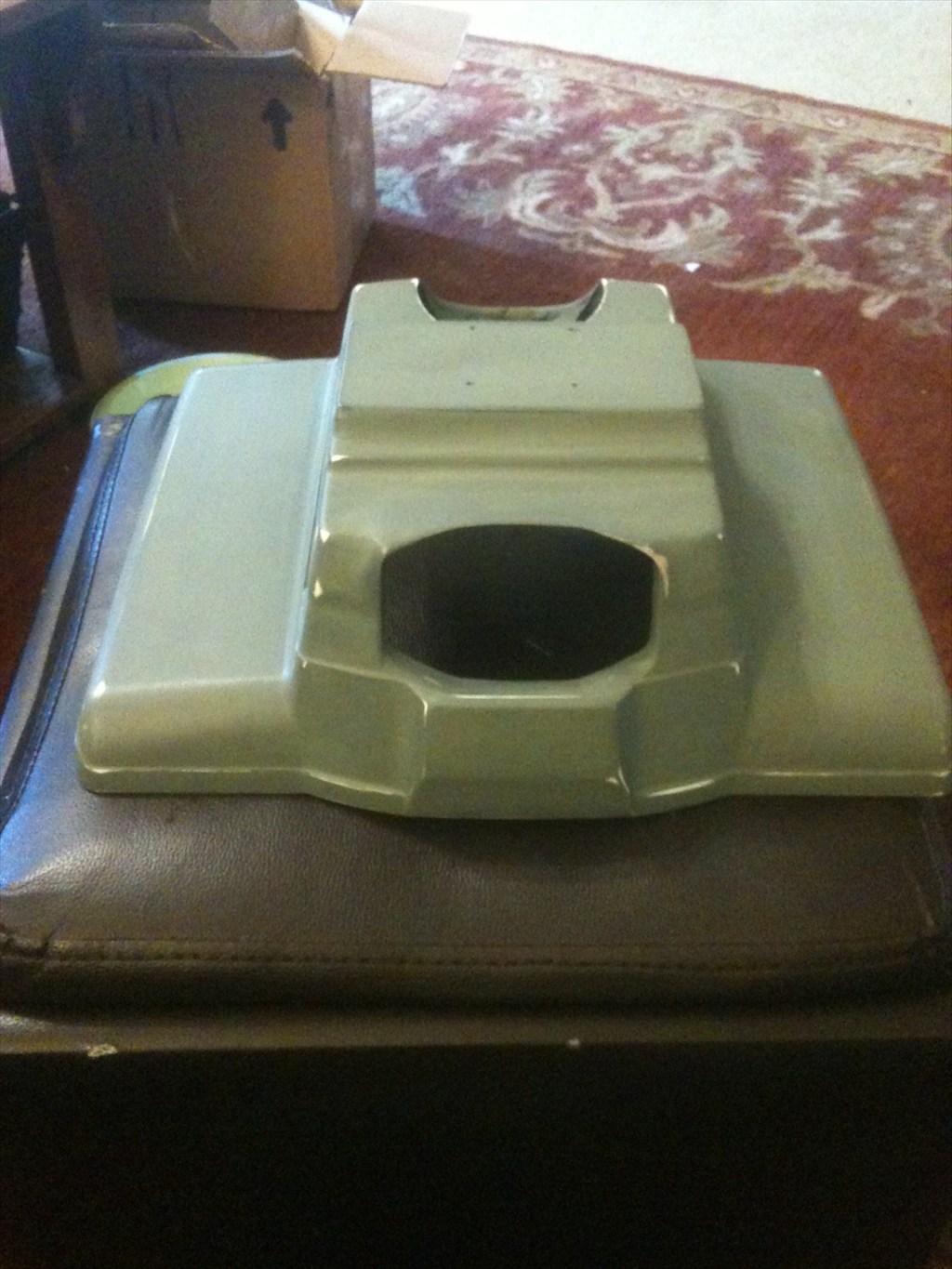
I got all of the decals off the RAD base. I peeled off the plastic coating first, then I sprayed them with Pledge and let that set for a couple of hours. Then I was able to scrape them off very easily with another piece of plastic. After that I cleaned off any residue with 70% alcohol.
Now I am ready to run them thru the dishwasher for a final cleaning then I can continue with my modifications.
Came out of the dishwasher looking really good - but he still gets paint. Not sure of the color(s) yet, but I am thinking a candy blue. Suggestions?
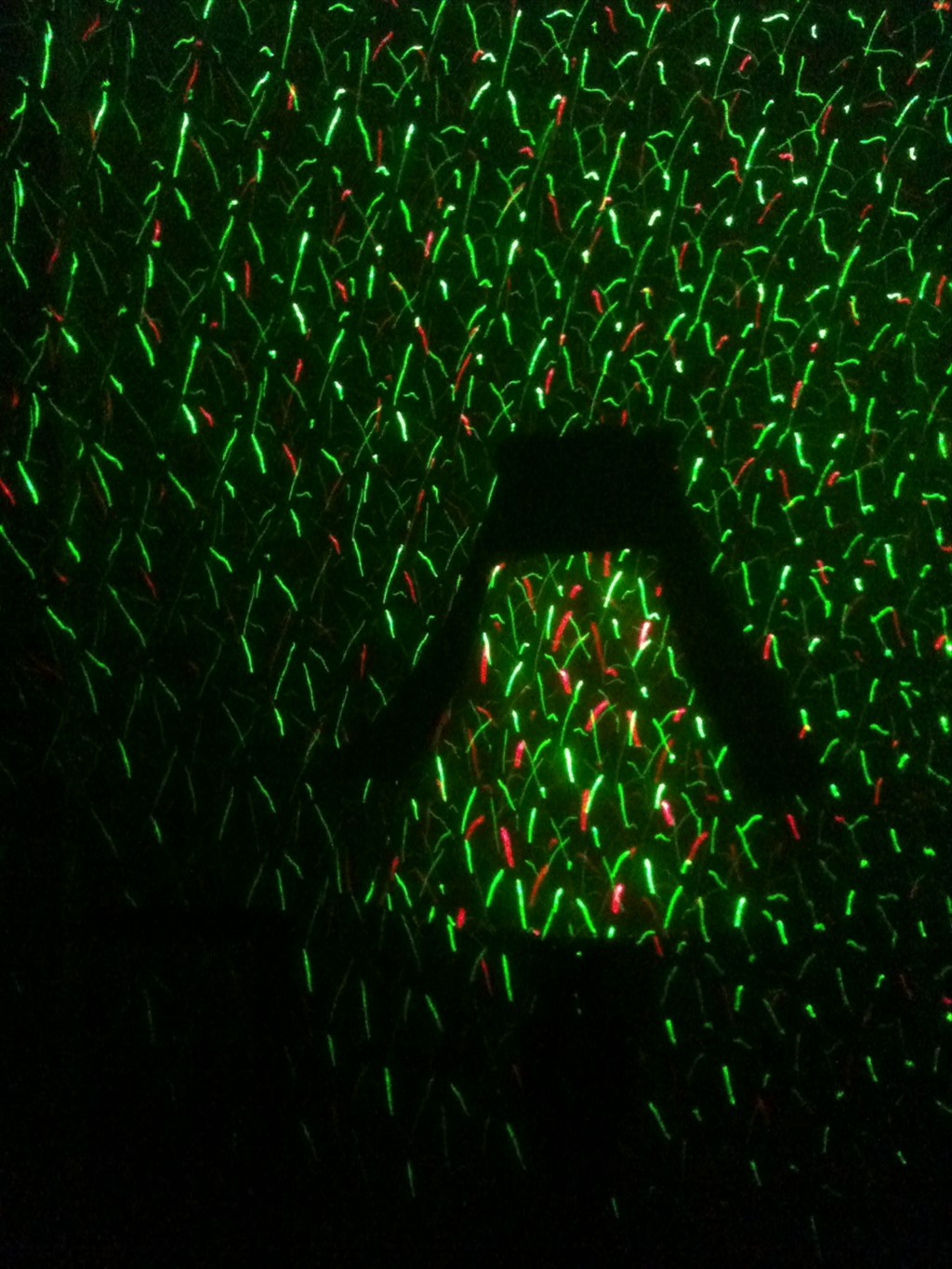
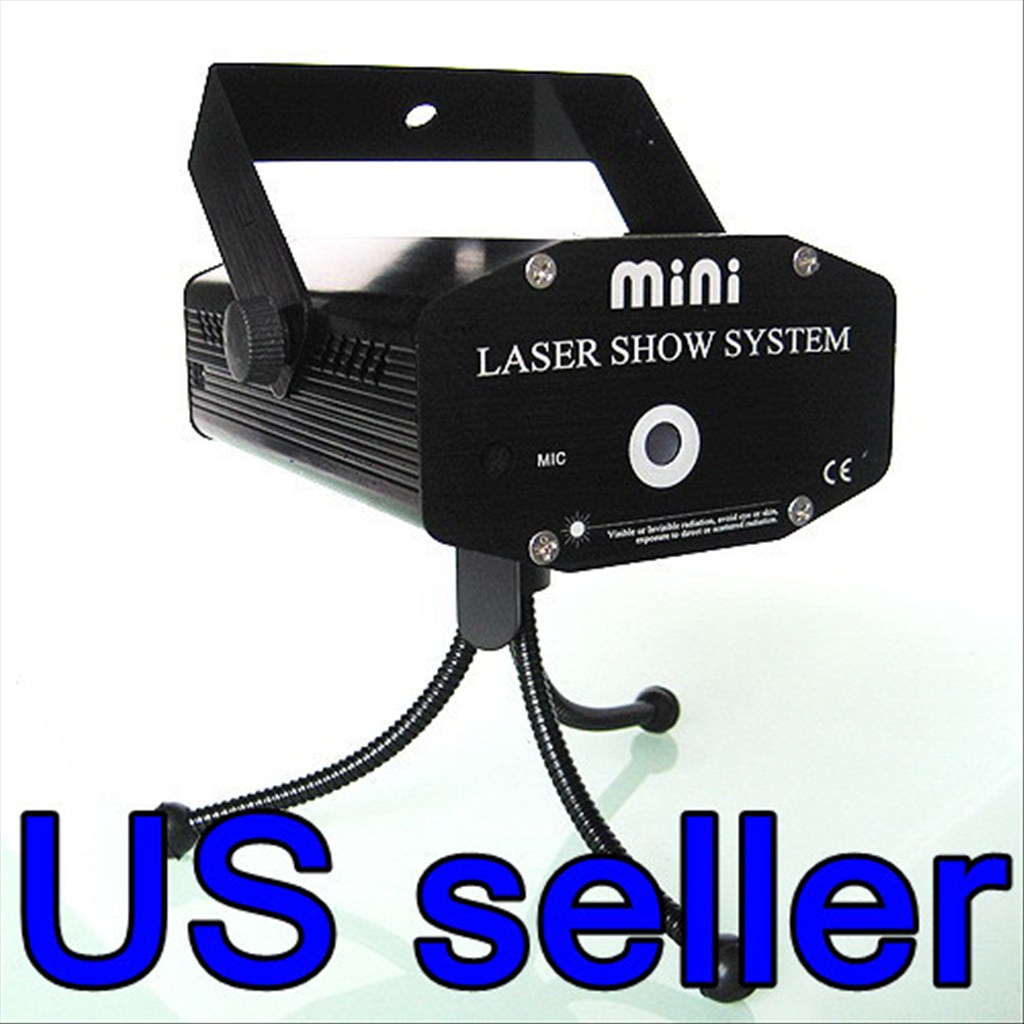
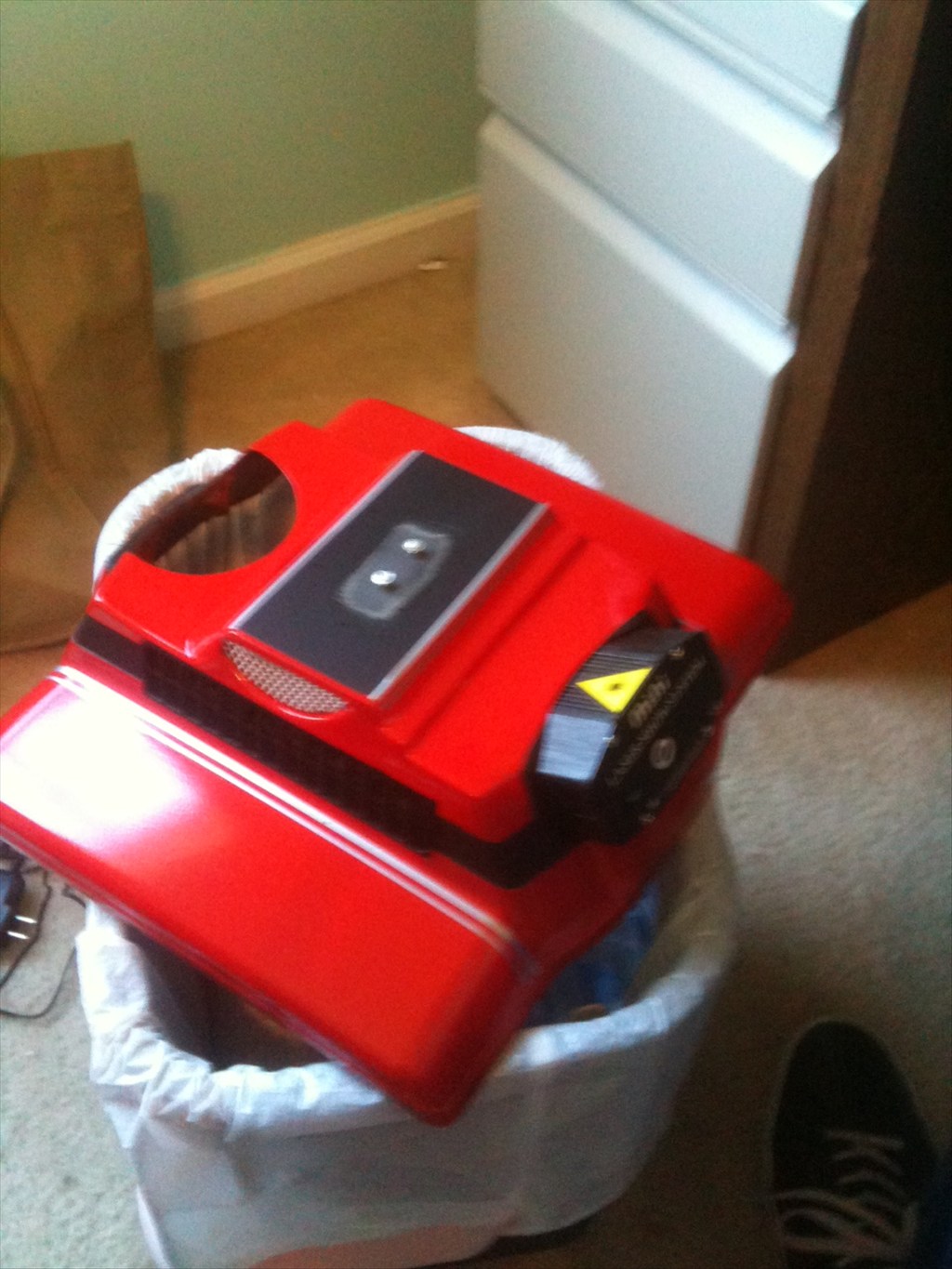
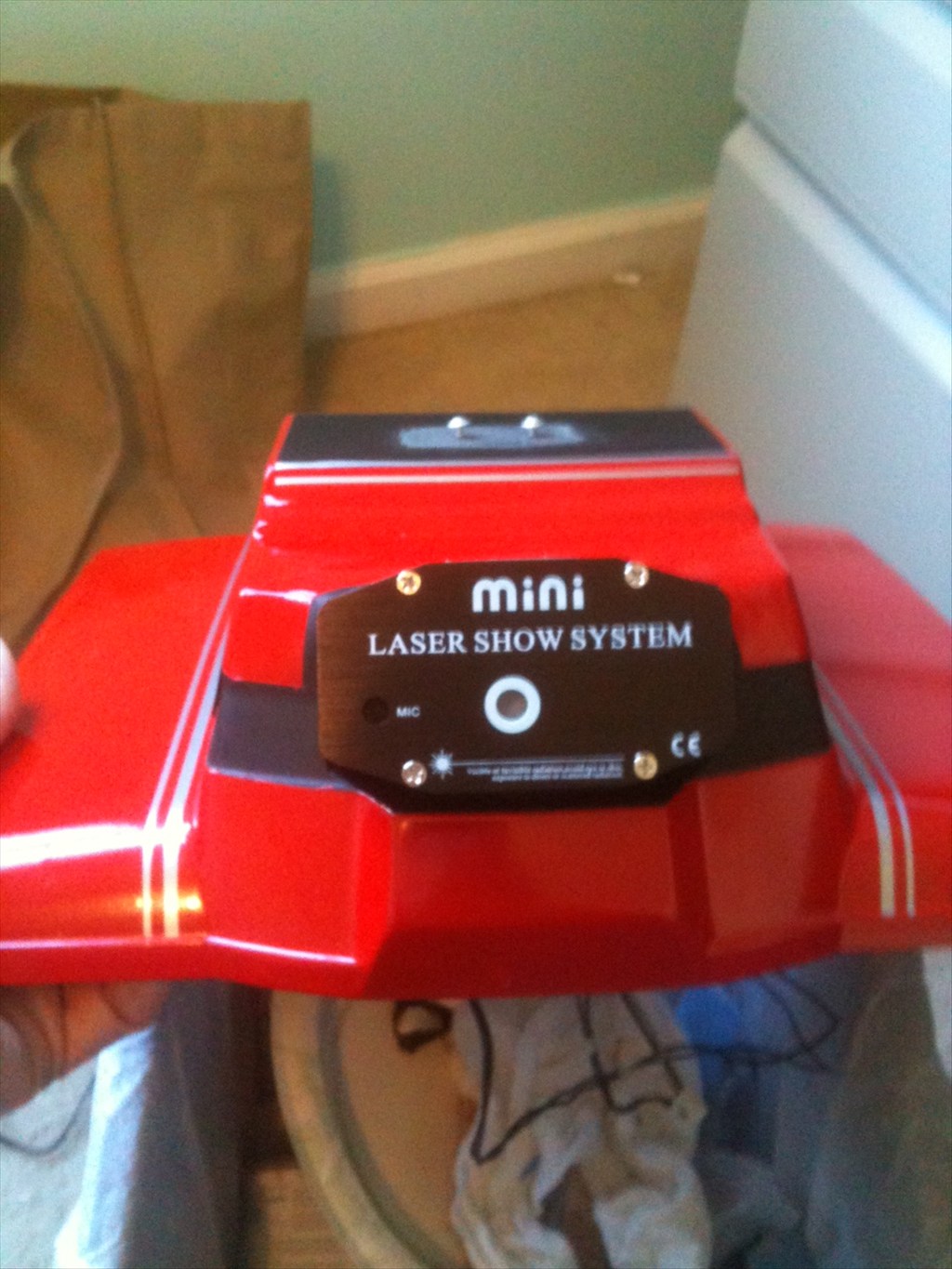
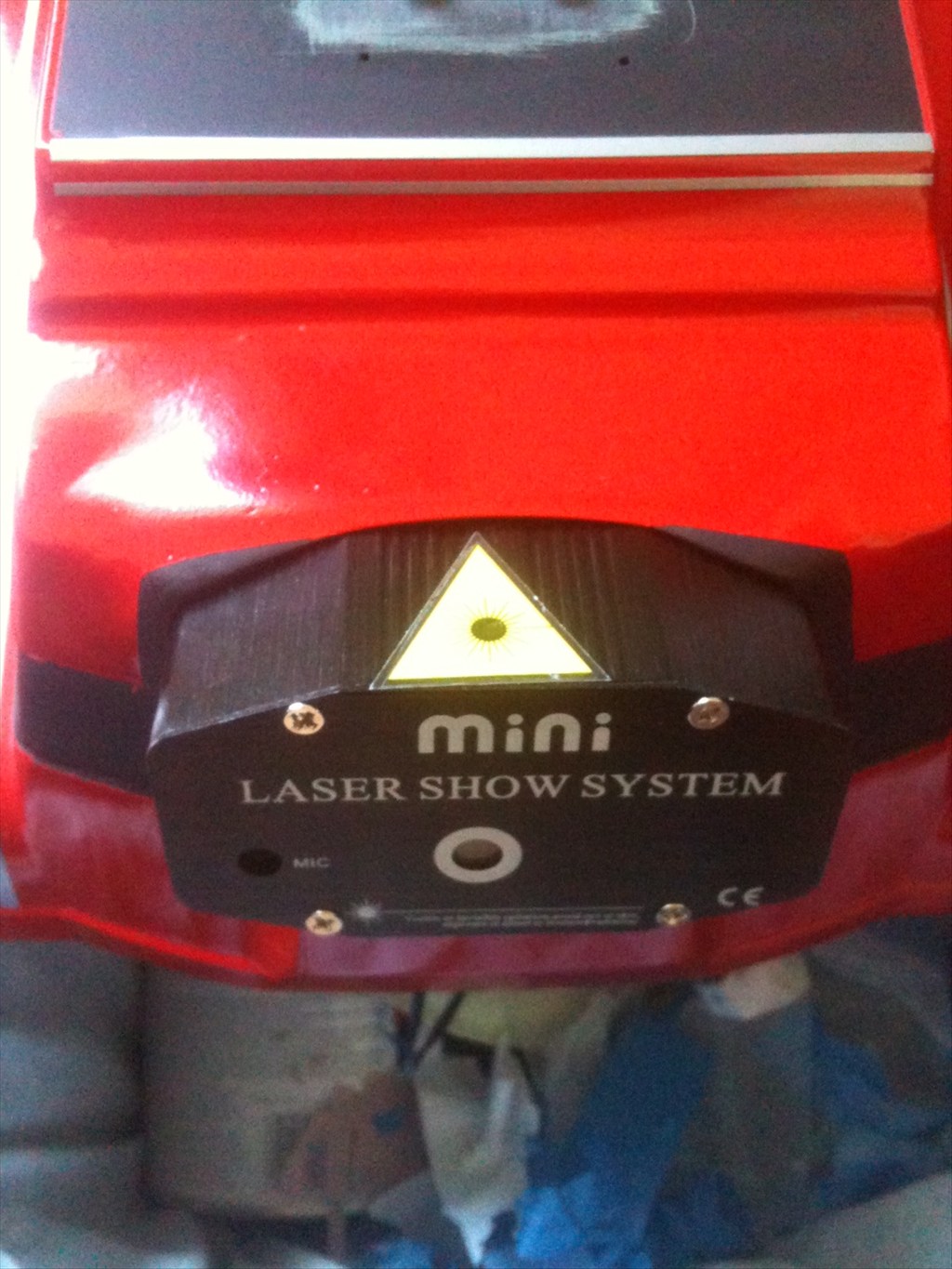
I got a new toy coming for my party bot RoboRad - it is a laser light show for the music.

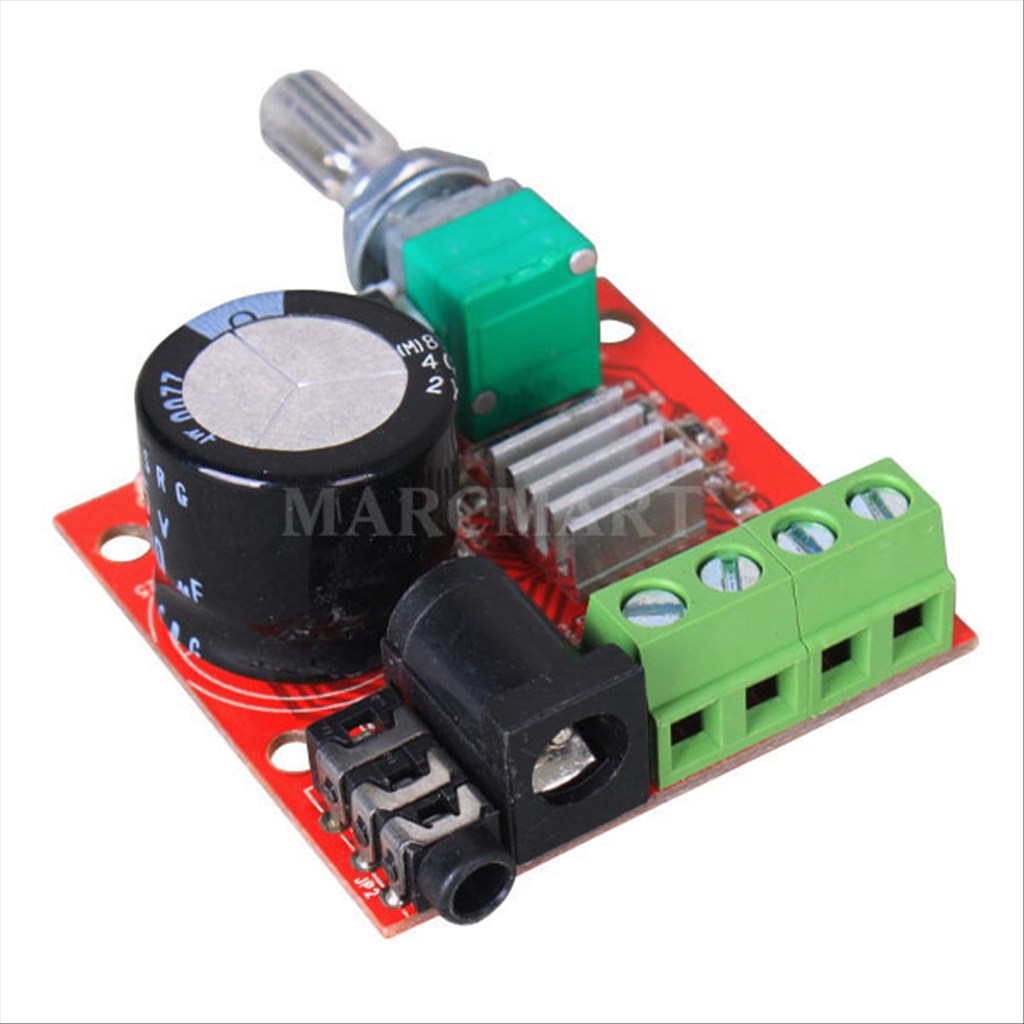
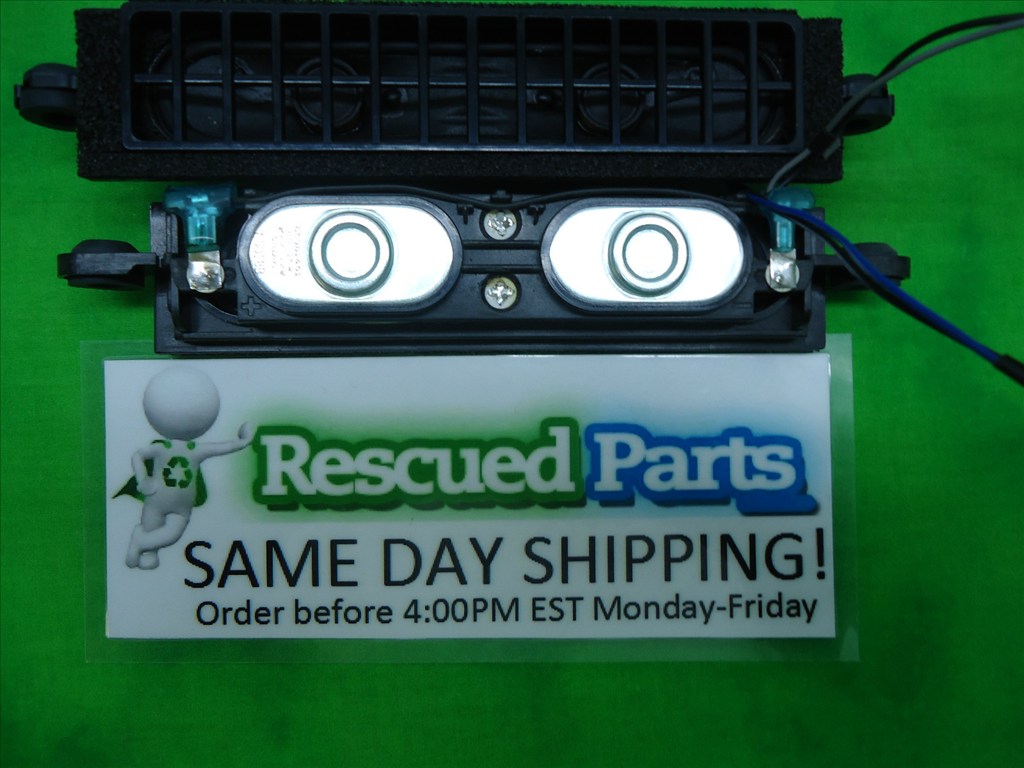
I also have some EL wire on the way for mood lighting and a 10X10watt amp for the tunes. Just need to figure out my speakers.