
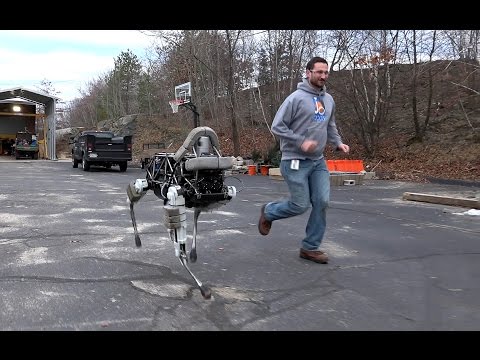
Just found this amazing video
in case you haven't seen it already !
Cheers Johan
 Comm Expansion Configuration
— Configure EZ-B v4/2 Comm Expansion: switch between UART transparent proxy and USB direct PC link (avoids WiFi); EZ-B needs separate power.
Try it →

Just found this amazing video
in case you haven't seen it already !
Cheers Johan
js1
here similar one.
The sand flea is so funny !