



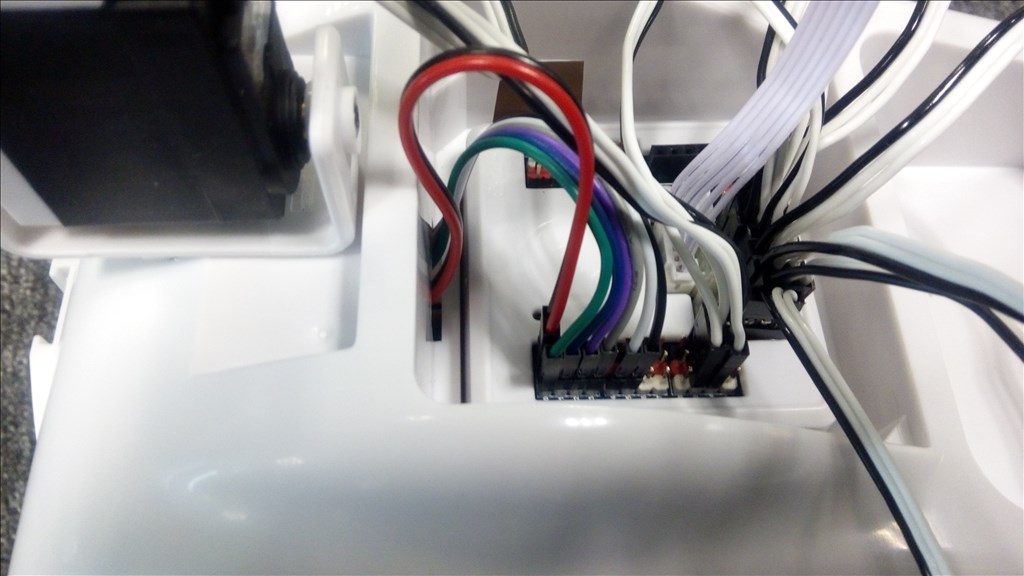
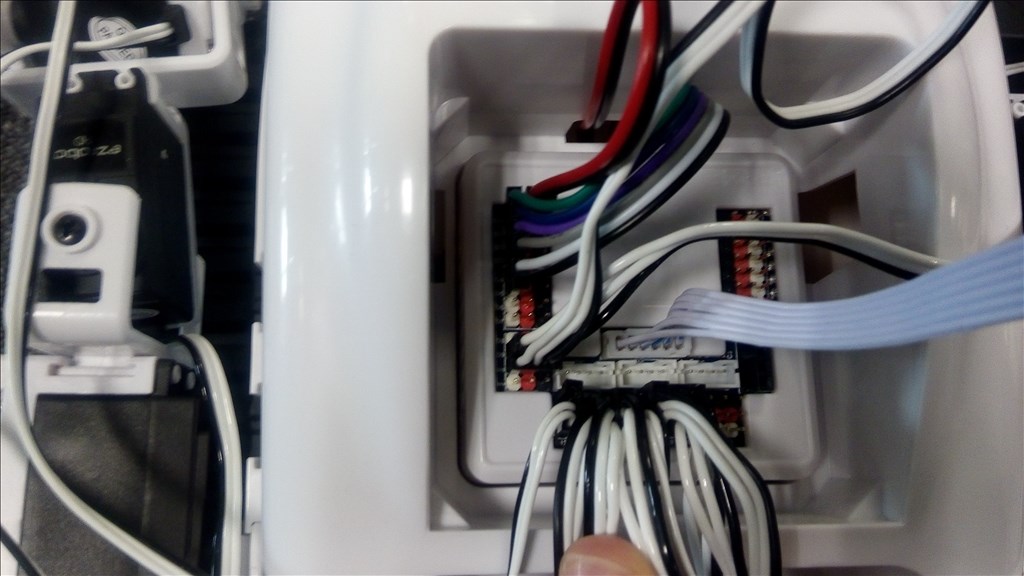
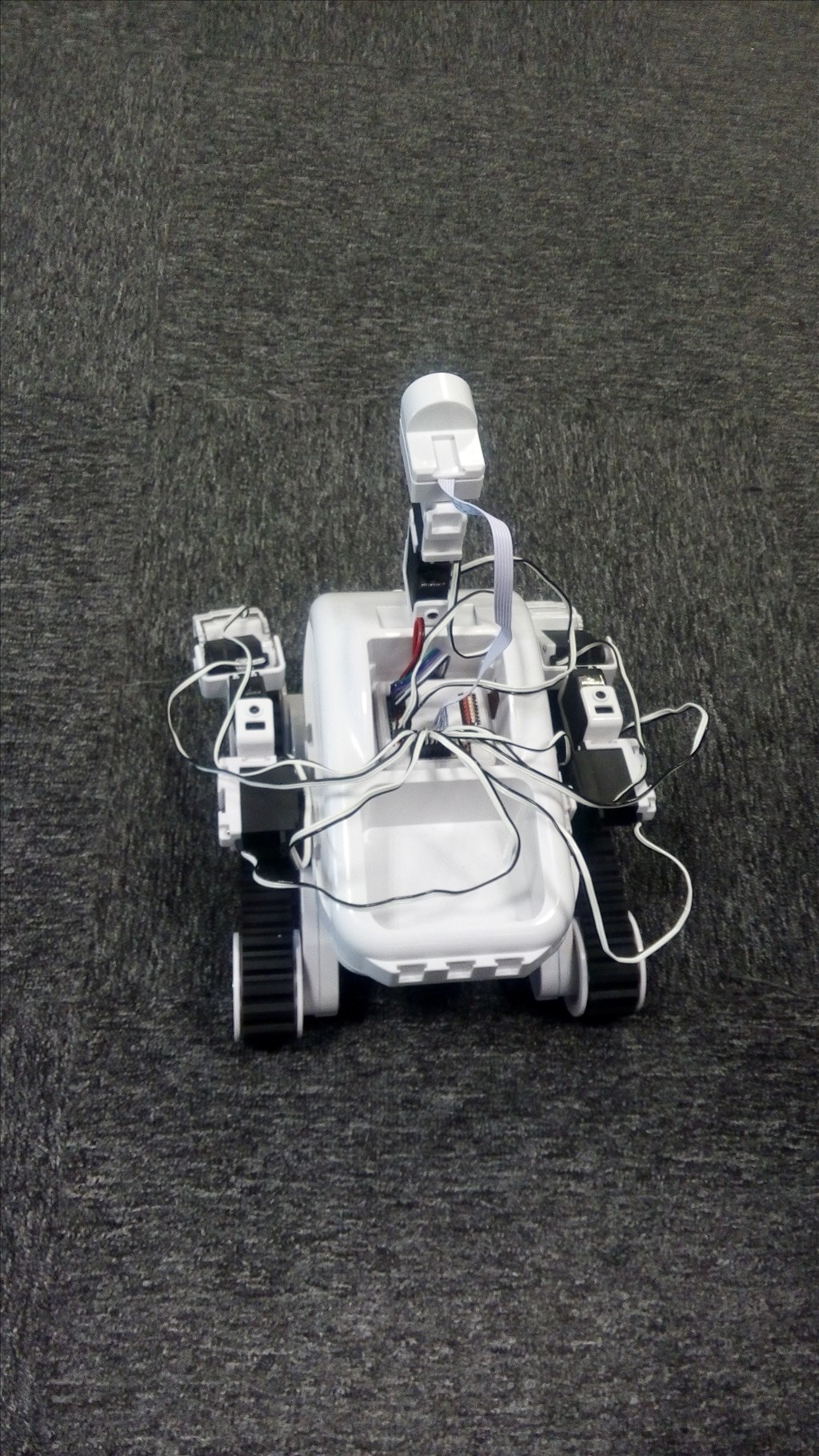
l followed the course of Roil.The arms and camera are ok,but it don't move.
 Comm Expansion Configuration
— Configure EZ-B v4/2 Comm Expansion: switch between UART transparent proxy and USB direct PC link (avoids WiFi); EZ-B needs separate power.
Try it →

 Resolved by bborastero!
l followed the course of Roil.The arms and camera are ok,but it don't move.

try following this thread https://synthiam.com/Community/Questions/6889
Did you verify that the wires are configured correctly between the EZ-B and Motor Controller (HBridge)? From this tutorial here: https://synthiam.com/Tutorials/Lesson/44?courseId=3
yang
is the neck servo not wrongly placed?if you play the original poses it will not be correct.
bborastero,Thanks a lot. Everything is ok.
yang
is the neck servo not wrongly placed? if you play original poses ,it will not be correct.
Great eye nomad!
dj
sorry to post it twice.els yang wouldn notest it.
The claws attached wrong too.
Alan