


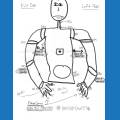










just got mail from ez ,my order is chipped.
Asked
— Edited
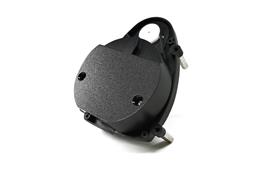 Hitachi-LG LDS Lidar
— Hitachi-LG LDS 360-degree LiDAR driver streaming scans into ARC NMS for obstacle detection, SLAM use, Arduino hookup, config options and variables.
Try it →

okay. You are in the ARC application. I need you to get into the web browser on your android.
mine says Internet and looks like a globe. There are a few steps we need to do before getting into ARC.
Open the android's web browser and type in https://192.168.1.1 .... just like you would with any other web site....
is that HTTP//192.168.1.1 ?
https://192.168.1.1
you forgot the : that is between the P and the /
Did you watch DJs video on this?
AH
his computer cant connect to it, so we are going with the android. Step by step instructions aren't available for anything other than a computer....
so you got the website, right?
if so, now the video shows what to enter to get this onto your network.
wifi client mode on the left
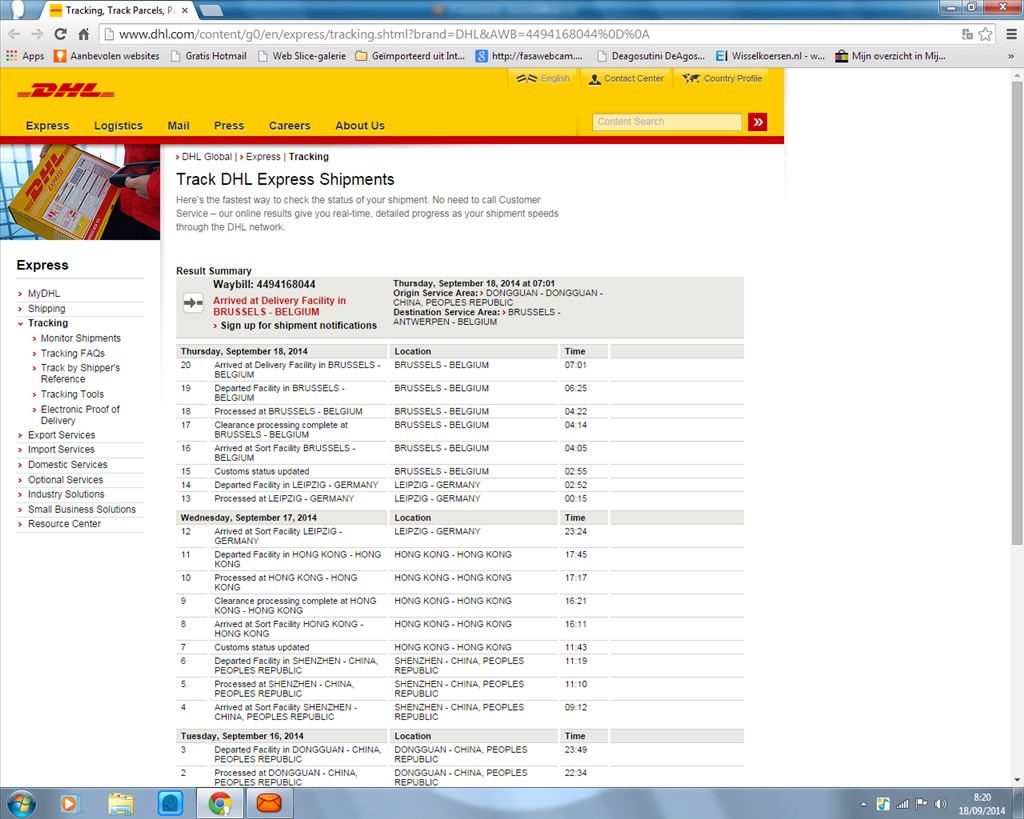
enter your SSID for your network - Your SSID is either telenet-6EF95 or just 6EF95 (hard to read from image) enter your security key or password for your network
click connect. It should reboot and quickly connect to your network.