
Good Evening,
I am looking for some help with a way to use the mobile builder "Add Button". I see the script window, and it needs script, how can I use the button press as an input to my script? Does anyone know?
Thanks.
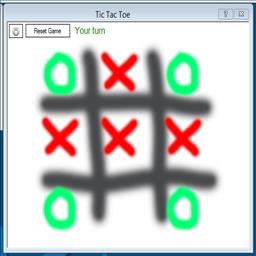 Tic Tac Toe
— Play Tic Tac Toe with your ARC robot: configurable turn, win and draw scripts, cheat commands and optional speech-recognition control.
Try it →
 Resolved by Dunning-Kruger!
Good Evening,
I am looking for some help with a way to use the mobile builder "Add Button". I see the script window, and it needs script, how can I use the button press as an input to my script? Does anyone know?
Thanks.

When the button is pressed, what do you want it to perform ?
I use six buttons to turn on and off motors in a Roomba.
As @Doc says, what do you want the input to be? Do you want to start something? Do you want to set a variable? We need more information to help you.
What ever you write in the script attached to the button will execute when you press the button.... So you kind of answered you own question...
@All : Yeah I did answer my own question. Let me see if I can explain a little better. My original thought was to store the amount times the button was pressed and store that into a variable, and use that variable into another script.
Variables are global (meaning they hold their value everywhere in your program including other scripts) so this would be very easy... Every time you press the button in the scrip behind it do something like below as your code...
Every time you press that button, 1 is added to the variable $buttonPress counter
Even less typing...
Ok. That is truly easy. Thanks to you both Richard R and Rich.