






Discover more robots
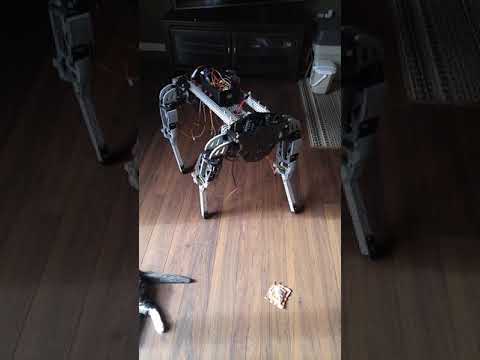
Dunning-Kruger's Ez Dog (Inmoov Frankendog Failure)
Failed experiment prototype; planning a new version with design improvements and fresh ideas.
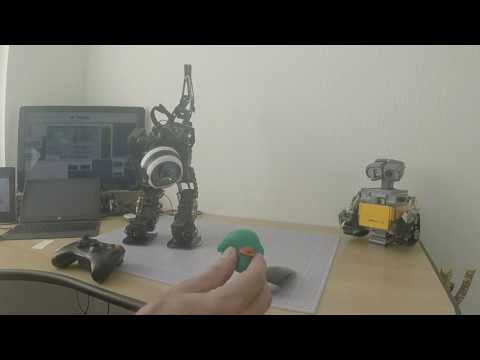
Adfe74's Meet Suki 6Dof Leg Dynamixel Ax-18A
SUKI 6-DOF biped uses inverse kinematics, IMU for future balance, blob-based ball tracking, gait sequences with dampers...
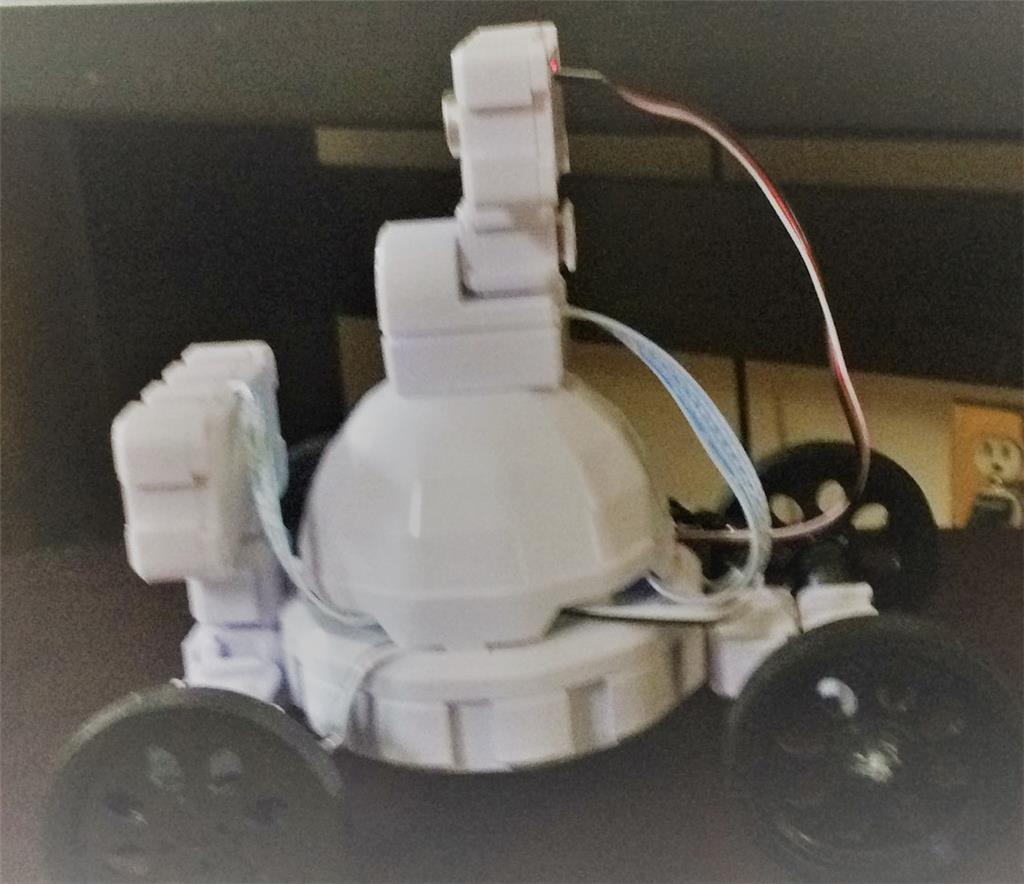
Ezang's Mymodifiedadventurebot
Modified Adventure Bot with ultrasonic radar, camera, RGB animator and custom back wheels

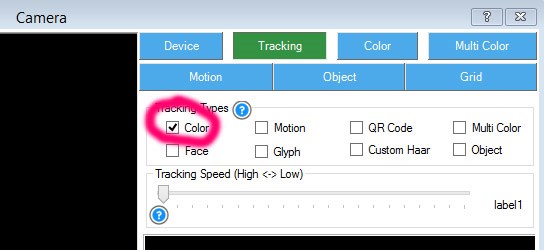
jd doesn track anything.so i must forget some. do i need to check here something?
one A to many
@nomad Your x and y servos are not defined ..... it won't track unless you add servo ports and change the values to something like 20 min and 160 max....
RR
yes i asumed something like this.
thanks
Nomad, use the latest JD project from the ezcloud robot AppStore. I repeatedly mention that at the beginning of every video and every post. Always download the latest project from the ezcloud. Please
dj i have always the latest version.do you mean not my own saved jd?
dj
i finally understand what you mean by latest version.only negatif is, you have to put your sound files back in avery time,or do i miss something.
thanks RR i found some other stuff to.
jd says constandly gimme gimme gimme very cool.