


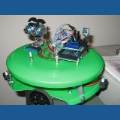

Hey DJ,
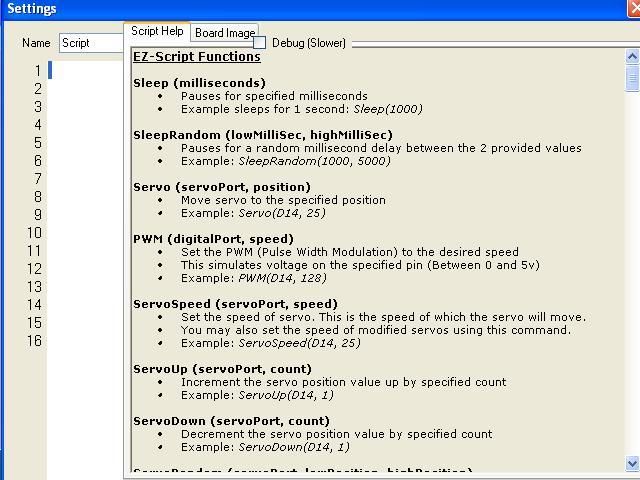
I was wondering if you could make the script help resizable, this is how mine looks now on Omni's brain Netbook:
 Comm Expansion Configuration
— Configure EZ-B v4/2 Comm Expansion: switch between UART transparent proxy and USB direct PC link (avoids WiFi); EZ-B needs separate power.
Try it →
Hey DJ,
I was wondering if you could make the script help resizable, this is how mine looks now on Omni's brain Netbook:

Thanks, it works!
Could you also do it for the other windows with script help like the joystick window?
Again, awesome work DJ, thanks!
DJ?
I see you're back, probably missed these posts, could you please make the script help window also resizable for the other controls like joystick?
All are done