
Is there any way to remedy this? It is really urgent that i find a fix for this
By Stem Learning Lab
— Last update

Discover more robots
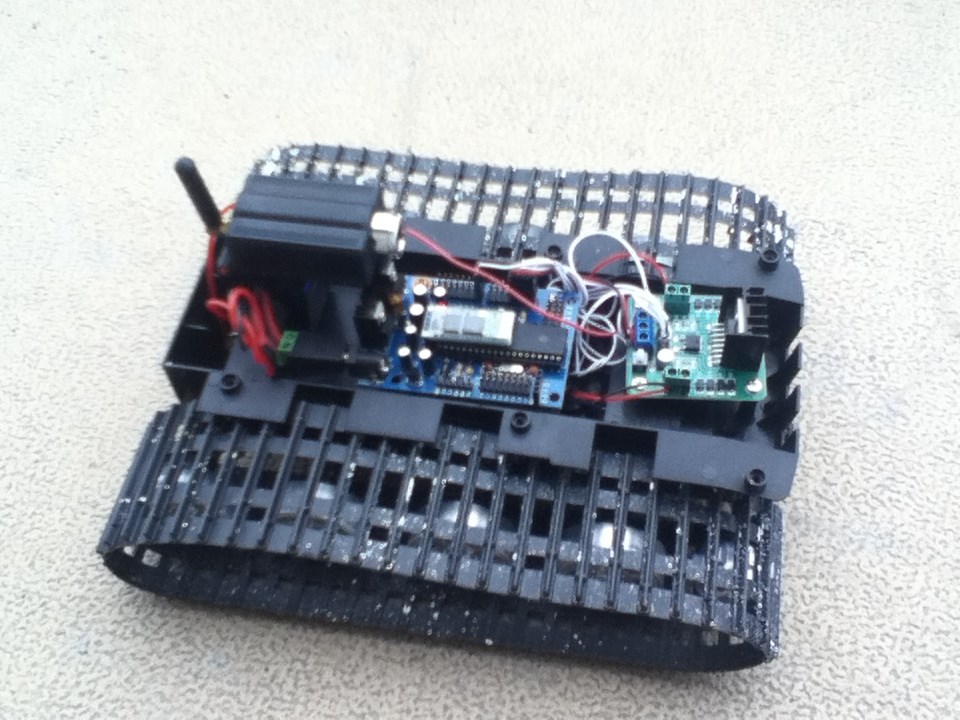
Wolfie's Well Its A . Start
Convert an RC snowcat into a robot chassis: test servos, wire an H-bridge to an EZ-B controller, and power up a working...
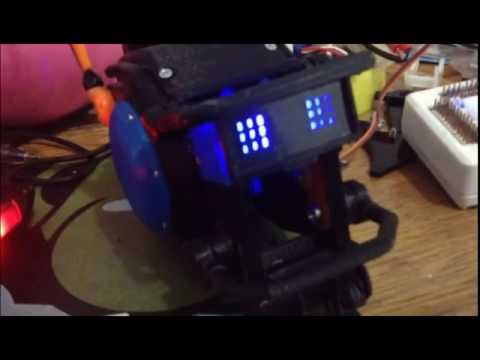
Ericez's Mini Chappie Project
Create a mini Chappie head from 3D-printed parts, first movement demo using Ez-Board.
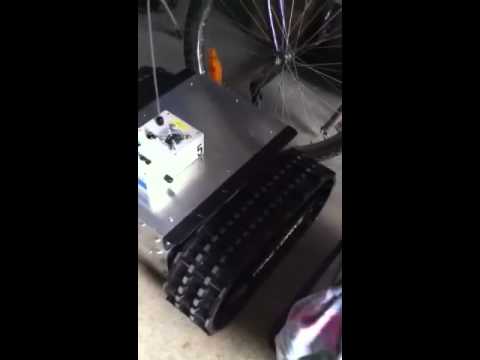
Canadian's This Is My Track Giant Robot , Using Ez-Robot...
Giant-scale tracked robot using EZ-Robot board and Wall-E software with Sabertooth 2x12R/C, ready for sensors and WiFi...

The fix is on your side. Save a copy of your project on ez cloud or somewhere easy to find on your computer. Then save your work often.
If you are using shadow copy on your computer, you could go back to a previous version of the file. This is really a windows OS question though and I don't have an answer beyond that.
What I do is save multiple versions of the project as I make drastic changes. This allows a couple of different things. If something stopped working, I can go back to a previous version. Because you can import parts of a project from another project, I then would import in the parts that were added after if I needed to.
If you make OS backups, you could go back and retrieve the file from that but it would be a bit earlier in your development process.
Sorry that I couldn't be of more help.
Thank you! But this did not work, is there some sort of an attic? or save file and do you know how to access it?
We had a back up.... but it was from a while ago so we lost the majority of our work. We will back up more frequently in the future. meanwhile.... we just wondered if there was a attic or some way to access our remnants of our program that was over-written.
My 2 cents worth. If the project with this particular file was saved to your ARC project at a previous date, and was accidentally deleted at the most recent time you reopened the project, and along as you haven't recently just saved any project changes, you can close ARC but when it asks you to save the current project, select "No". When you reopen the project again the file or control should reappear.
That's all I have to offer I'm afraid. I hope you find a way to get it back.
No way to access anything like that. Once you turn power off you loose all your work except for what you have saved to files. Sorry.