

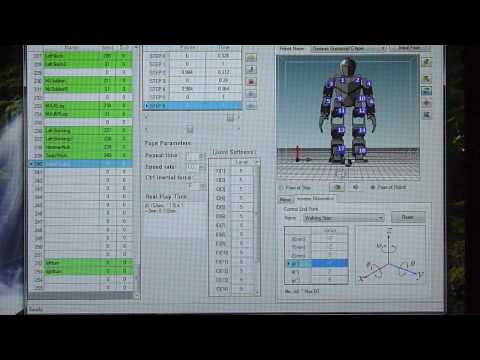
when i wanna use inverse kinematics and press enter the value goes to zero back again.when normal it chould take the pose you set.
Asked
— Edited
 Comm Expansion Configuration
— Configure EZ-B v4/2 Comm Expansion: switch between UART transparent proxy and USB direct PC link (avoids WiFi); EZ-B needs separate power.
Try it →
when i wanna use inverse kinematics and press enter the value goes to zero back again.when normal it chould take the pose you set.

found it.it was left ctrl and enter