



Hi Fellow Roboters! I have a question I am a newbie and I have followed the precse instructions for emotions recognition using Blockly. However, the Cognitive Emotion plug in states it does not recognize a face? Also in Blockly, Six will only say "I think you are feeling". That's it I added the EmotionalDescription variable but it does not say any emotion.It says I think you are feeling zero or once it said I think you are feeling neutral? Suggestions?

bonreed
USA
Asked
 Resolved by EzAng!
4 Participants
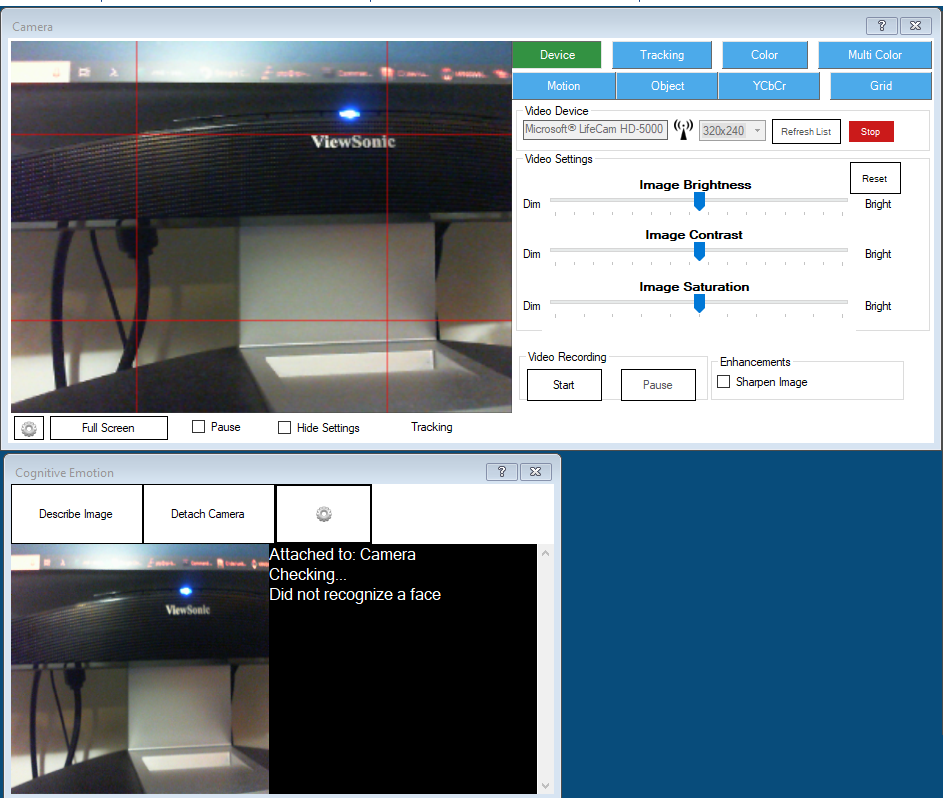
Blockly Workspace
Related Hardware (view all EZB hardware)
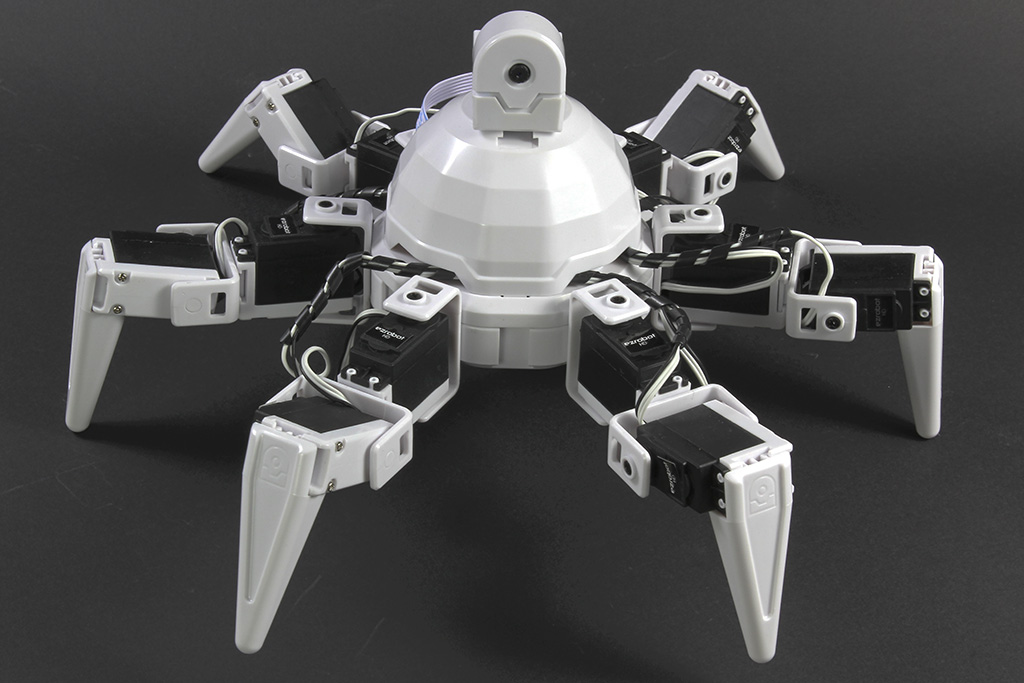
Six Hexapod
by EZ-Robot
Synthiam ARCx controls Six Hexapod with Auto Position gaits, joystick, voice, AI, vision tracking, and browser access.
Wi-Fi / USB
Servos
24
Camera
Audio
UART
3
I2C
ADC
8
Digital
24
Related Robot Skill (view all robot skills)

Cognitive Emotion
by Microsoft
Uses Microsoft Cognitive Emotion cloud to analyze camera images, returning emotion descriptions and confidence for speech/output (requires internet).

thank you my new mentor . will do!