
:D
Did they do away with the script manager in ARC latest version. I have the EZB 3.
thanks!
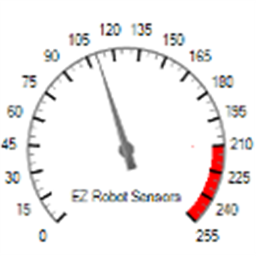 EZ Gauge Chart
— Dashboard-style configurable gauge chart with red-zone indicator, adjustable range/arc, scale ticks, title and live value updates.
Try it →
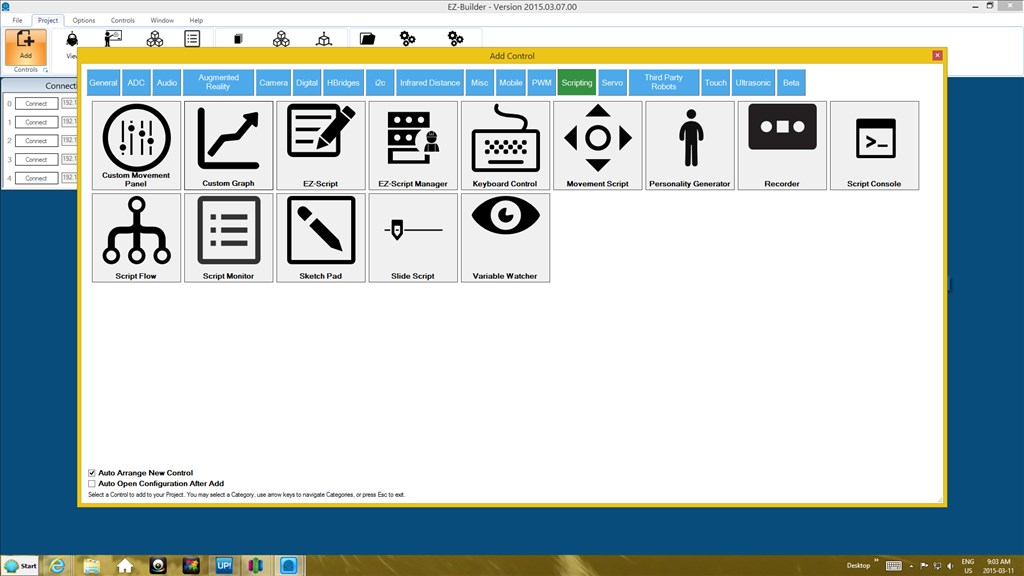

Not that I'm aware of. Should be under the scripting tab.
Version of EZ-B makes no difference.
Have a look again... it's the fourth control in the scripting tab in the add control menu....
See the fourth control in on the first line...
OK, that's where it is. I have been away from all this stuff.
Thank You!