

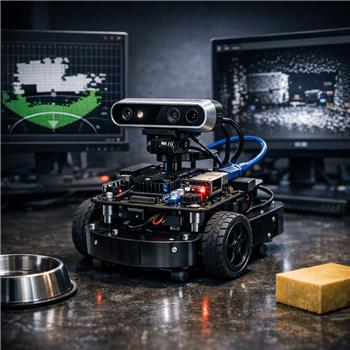
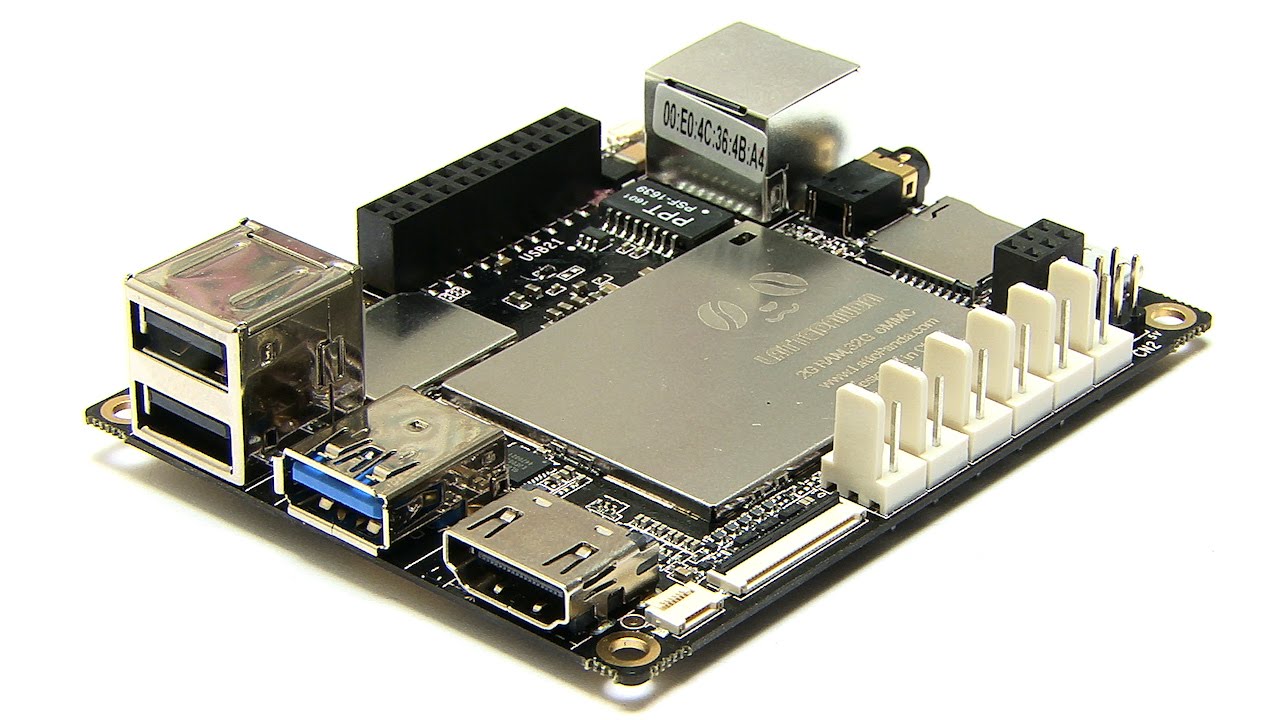
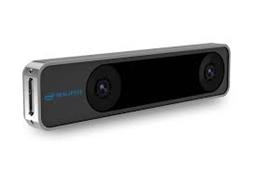
Running ARC on a DF Robot LattePanda (Windows) inside a small 2WD base, with an Intel RealSense D435i plugged into the USB 3.0 port. I’m using the Intel Realsense D435i robot skill to feed Navigation Messaging System data for obstacle mapping. The camera is mounted 120 mm forward of the robot’s center of rotation, at 280 mm height, with about a 5 downward tilt. I select the device by serial, hit START, and it streams reliably (30 fps, ~40% CPU on the LattePanda). However, in my NMS map, obstacles show up about 120-150 mm closer than tape-measure reality, and if the Image Align bottom bar is too low I get a "phantom wall" ~0.25 m from the bot due to the floor.
What I’ve tried: in the skill’s Configuration I set Mounted Radius Offset to -120 mm (since the tooltip says negative is toward the front), but flipping to +120 mm seems to shift the plotted returns the other way without actually fixing the absolute distance mismatch. I also adjusted the Image Align top/bottom bars; raising the bottom eliminates the floor but then I lose low obstacles like a 100-150 mm tall pet bowl. I confirmed the D435i is on a powered USB 3.0 hub to rule out power drops, and I’m viewing ARC over WiFi remote desktop to avoid bandwidth spikes.
What is the correct sign convention and reference point for Mounted Radius Offset in the Intel Realsense D435i skill (center-of-rotation to the camera’s optical center or the front face), and how should I set Image Align for a 280 mm height and 5 tilt so I avoid floor returns without losing low obstacles?
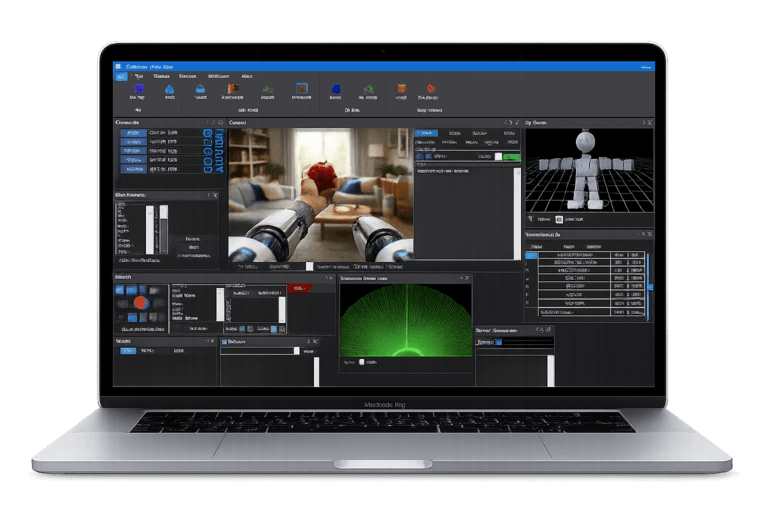
You’re on the right track, but there’s a better way to think about this in ARC:
1)
Mounted Radius Offsetis not "front face to wall"In the Intel RealSense D435i skill, Mounted Radius Offset is the distance from the robot’s center of rotation to the camera’s sensing origin along the robot’s forward axis.
So for your robot, -120 mm is the correct starting value.
Important detail
Use the camera’s optical center / sensing origin, not the plastic front face of the camera.
If you measured from the front of the camera housing, that can easily explain the 120-150 mm mismatch.
Why your plot may still look off
If the absolute error is still around 120-150 mm after using
-120 mm, then one of these is likely true:2) The floor issue is usually solved by vertical filtering, not by changing radius offset
The Image Align top/bottom bars are effectively a height filter for what part of the depth image gets used.
If the bottom bar is too low, the floor enters the point cloud and ARC sees a "phantom wall" nearby.
If you raise it too much, you’ll lose low obstacles like bowls, feet, and curb edges.
3) Best practice for your mounting height and tilt
With:
Start with this approach:
Recommended tuning method
Practical rule
You want the crop to include:
With a 280 mm mount height and only 5 downward tilt, the floor will usually start dominating the lower part of the depth frame fairly close to the camera. So the bottom crop needs to be set slightly above the horizon where the floor first appears, not all the way down.
4) What I would do on your robot
Try this sequence:
A. Verify the offset first
-100 mm-130 mm-150 mmOnly change by 10-20 mm at a time.
B. Tune floor rejection
This is a balancing act. The exact value depends on:
5) If you want the most reliable mapping, use the sensor skill’s physical mounting data
For navigation, ARC works best when the skill’s physical parameters match the robot exactly.
If the camera is tilted even a little, the depth projection can shift enough to make map distances look wrong.
If the D435i skill does not expose a separate pitch/tilt compensation control, then the proven workaround is:
6) My recommendation for your exact setup
For a first clean setup:
-120 mm7) If you want, I can help you dial it in precisely
If you share:
I can help you determine whether you should keep
-120 mmor move it slightly, and estimate a better crop band for your 280 mm mounting height.Also, if your bigger goal is accurate low-height obstacle detection for navigation, let me know what navigation skill you’re using on top of NMS, because the best tuning depends on that too.
For code-related tuning or automation, the ARC AI Assistant can also help you rewrite scripts or debug project logic directly in ARC:
https://synthiam.com/Products/AI-Assistant