



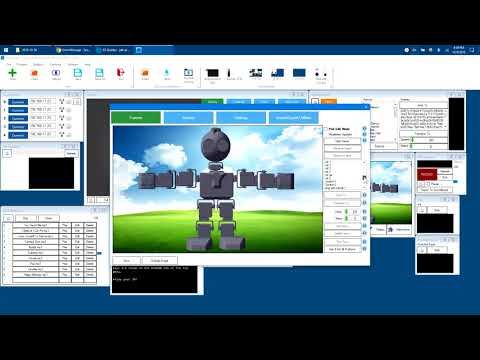
What do I do about the following error message?
System.Exception: Cannot find Frame with GUID:
at EZ_B.Classes.AutoPositionConfig.GetFrameByGUID(String GUID)
at EZ_Builder.UCForms.FormAutoPositionerOptions.p4d9pryZSTg(Object , EventArgs )
at System.Windows.Forms.Control.OnClick(EventArgs e)
at System.Windows.Forms.Button.OnClick(EventArgs e)
at System.Windows.Forms.Button.OnMouseUp(MouseEventArgs mevent)
at System.Windows.Forms.Control.WmMouseUp(Message& m, MouseButtons button, Int32 clicks)
at System.Windows.Forms.Control.WndProc(Message& m)
at System.Windows.Forms.ButtonBase.WndProc(Message& m)
at System.Windows.Forms.Button.WndProc(Message& m)
at System.Windows.Forms.Control.ControlNativeWindow.OnMessage(Message& m)
at System.Windows.Forms.Control.ControlNativeWindow.WndProc(Message& m)
at System.Windows.Forms.NativeWindow.Callback(IntPtr hWnd, Int32 msg, IntPtr wparam, IntPtr lparam)
Can you verify the software version is the same as my example? 2018.11.18.01
dj its same ARC.
Yes. Confirmed version 2018.11.18.01
I'm struggling with this - because I can reproduce the error if i don't select a frame from the list before pressing New Frame. But I can't reproduce this if I select the frame from the list first. See this video..