

I have configured my nest account and linked it to ARC. But when I try to run the sample project for Nest. I get this error Object reference not set to an instance of an object.
what am I doing wrong?
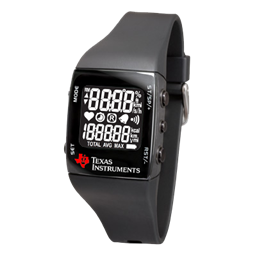 Ez430-Chronos Wrist Watch
— Map TI eZ430-Chronos watch accelerometer X/Y tilt to ARC servos for intuitive, Wii-Remote-style control of servo positions.
Try it →

I have configured my nest account and linked it to ARC. But when I try to run the sample project for Nest. I get this error Object reference not set to an instance of an object.
what am I doing wrong?

Please review attached doc.NestData.pdf
all nest features are working correct. Please verify your configuration with the nest website and ensure you have followed the tutorial previously listed. If you have additional information of your Nest configuration or devices, please let us know to see if there's an unusual configuration that is breaking the Nest webservice.
Attached shows the Nest is successfully setup in ARC and the other picture shows ezrobot on my nest account.
removed connection and then readded. Still getting same error.
Hmm...
Can you give me a description of your devices? (carbon sensor, thermostat, camera, etc)
Try this release... I believe there is a bug in the Nest web service that this release should resolve: https://synthiam.com/Community/Questions/9593
That did it! I have only the Thermostat. I can now run that two line script without an error. Thanks very much.