


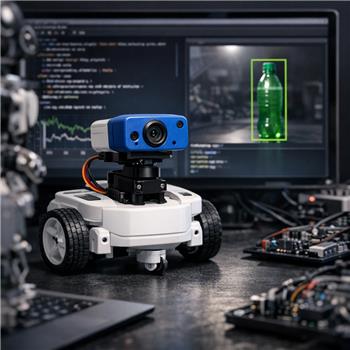
Running an AdventureBot (EZ-Robot) over Wi-Fi with ARC on Windows and the EZ-Robot camera. I’ve got Camera Device set to 320x240, servo tracking enabled with only a horizontal pan servo on D12 (vertical set to None), and added the Tiny Yolo2 skill. When I check Active, detections look good in the Tiny Yolo2 log (e.g., person 0.78, bottle 0.65), but the pan servo hunts a lot as YOLO bounces between multiple classes in view.
What I want: only track "bottle" and maintain lock for a short period so the pan doesn’t twitch when the confidence dips or another object briefly scores higher. I tried increasing Tiny Yolo2’s confidence threshold and lowering the camera FPS, which helped a bit but didn’t solve the oscillation. I also tried filtering in the Camera Device’s On Tracking Start script by name:
if ($CameraObjectName != "bottle")
  return
endif
That stops non-bottle responses from triggering my follow logic, but the built-in servo tracking still moves first (before my script returns) and I get rapid On Tracking Start/Stop toggling if detection flickers. I then disabled servo tracking and tried my own smoothing using $CameraObjectCenterX, doing a small proportional nudge toward center each frame, which works better but I’m not sure I’m using the right variables/events for the cleanest result.
- Is there a built-in way in Tiny Yolo2 or Camera Device to limit tracking to a specific class before servo tracking engages, or to add a persistence window (e.g., require N consecutive frames) so On Tracking Start/Stop doesn’t thrash, or is custom smoothing with $CameraObjectCenterX/$CameraObjectCenterY the recommended approach?
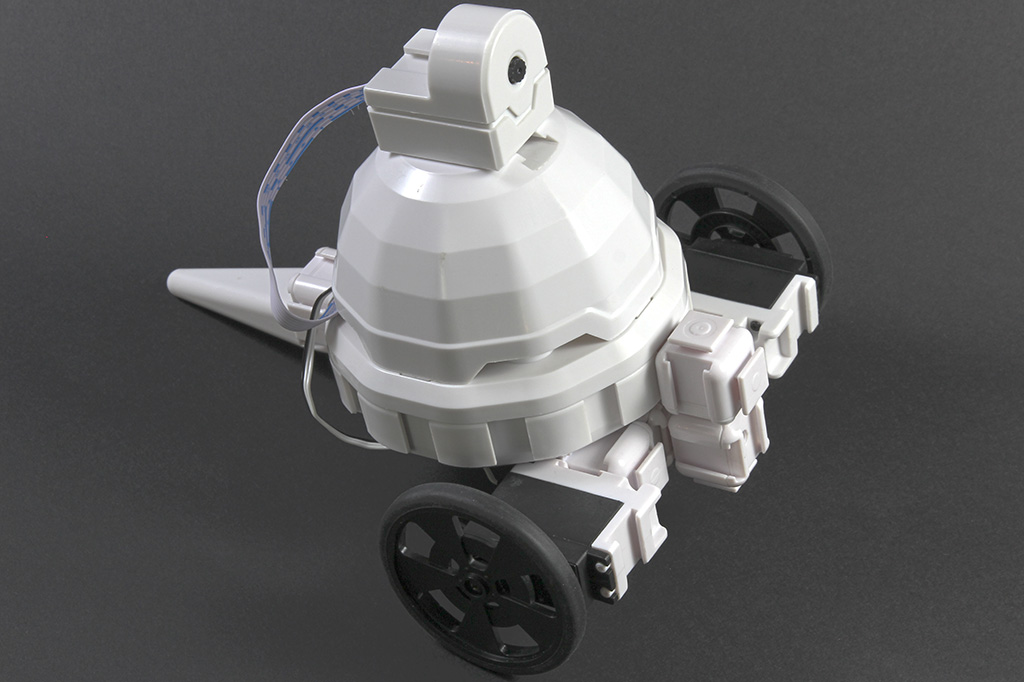



Yes - the better approach in ARC is to keep the camera/tracking pipeline clean and do the class filtering/persistence in script, rather than letting servo tracking react to every transient detection.
What’s happening
With Tiny Yolo2, detections can legitimately switch between nearby classes frame-to-frame, especially when multiple objects are in view or confidence is near the threshold. If Camera Device servo tracking is enabled, it will respond immediately to whatever the active tracked object is before your
On Tracking Startscript gets a chance to filter it.So your observation is correct: filtering in the script alone does not prevent the built-in servo tracking from twitching first.
Recommended setup
Option 1 - Best practice: disable built-in servo tracking and use your own "locked target" script
This is the most stable solution for what you want.
bottleThis gives you:
Why this is the right way
ARC’s camera tracking is designed for detection, but "track only this class with lockout/persistence" is better handled by a custom script because it lets you define robot behavior exactly.
If you want that feature as a reusable control, you could even build a custom robot skill later: https://synthiam.com/Support/Create-Robot-Skill/Overview
Simple smoothing pattern in JavaScript
Use this pattern with:
Camera Device+Tiny Yolo2The idea:
bottleNframesNotes
Servo.increment()/Servo.decrement()are a good fit for small corrections.Even better: use a state-based tracker
If your goal is "follow the bottle until I lose it for a bit," then use a simple state machine:
bottleThat’s more stable than reacting directly to every frame.
About the built-in filters
From what you described:
Important detail
If you do keep built-in servo tracking on, it will always be more "reactive" than "stable." That is expected. For object-following behavior, especially with a single target like bottle, scripting is the proven route.
Suggested ARC workflow
$CameraObjectName,$CameraObjectCenterX,$CameraIsTracking"bottle"Nconsecutive framesFollow-up
If you want, I can write you a clean ARC JavaScript script that implements:
Also, what’s your bigger goal overall - follow a bottle, pick it up, or just keep it centered in view? That will change the best control strategy.