


Hey guys, is this possible, i was playing with it last night and looked like you could only control it that was if it was a servo , or leave the box checked and it connects to the movement panel. The ? help button, only got me so far. I would like to be able to move the robot from point A to point B manually when it is not doing its job. Like to roll back to the garage to charge or swap batteries. Thanks!
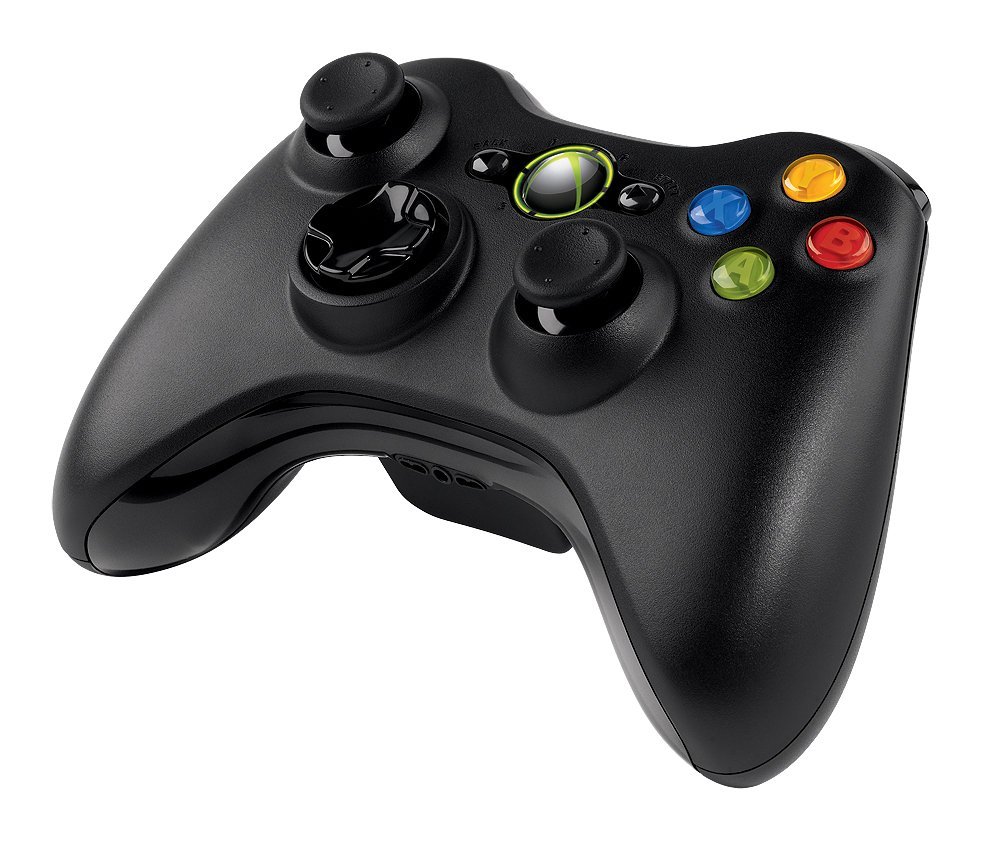
At this time I am using sabertooth simplified serial panel , and I have a Microsoft Game pad / Xbox 360 game pad ( but this was the kit with wireless receiver for the pc. )


Yes
add and configure sabertooth Movement Panel control: https://synthiam.com/Tutorials/Help.aspx?id=173
add the joystick control. And configure it for controlling a movement panel. Click on these words Movement Panel to read what that means. It’s a real simple concept and won’t take long to understand. Here’s how you add the joystick control: https://synthiam.com/Tutorials/Help.aspx?id=43
The instructions for each control are in the above links
OK, So I believe I see where I went wrong.I have a microsoft ( xbox 360 style) wireless PC gamepad. Maybe ARC is not seeing the controller? That gamepad has a slightly different layout. Should I ditch the microsoft pad and grab one of the logitech?
I can certainly try reinstalling the windows drivers later tonight.
I was just trying this because I already had it, I lost my logitech I used before.
https://www.amazon.com/Microsoft-Wireless-Controller-Windows-Console/dp/B004QRKWKQ/ref=sr_1_4?ie=UTF8&qid=1518378358&sr=8-4&keywords=microsoft+wireless+game+controller+for+pc
Maybe google to see how to get that controller working with windows since it’s not a windows controller. Internet is your friend.