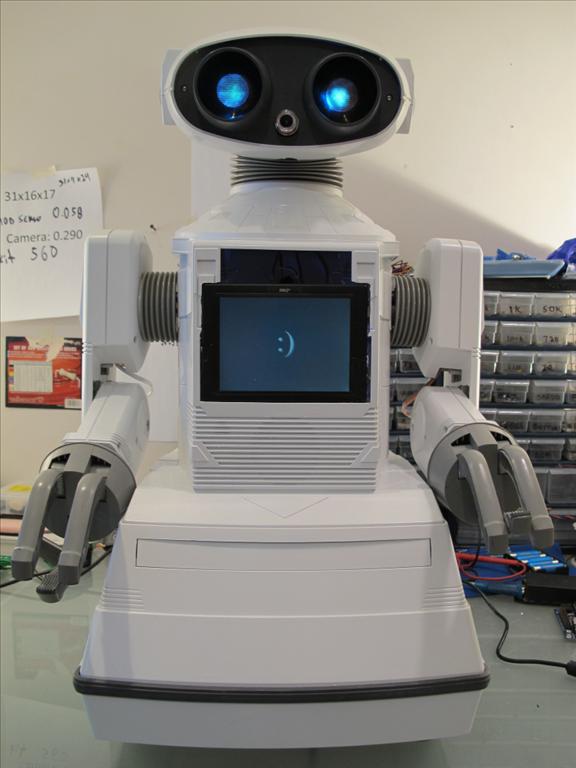
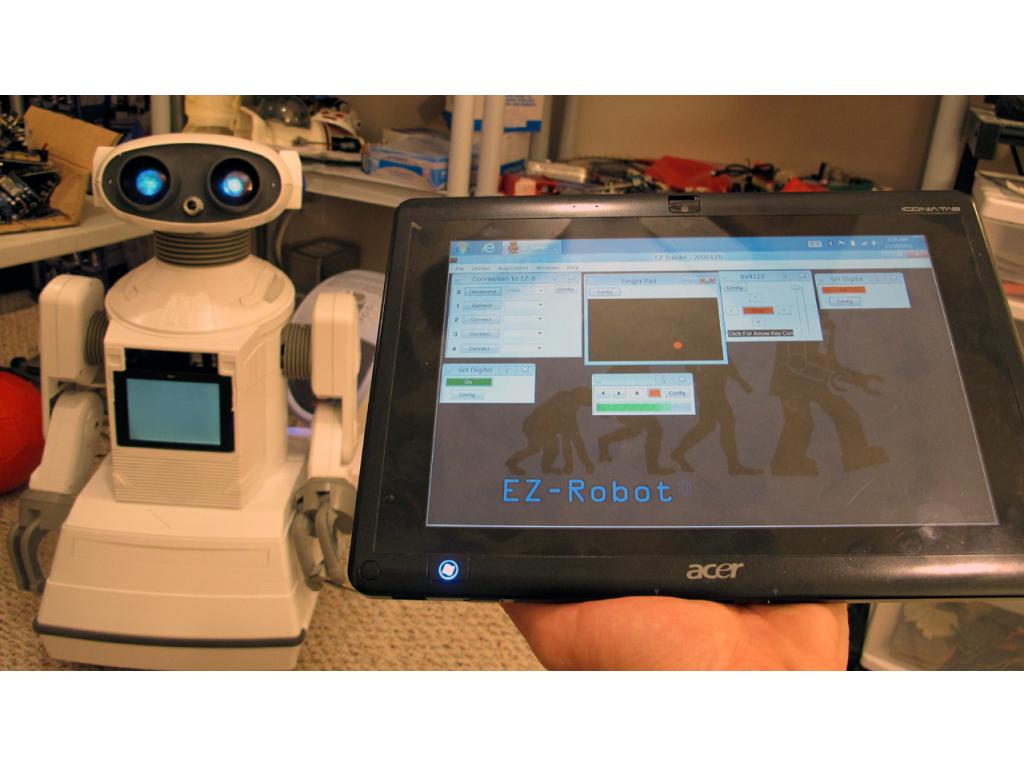
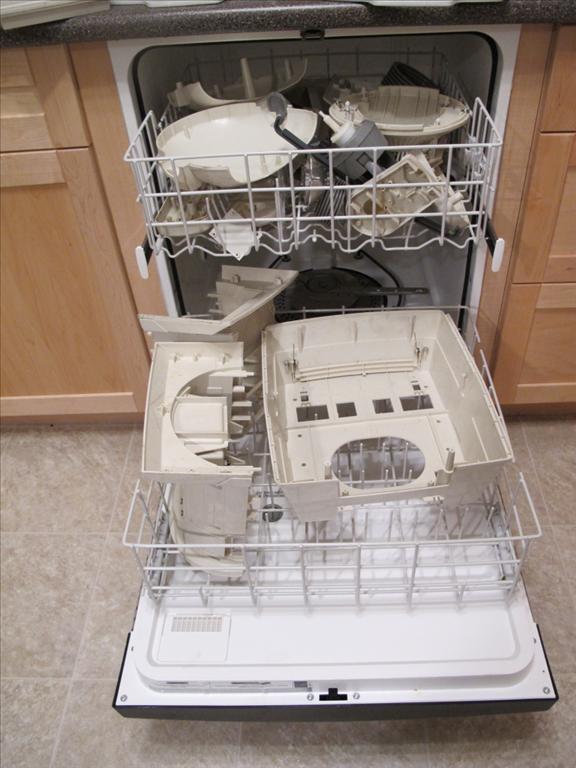
I just finished a short video with clips of building my Omnibot 2000, you can watch it here. This robot contains all of the great new features of ARC - Wii Remote Control - Glyph Vision Recognition - Tablet PC Touch Controlled - And more...
You may also view his personal robot page HERE for a list of materials and more videos.
By DJ Sures
— Last update






Discover more robots
Ezang's Video 2 Of My Metal Arm Gripper With An Arduino And...
Metal arm gripper with Arduino controlled via EZ-Builder (Synthiam) - Video 2 showing setup and control
Rgordon's Project Magnus On Hold
T.E.C.H. humanoid with EZ Board brain, two-wheel tank drive, scooter chain drive, camera-ready head, voice control,...
Ezang's My New Metal Robot With Voice Commands 10/25/2019
Metal robot with voice commands and automatic positioning for easy viewing and interactive demonstration

This is beyond amazing. I am a big fan of EZ-Robot and the community.
I was fortunate enough to get a Omnibot 2000 and plan on installing the EZB 4/2 into it. I have questions pertaining to the arms of the Omnibot and the servo setup.
I am curious what servos were used for the shoulders, elbows, wrists and claws? Is there a guide on upgrading the arms with servos?
Lastly, what H Bridge is recommended for the drive motors? Should I change the motors to something more beefier?
Thank you all for all the contributions. This site and the EZ-Robot product line is inc readable resource.
Sean
Hi Sean,
Here's a link to page with a lot of building tips including a material list. Most of the parts can be bought right here in the EZ Robot store. Best thing is things like the HD servos are now upgraded to the new EZ Robot servos that are super amazing and powerful.
Omnibot 2000 building tip page
EZ Robot Store - DIY Page
Have fun!
Thank you for the links!
Thanks for the kind words. I used the ezrobot hbridge from the store in this website. And you can still use the same motors. Took a bit of probing to find what wire was for what motor without taking the gearbox apart.