
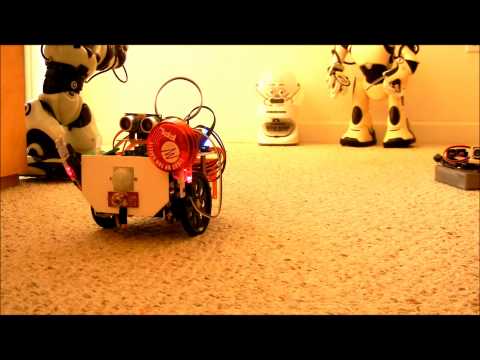
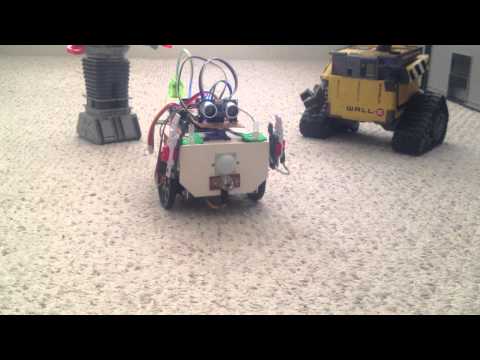
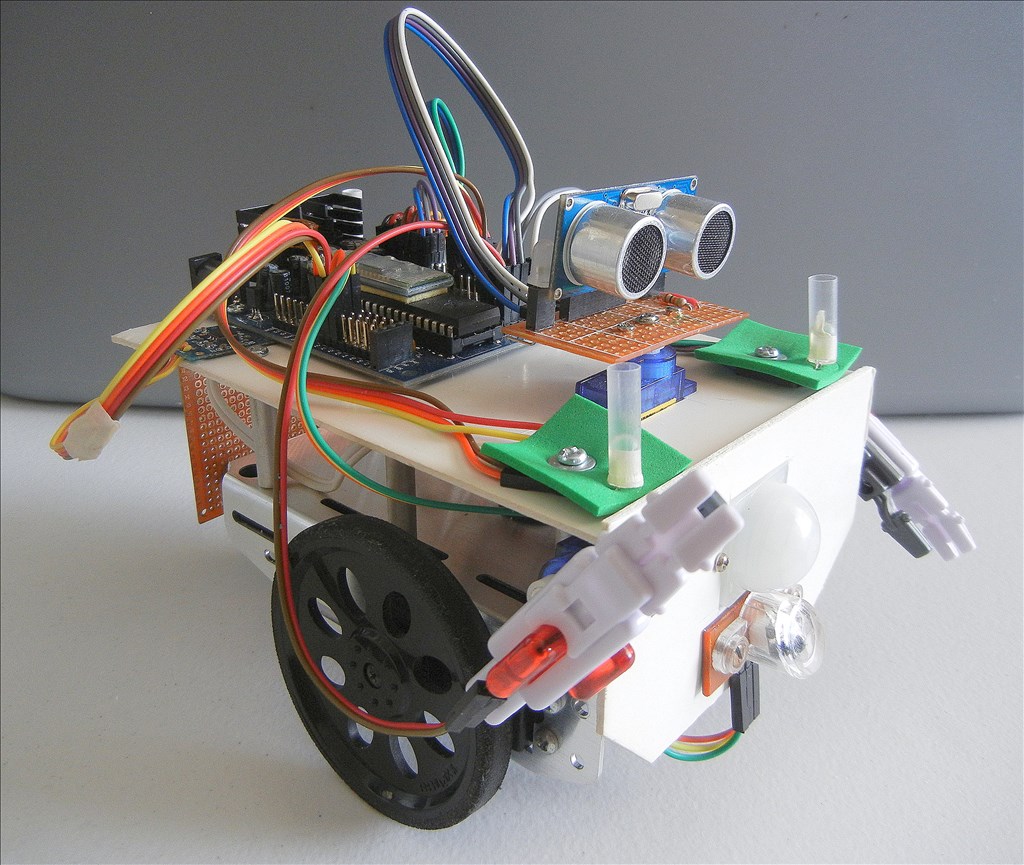
I enjoy experimenting with the different controls available with easy builder, and exploring all the different options available, using the script language. With this in mind I decided to build a small, simple robot based on my old Boe-Bot chassis. I have tried to incorporate all the different sensors and LEDs I had hanging around so that my experimenting could be broader based.
At the present time, I have added these devices to experiment with 3 servo motors 2 modified servos 1 PIR Infrared Two axis accelerometer Sonar detector Photo resistor Two RGB LEDs Two standard LEDs Bicolor LED
I have made the front and back panels removable in case I have some new ideas. Video coming soon.
By pashley
— Last update
Discover more robots

Lumpy's Lumpy's - R2-D2 Build Two-Two's
Custom 100% aluminum R2-D2 build with radar-eye camera, skirt sonar, detailed parts list and planned EZ-B retrofit.
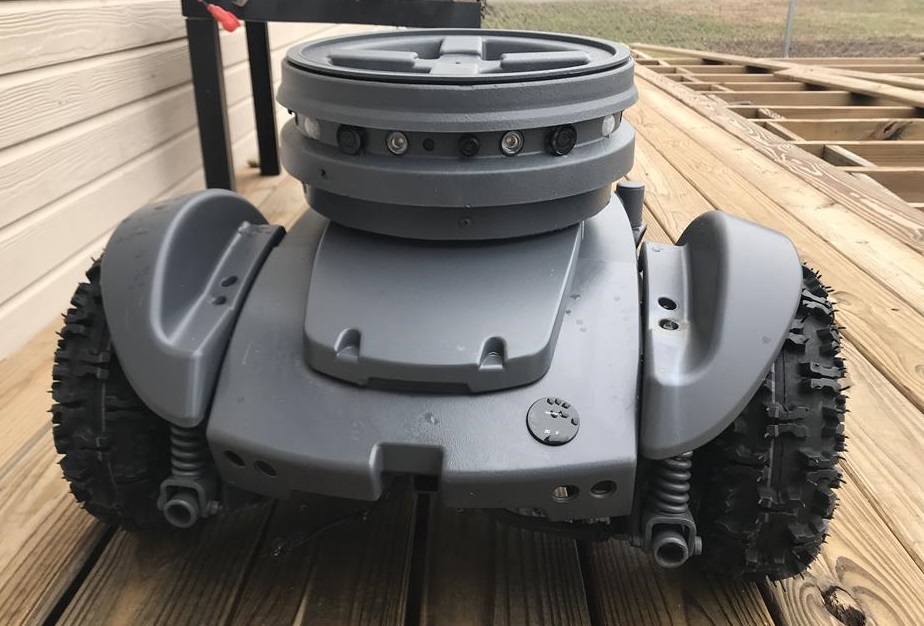
Jstarne1's Security Cam Robot, This Droid Is Watching For...
Project update: MagPi magazine to feature project build with step-by-step instructions and a fresh new look.
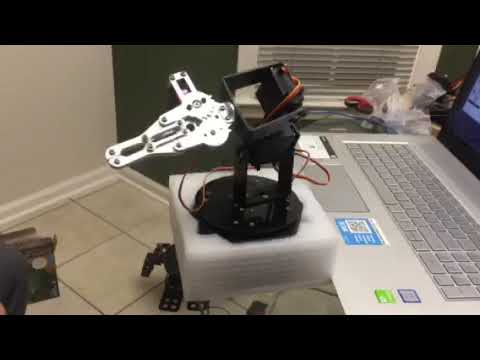
Ezang's My First Video Of My Metal Arm Gripper Nov. 7, 2019
Control Mr. Metal arm gripper with Synthiam ARC and Arduino for precise robotic manipulation; initial demo and upcoming...

New EZ Bo video. This time Bo awakes from a short nap and shows us all his "stuff",.
Where did you get the voice?
MovieMaker
EZ Bo's voice is the standard, "Microsoft David", that comes with Windows 8. It is accessible using the Speech Synthesis Settings control, along with a couple other voices.
I would like to see an option to change the voices using scripting, similar to SpeakVolume, so that I could have two or more different talking robots in the same script. Something like a SpeakVoice(value) command would be nice.
I wanted to ask where you got the arms.
;)
MovieMaker,
Bo's arms are parts from my box of robot toys, gathered from lawn sales over the last few years.