
My new Mr. Head robot, jaw movements and more to come
I will be meeting AIMLbot soon
By EzAng
— Last update
Discover more robots
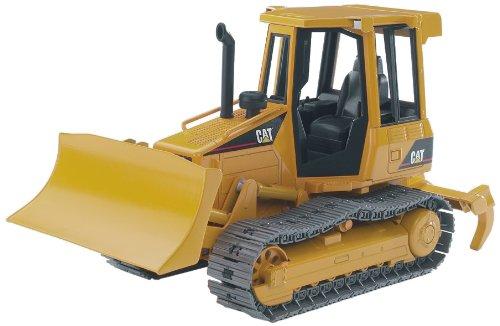
Peterfrisch's It's Yellow, It's Boxy, It's .... No Wall-E...
Convert a Caterpillar toy with EZ-Bot: install continuous servos for treads, hot-glue servo horns and route cables for...
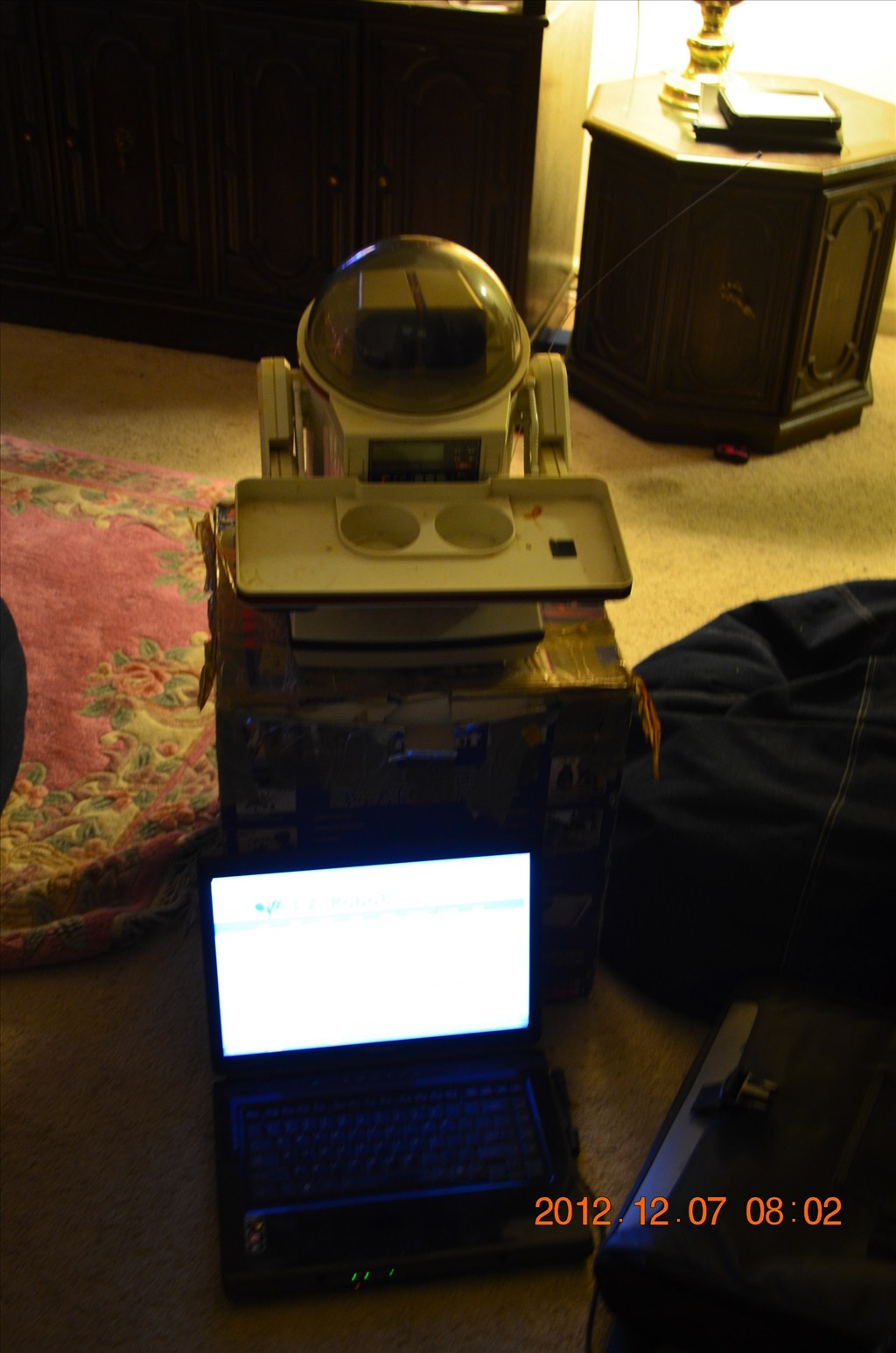
Herg62123's Omnibot 5402 Project - Code Name: Minion 8
Convert a 30-year OmniBot into Minion 8-integrate a laptop, keyboard tray, eye projector and ez-b kit for a Windows 8...
Ezang's My New Metal Robot With Voice Commands...
Metal robot upgraded with EZ-Builder, I/O Tiny, new speaker and RGB-more enhancements coming next week.

For the mouth I used a Scary Terry board.
I am trying,
I will use:
I found a great tutorial, https://synthiam.com/Products/Controls/Audio/Talk-Servo-16179
it says:
Use the Talk servo icon to add the control to your project
This control will bind to the Text To Speech engine. When ever a text to speech EZ-Script command is executed (i.e. Say, SayEZB, SayWait, SayEZBWAit), this control will move the specified servos to simulate a mouth movement.
If your robot has servos connected to simulate a mouth, this control will move those servos while speaking.
Hey Andy, I might call my robot "Roman", Antonn's cousin, lol