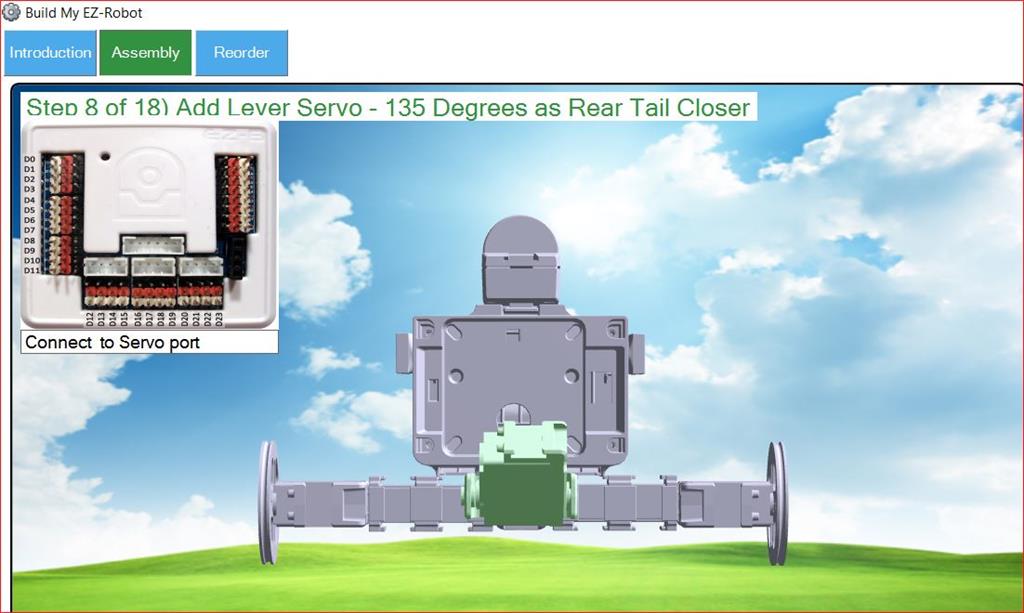
I don't see the actual port numbers defined in the instructions as they are for other projects.
I didn't see the ports listed under Project Details either
I need this info to execute the Auto Position Actions such as Kick
Thanks, Frank
By faengelm
— Last update


Discover more robots
Bhouston's A New Hand For Inmoov?
InMoov hand hack: Exiii Handii modified for independent finger control, wrist with EZ-Robot lever servo, EZBv4 control...
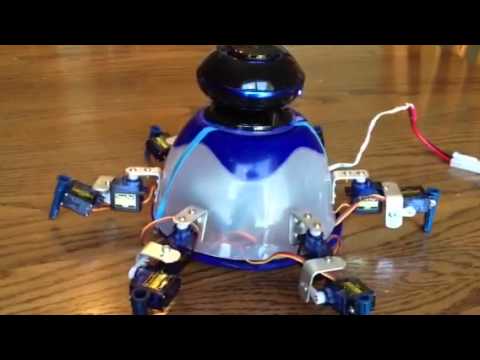
Steve's Mini 6 Fabricated Robot
Mini Six EZ Robot with EZB3, micro servos and custom aluminum brackets - compact DIY build with Bluetooth speaker audio...
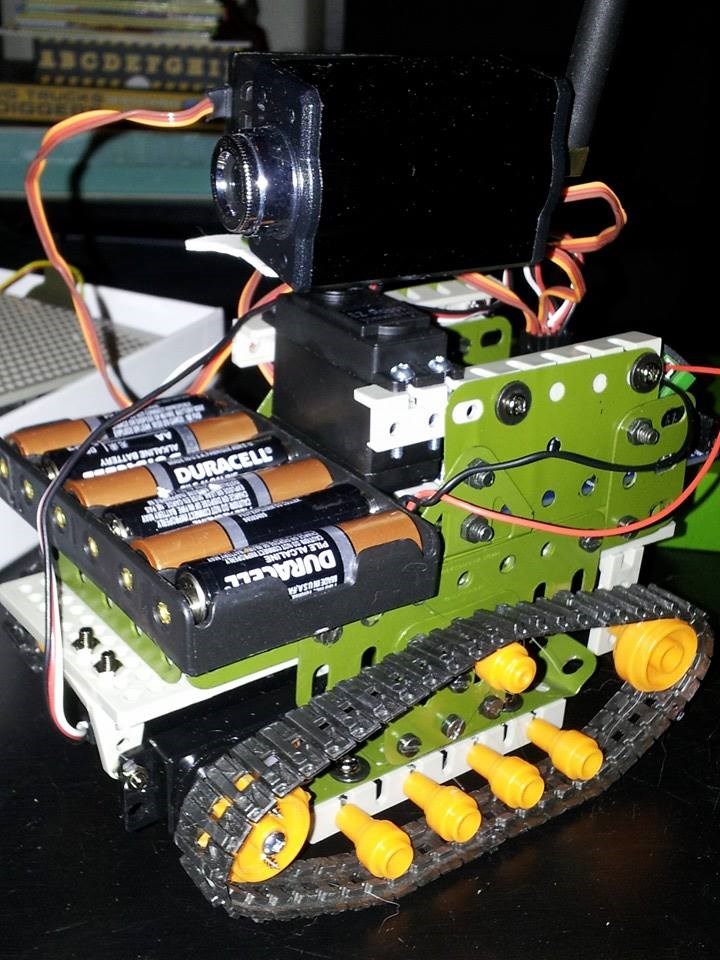
Sbesk's First Ever Robot. Ish
Build and program a lightweight EZ-B3 quadruped with EZ-Builder; tips on 7.4V 800mAh LiPo hookup, servos, batteries and...

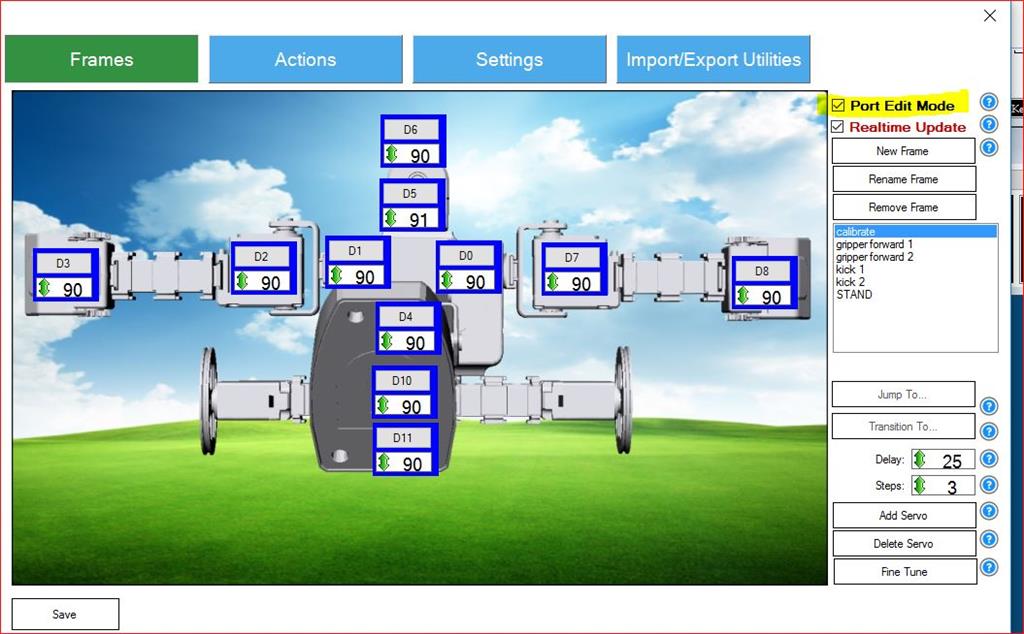
If you open the settings on the autoposition, click on the calibrate frame, and click the "live edit" checkbox, it will show you the port numbers except for the wheels. You can get the port numbers for the wheels from the Movement Panel settings.
Alan
@thetechguru
Hi Alan,
Thanks... that answers my question!
BTW, it looks like "live edit" has been renamed to "Port Edit Mode"
regards, Frank