
Tutorial

Published
— Updated
Step 8 of 8
Final Step
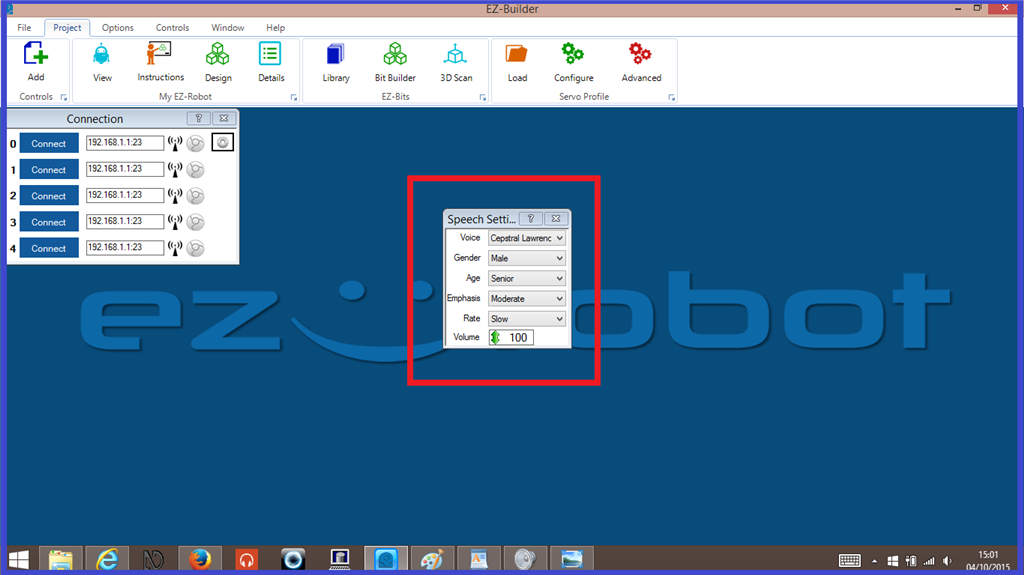
And that should be it. Open EZ-Builder, select the Cepstral voice you changed the effect for, and give it a try. You should hear the effect that you have chosen. If you don't hear the voice straight away you will need to change some of the "Voice Synthesis Settings" in that control. I have "Lawrence" working on "Male" in "Gender" and "Senior" in "Age".
Happy building.
Tutorial created on 3rd October 2015
