Tutorial






Published
— Updated
Step 4 of 5
Step 4
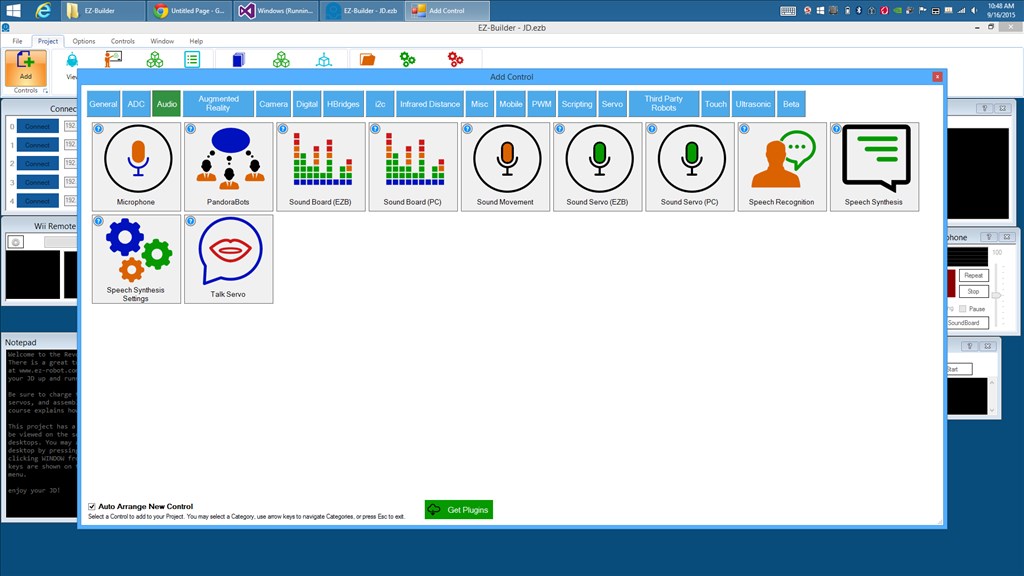
Now that you are familiar with making the robot speak. There is another control which you can change the voice parameters. You can make the robot talk very fast, or very slow. This control is called Speech Synthesis Settings. Here is how you can add this control to your project.
Press PROJECT -> ADD CONTROL -> AUDIO -> SPEECH SYNTHESIS SETTINGS