

 Resolved by




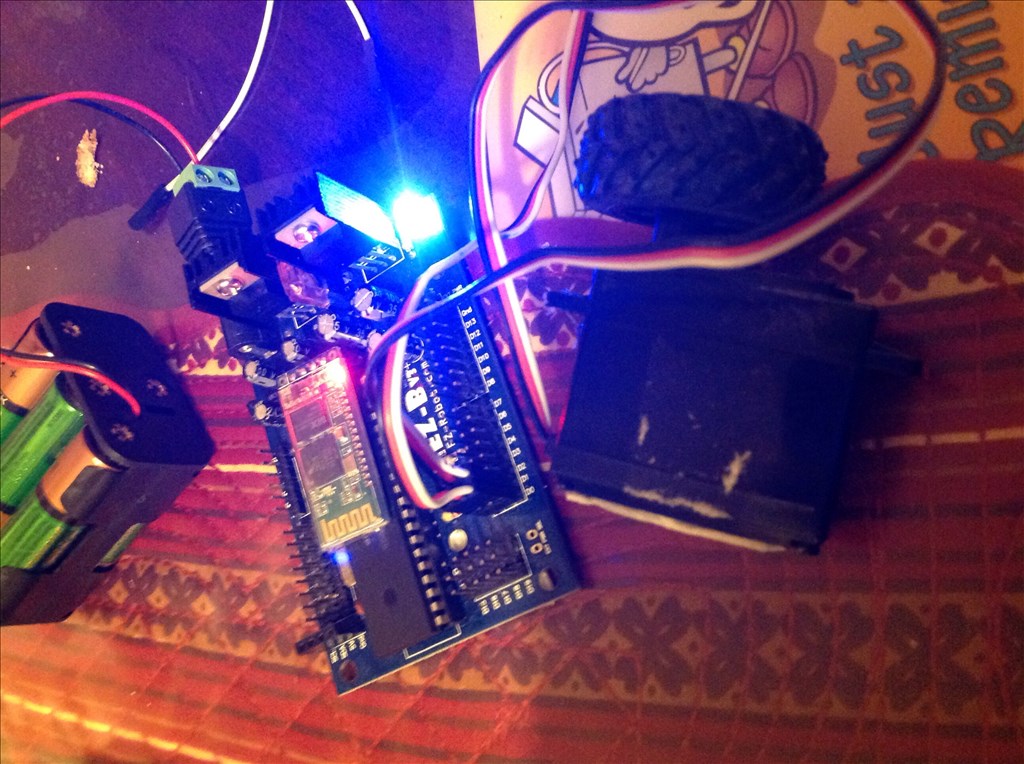
I have an ezb3 and am using the Continuous servo Movement Panel window with the old 360 motors but it doesn't seem to do anything. I read the manual and it says that it has to be connected to board#0 I have that,I also checked the port numbers and they are good, but still nothing happens. When I use the Continuous servo window they work well but not with the panel. Is there anything that I can do differently? I have the latest ARC and the latest ezb3 firmware

Okay maybe the Movement Panel is not adjusting the values for the v3. I'm on a plane at the moment, but I'll check at my next lay over.
I see, you will have to connect to the ez-b v3 before adding the modified movement panel. The software defaults to the ez-b v4 and therefore only initializes the v3 backward compatibility if you establish a connection first.
load ARC
connect to your ez-b v3
add the modified servo movement panel
I got them working, thanks everyone for your suggestions. rich I tried the code and it worked, although I wanted to use the Movement Panel and tried out what dj suggested and got it working. Thanks again