


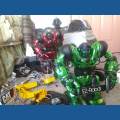
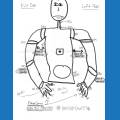
Whenever i click connect on the movement panel, all the Rover does is just have its camera move downward, and thats it! I can't move it! Please help. any solution would be greatly appreciated.

Wachtos
USA
Asked
— Edited
4 Participants
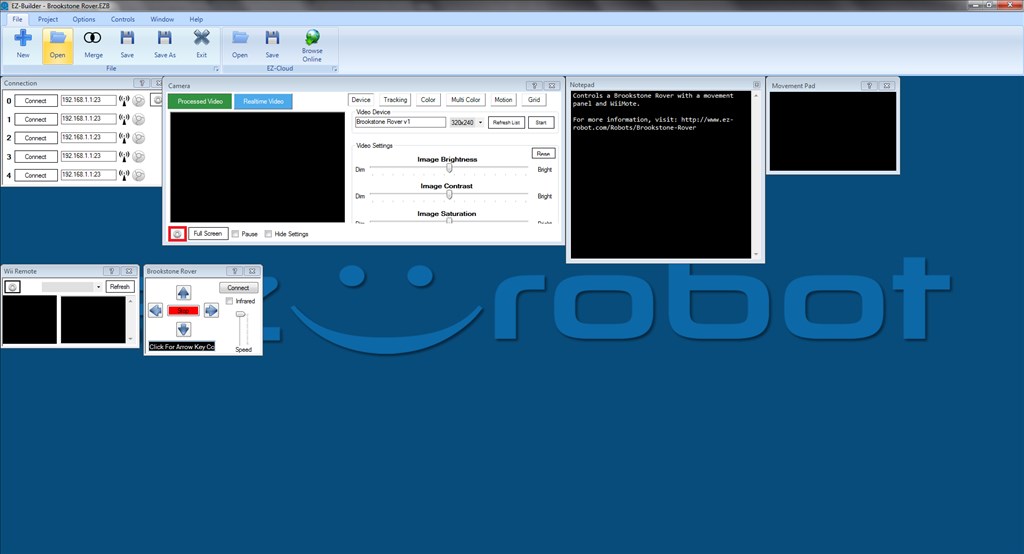

I was under the impression that ARC does not support V2 of the Rover...
It doesn't from what I can see. I hadn't noticed the V2.0 in the subject until post #13 and assumed this was a V1.
Since the rover is very simplistic in it's ARC connection and there are problems controlling a V2.0 it's pretty safe to say it's not supported.