


Touch Path icon Touch Path — Sketch paths with finger or mouse and set turn/move speeds; interactive, educational demo of timing-based, sensorless robot navigation and limits. Try it →
Tutorial
Published — Updated

The Robot Program Episode 021: Detect Face And Wave - Blockly

Step 10 of 22
Step 9

Push the green Start button to connect to the camera. The camera will provide peripheral information that will be used within the program.
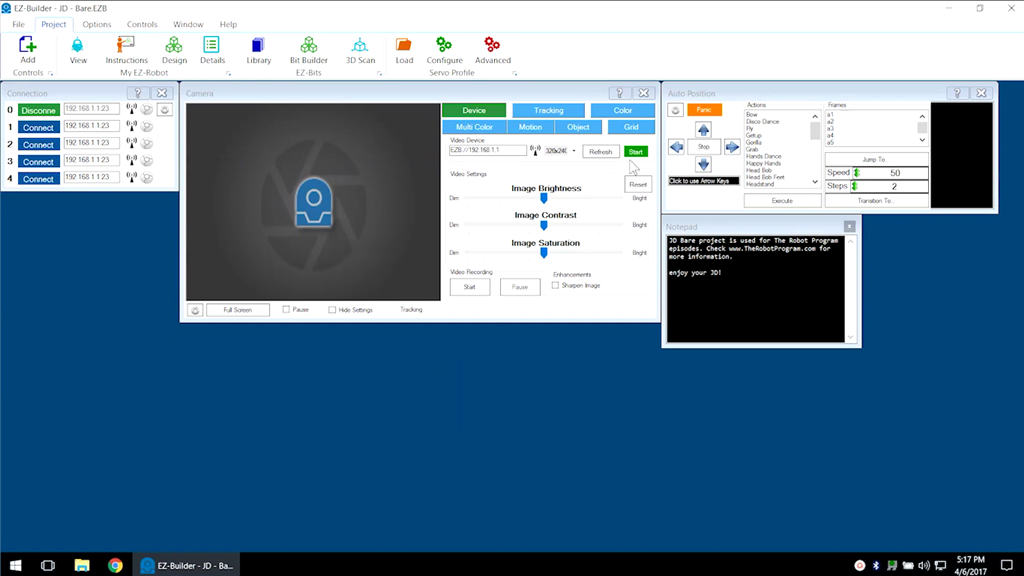

User-inserted image


ARC Pro

Upgrade to ARC Pro

Your robot can be more than a simple automated machine with the power of ARC Pro!