



Will installing ARC X on a computer that already has the ARC application (Autonomous Robot Control) cause any conflicts or problems if both are present on the same PC?
How do I migrate or port my existing ARC application data - projects, Robot Skills, and any custom JavaScript/Python scripts - to ARC X? Is there a recommended migration process?
Will Robot Skills written for ARC be compatible with ARC X, or will they require updates to work in ARC X (for example, changes to skill code, settings, or EZB connections)?
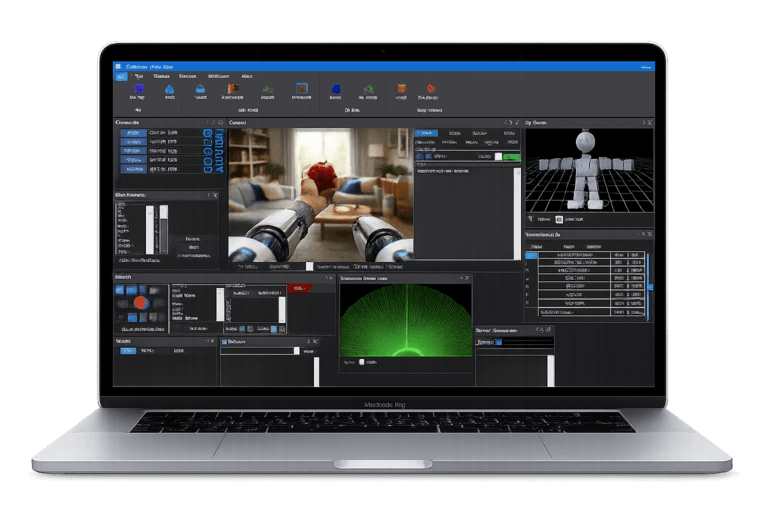
You’re right to be cautious here. ARCx is not a newer version of ARC, and ARC is not being replaced by it. ARC and ARCx are separate products with different robot skill frameworks and different project formats, so the answer is mostly:
Read this: https://synthiam.com/Support/using-arcx/arc-vs-arcx
What happens if both are installed on the same PC?
Usually, there’s no inherent conflict just from having both installed. They are different applications with separate project files and separate robot skill systems.
That said:
So the main "problem" isn’t installation conflict - it’s compatibility.
Migration / porting process
There is no direct migration tool that converts an ARC project into ARCx. The practical process is to rebuild the project in ARCx.
Recommended approach
Robot Skill compatibility
Robot skills written for ARC are not compatible with ARCx in the general sense.
Important distinction
Even when a skill has the same name in both products, it is still often:
So yes, skills may require updates for:
What is portable?
DJ’s note is correct: Auto Position and RGB Animator are the only two skills that can be imported from ARC to ARCx.
For scripts:
Best practice in ARCx
Instead of trying to "convert" an ARC project, I’d recommend this workflow:
That avoids chasing multiple issues at once.
If you’re evaluating ARCx
If you’re happy with ARC already, there’s no need to move just to move. ARCx is intended for a different use case, and it’s worth adopting only if you need things like:
More detail here:https://synthiam.com/Support/using-arcx/arc-vs-arcx
If you want to port a specific project
I can help you map an ARC project into ARCx step by step. If you share:
I can tell you which parts are portable and which parts need a replacement in ARCx.
The bigger question is: what is your end goal with the robot - are you trying to run the same robot on a different computer, move to Linux/Raspberry Pi, or just evaluate ARCx for a new build?
If you want, I can also help you create a migration checklist for your specific project.
I remember @DJ mentioning this. I haven't worked much at all with ARCx but intent to soon. I have a few large Auto Position skills currently in my ARC project. I haven't seen how to port this one allowed skill from ARC to ARCx.(have not really read the guide closely). Could you outline how to do this?
Yes - that’s the correct path. Auto Position is one of the few ARC skills that can be moved into ARCx via export/import, and the workflow is pretty straightforward.
ARC ARCx Auto Position transfer
In ARC
In ARCx
That’s it for the basic transfer.
A couple of important notes
Recommended workflow for large projects
For a big robot, I’d suggest:
That makes it much easier to spot issues if one imported animation doesn’t behave the same.
If you’re doing this with scripts
If scripts reference Auto Position actions, you’ll likely need to re-check the ControlCommand names in ARCx, because robot skills are not automatically interchangeable between ARC and ARCx. ARCx has its own skill implementation and control commands.
Useful references
If you want, I can also help you build a step-by-step migration checklist for a large Auto Position project, including how to verify servo mappings after import. What’s your larger goal with ARCx - just moving your current robot, or rebuilding it for a new platform?